
As a freelancer, your most valuable asset is your time. Every minute you spend working is a minute that should be accounted for, billed, and analyzed to improve your business’s profitability. Manually logging hours on a spreadsheet is not only tedious but also prone to inaccuracies that can cost you money and lead to client disputes. The right software transforms this chore into a streamlined, automated process that provides crucial business intelligence. This is where dedicated time tracking apps for freelancers become essential tools of the trade, enabling accurate invoicing, better project estimation, and a clear understanding of where your effort is truly going.
This comprehensive guide is designed to help you navigate the crowded market of time tracking software. We will move beyond surface-level feature lists to provide an in-depth analysis of the top 12 applications available today. For each app, including popular options like Toggl Track, Harvest, and Clockify, you’ll find a detailed breakdown covering:
- Key Features: A focused look at what makes each platform unique.
- Pricing Tiers: Clear explanations of free and paid plans.
- Pros & Cons: An honest assessment based on real-world use.
- Best For: Specific scenarios and types of freelancers who will benefit most.
Each profile includes screenshots for a visual reference and direct links to get you started quickly. Our goal is to equip you with the practical information needed to select a tool that seamlessly integrates into your workflow, enhances your productivity, and ultimately boosts your bottom line. To truly leverage these tools, it’s beneficial to first grasp the fundamental principles of how to master time management for freelancers, which these apps are designed to support. Let’s dive in and find the perfect time tracking solution for your freelance business.
1. Toggl Track
Toggl Track is one of the most recognizable and widely used time tracking apps for freelancers, celebrated for its simplicity and powerful features. Its core strength lies in its frictionless, one-click timer available across web, desktop, and mobile platforms, making it incredibly easy to start tracking time for any task without disrupting your workflow. This user-friendly approach is perfect for freelancers who need to capture every billable minute accurately.
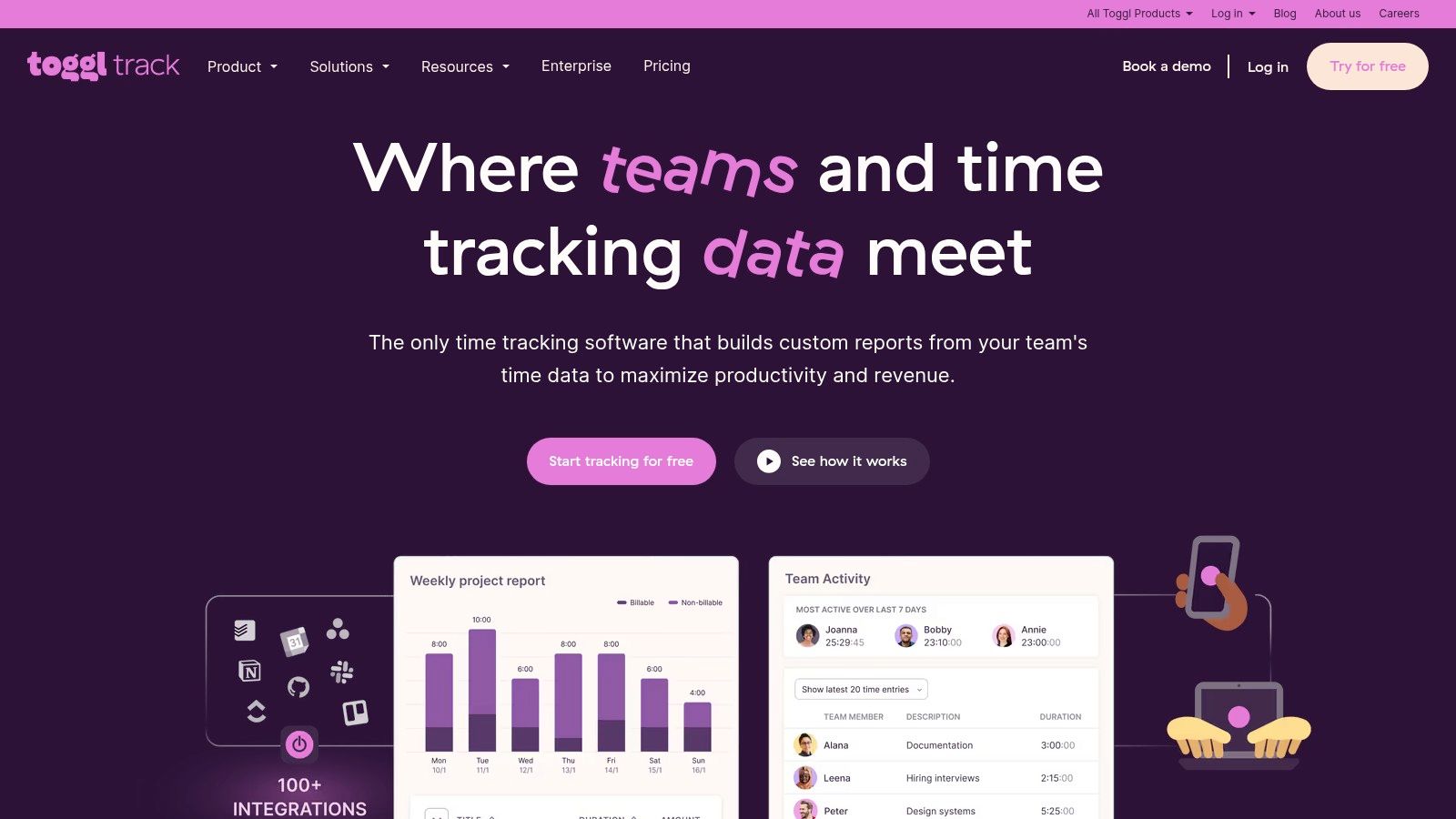
What sets Toggl Track apart is its generous free plan, which supports up to five users and includes unlimited projects, clients, and tags. This makes it an ideal starting point for solo freelancers or small teams. The platform excels at generating clean, insightful reports that can be easily exported for invoicing or project analysis. For a deeper dive into how it fits into a remote work setup, you can learn more about its role as one of the essential remote work tools on remotefirstjobs.com.
Key Details & Features
- Best For: Solo freelancers and small teams who need a straightforward yet robust time tracker.
- Key Features: One-click timers, calendar integrations (Google/Outlook), background tracking, and over 100 app integrations via a browser extension.
- Pricing:
- Free: Core tracking features for up to 5 users.
- Starter: $9/user/month (billed annually) for billable rates and time estimates.
- Premium: $18/user/month (billed annually) for project profitability charts and team management features.
- Pros: The generous free tier, intuitive user interface, and fast reporting are major advantages.
- Cons: Accessing advanced features like profitability analysis and project forecasting requires upgrading to a paid plan.
Website: https://toggl.com/track/
2. Harvest
Harvest excels at connecting time tracking directly to invoicing, making it a comprehensive solution for freelancers who want to streamline their entire billing process. It moves beyond simple time logging by integrating expense tracking, project budgeting, and robust invoicing capabilities into a single platform. This all-in-one approach is perfect for freelancers who need to manage not just their time, but also project costs and cash flow efficiently, turning logged hours directly into payable invoices with just a few clicks.
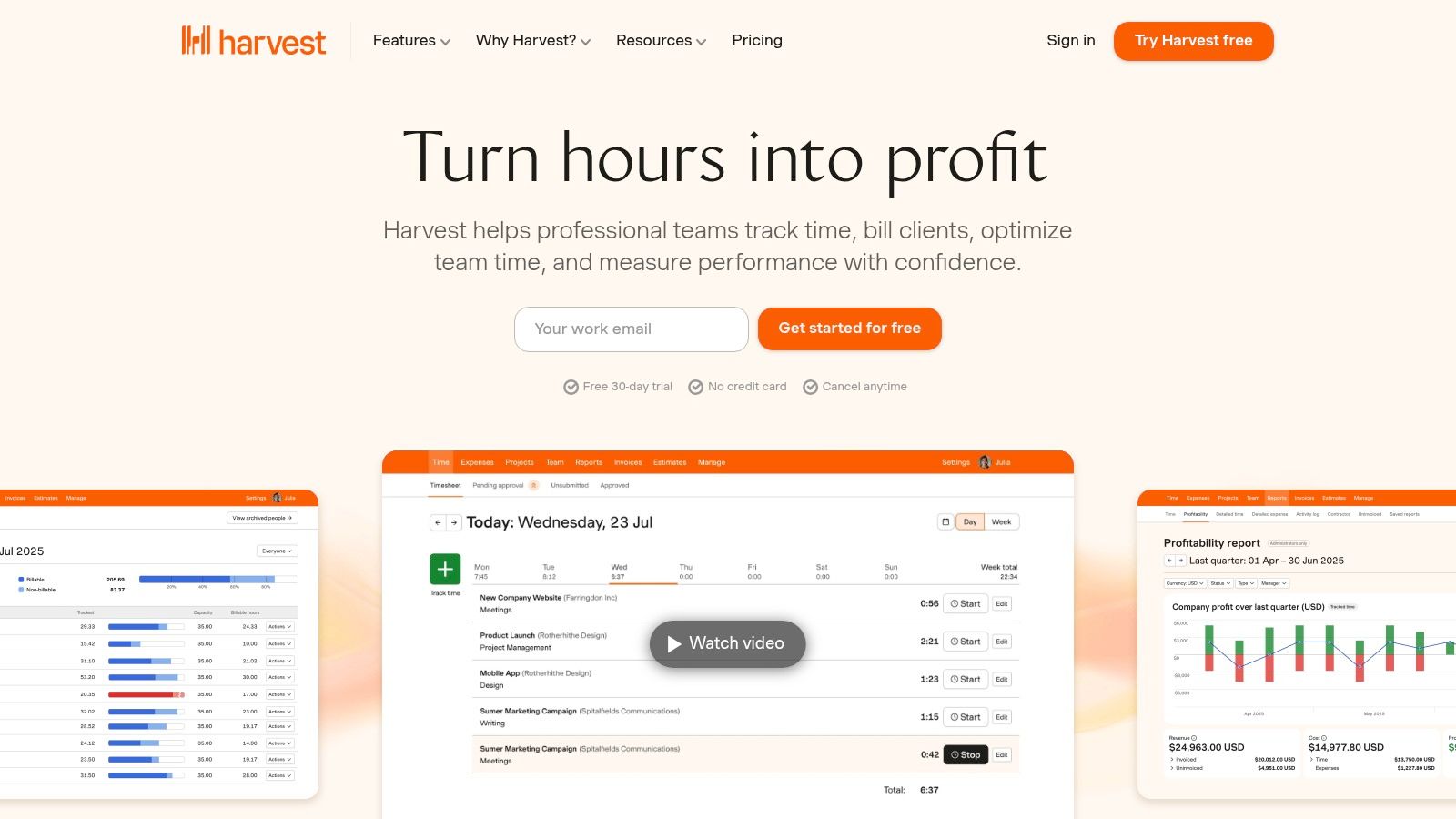
What makes Harvest a standout choice among time tracking apps for freelancers is its seamless workflow from time entry to payment. The platform allows you to create and send professional invoices based on tracked time and expenses, and you can accept payments online via Stripe and PayPal integrations. Its powerful reporting provides clear insights into project profitability, team capacity, and uninvoiced work, ensuring you stay on top of your business finances without needing multiple separate tools.
Key Details & Features
- Best For: Freelancers and agencies who need an integrated system for tracking time, expenses, and invoicing clients.
- Key Features: Timers and manual timesheets, expense tracking, invoice creation and online payments, and integrations with tools like Stripe, QuickBooks, Xero, and Deel.
- Pricing:
- Free: Core features for 1 user and up to 2 projects.
- Pro: $10.80/user/month (billed annually) for unlimited projects and clients.
- Pros: Native invoicing simplifies the billing cycle, practical reporting for billable work is a major plus, and it offers a generous 30-day free trial.
- Cons: The free plan is quite limited with its 2-project cap, and accessing advanced reports requires the premium subscription.
Website: https://www.getharvest.com/
3. Clockify
Clockify stands out as a dominant player in the time tracking space, largely due to its incredibly generous free-forever plan. It offers unlimited tracking, unlimited projects, and unlimited users at no cost, making it an unbeatable option for freelancers and agencies on a tight budget. The platform provides a comprehensive suite of tools, including timers, timesheets, and a dashboard, ensuring you have a clear overview of where your time is going without an initial investment.
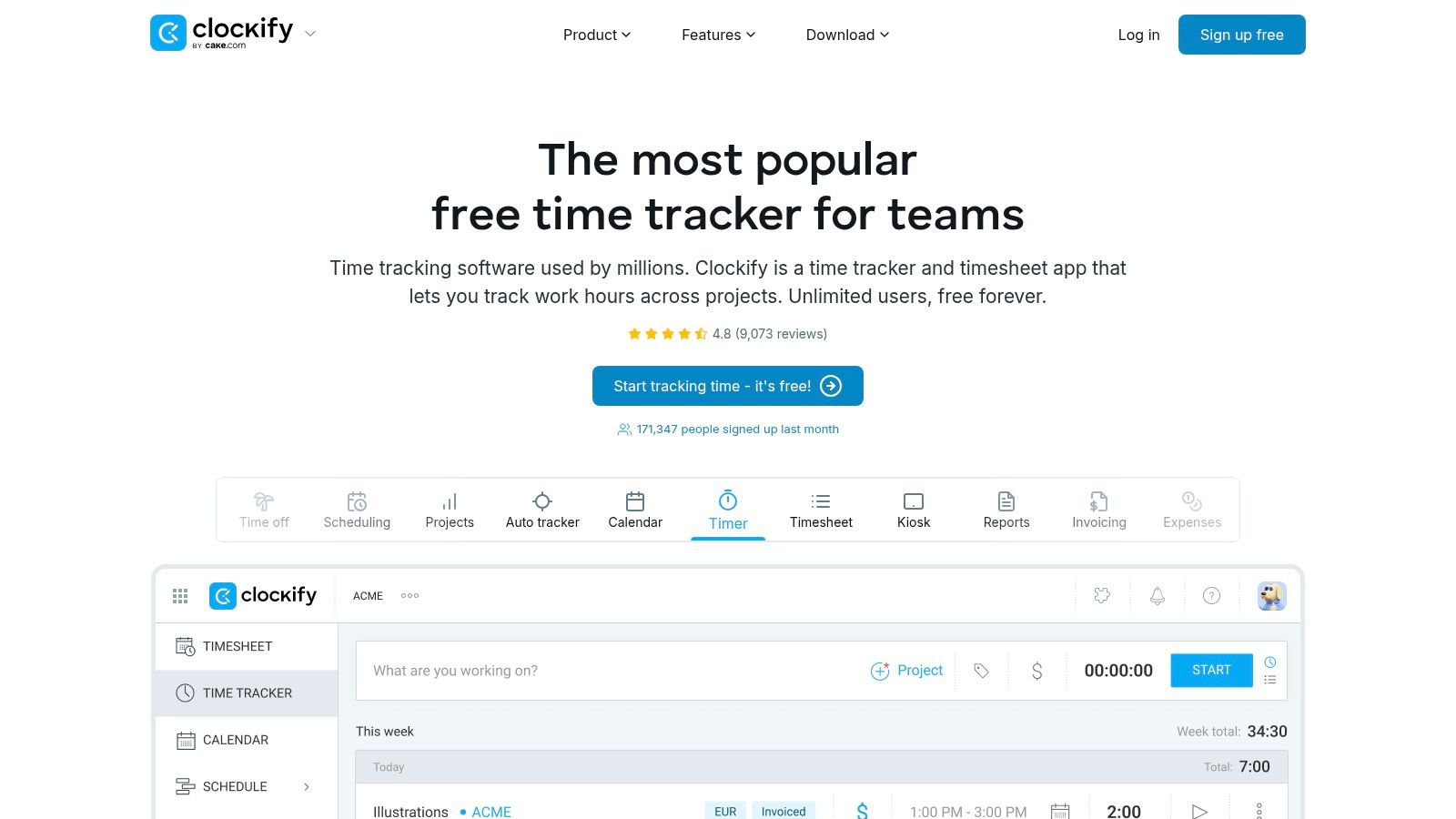
What makes Clockify a compelling choice among time tracking apps for freelancers is its scalability. While the free plan is more than enough for basic tracking, its paid tiers introduce powerful features like invoicing, project templates, and team management tools like approvals and kiosk mode. This allows freelancers to grow their business and bring on team members without needing to switch platforms. For those managing remote teams, you can explore more about how Clockify supports remote work time tracking on remotefirstjobs.com.
Key Details & Features
- Best For: Freelancers and agencies who need a powerful, free time tracker with the option to scale with advanced features later.
- Key Features: Unlimited tracking for unlimited users on the free plan, timesheets, detailed reports, project and task tracking, and invoicing capabilities.
- Pricing:
- Free: Unlimited users, projects, and tracking.
- Basic: $3.99/user/month (billed annually) for admin features and project templates.
- Standard: $5.49/user/month (billed annually) for invoicing and timesheet approvals.
- Pro: $7.99/user/month (billed annually) for GPS tracking, screenshots, and scheduling.
- Pros: The free plan is one of the most robust on the market, and its paid plans are competitively priced for scaling businesses.
- Cons: The user interface can feel a bit cluttered for those who only need simple tracking, and advanced features like screenshots are locked behind higher-tier plans.
Website: https://clockify.me/
4. Hubstaff
Hubstaff is a powerful time tracking solution that extends beyond simple timers to include comprehensive productivity monitoring. It’s particularly well-suited for freelancers who work with clients that require detailed proof of work or for those who want to gain deeper insights into their own work habits. The platform allows users to track time via a desktop, web, or mobile app, and can optionally capture activity levels, app and URL usage, and screenshots.
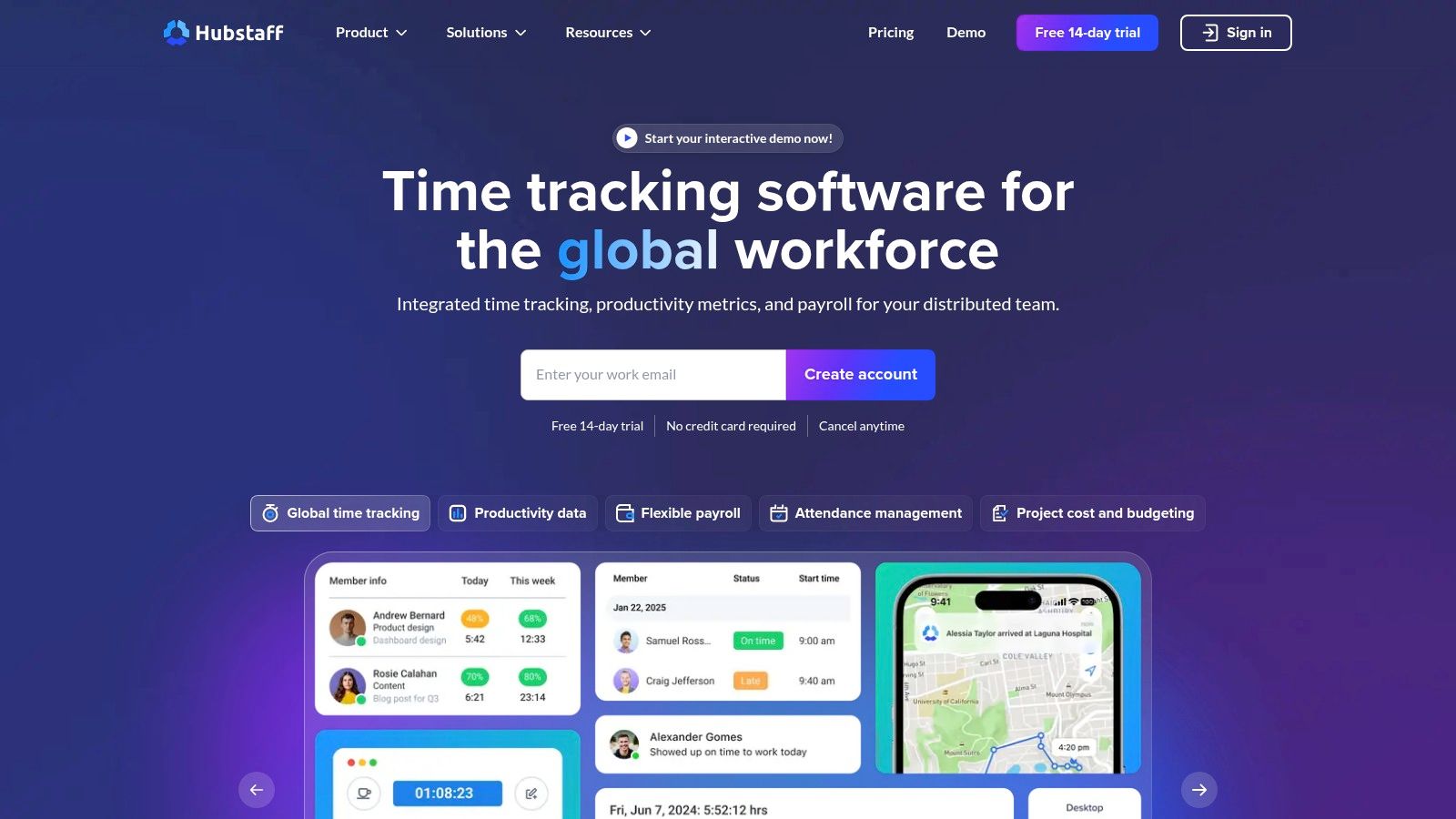
What makes Hubstaff a unique option among time tracking apps for freelancers is its blend of time tracking with workforce management features. Even on its solo plan, it provides tools like automated payroll, invoicing, and project budgeting, which streamline the entire client management process. This makes it more of an all-in-one platform for freelancers looking to combine time tracking with financial administration and productivity analysis.
Key Details & Features
- Best For: Freelancers who need to provide detailed activity reports to clients or want to analyze their personal productivity.
- Key Features: Timers with timesheets and activity levels, app/URL tracking, optional screenshots, idle time handling, and simple payroll options.
- Pricing:
- Free: One user with limited time tracking and activity levels.
- Desk Starter: $5.83/user/month (billed annually) for full features for one user.
- Desk Pro: $8.33/user/month (billed annually) for app/URL tracking, invoices, and payroll integrations.
- Pros: The platform offers a comprehensive suite of oversight tools, a generous 14-day free trial, and freelancer-friendly entry pricing.
- Cons: The monitoring capabilities can feel excessive for solo freelancers who don’t need to report activity levels, and many key features are limited on lower-tier plans.
Website: https://hubstaff.com/
5. Timely by Memory
Timely by Memory is an innovative time tracking app for freelancers who often forget to start a timer. It operates on a unique “capture everything, forget nothing” principle by automatically and privately recording all your computer activity, from emails and documents to websites and meetings. This raw data is then presented to you in a timeline, where an AI helps you draft accurate timesheets, ensuring no billable minute is ever lost.
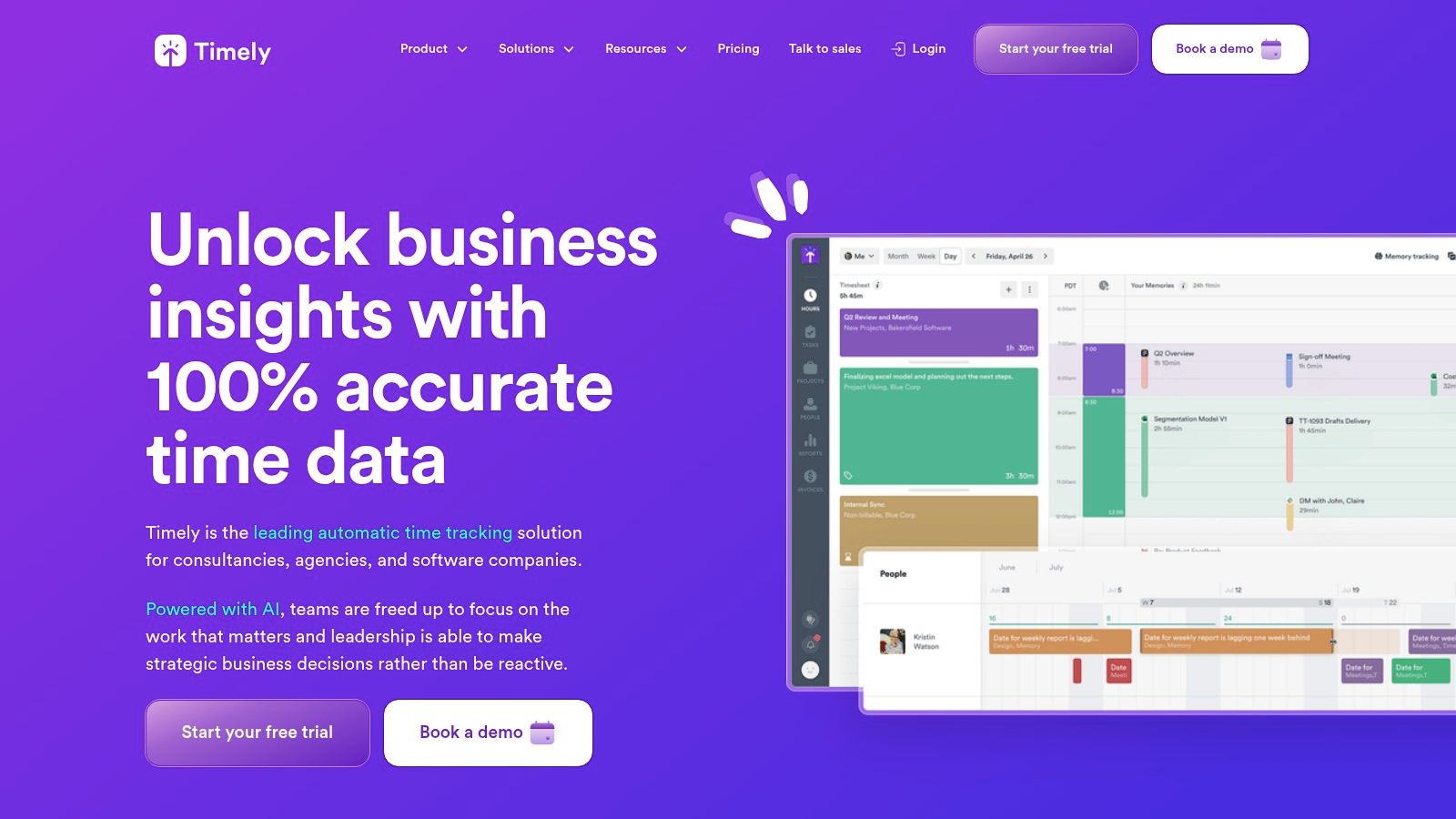
What truly sets Timely apart is its privacy-first, automated approach. Instead of manual timers, it provides a flawless memory of your workday, which you then categorize. This method not only improves billing accuracy but also offers deep insights into where your time actually goes, which is a powerful tool to improve time management skills. The platform is ideal for freelancers who value precision and want to eliminate the administrative burden of manual time tracking.
Key Details & Features
- Best For: Freelancers who juggle multiple projects and need an automated system to ensure complete and accurate billing without manual timers.
- Key Features: Fully automatic time tracking, AI-powered timesheet creation, project health and budget dashboards, and calendar integrations.
- Pricing:
- Starter: $9/user/month (billed annually) for up to 50 projects.
- Premium: $16/user/month (billed annually) for unlimited projects and advanced features.
- Unlimited: $22/user/month (billed annually) for team capacity planning and individual user rates.
- Pros: The “set-it-and-forget-it” automatic tracking eliminates manual errors and lost billable hours. The AI suggestions and clean UI make timesheet creation fast and intuitive.
- Cons: The pricing is higher than many competitors, and the learning curve can be steeper for those accustomed to traditional manual timers.
Website: https://www.timely.com/
6. TimeCamp
TimeCamp stands out as a powerful and highly versatile time tracking app for freelancers who need more than just a timer. It combines detailed time tracking with robust project management and invoicing capabilities, making it a comprehensive solution for managing the entire client workflow. Its automatic time tracking feature, which monitors computer activity, is particularly useful for freelancers who often switch between tasks and need an accurate record of their day without constant manual input.
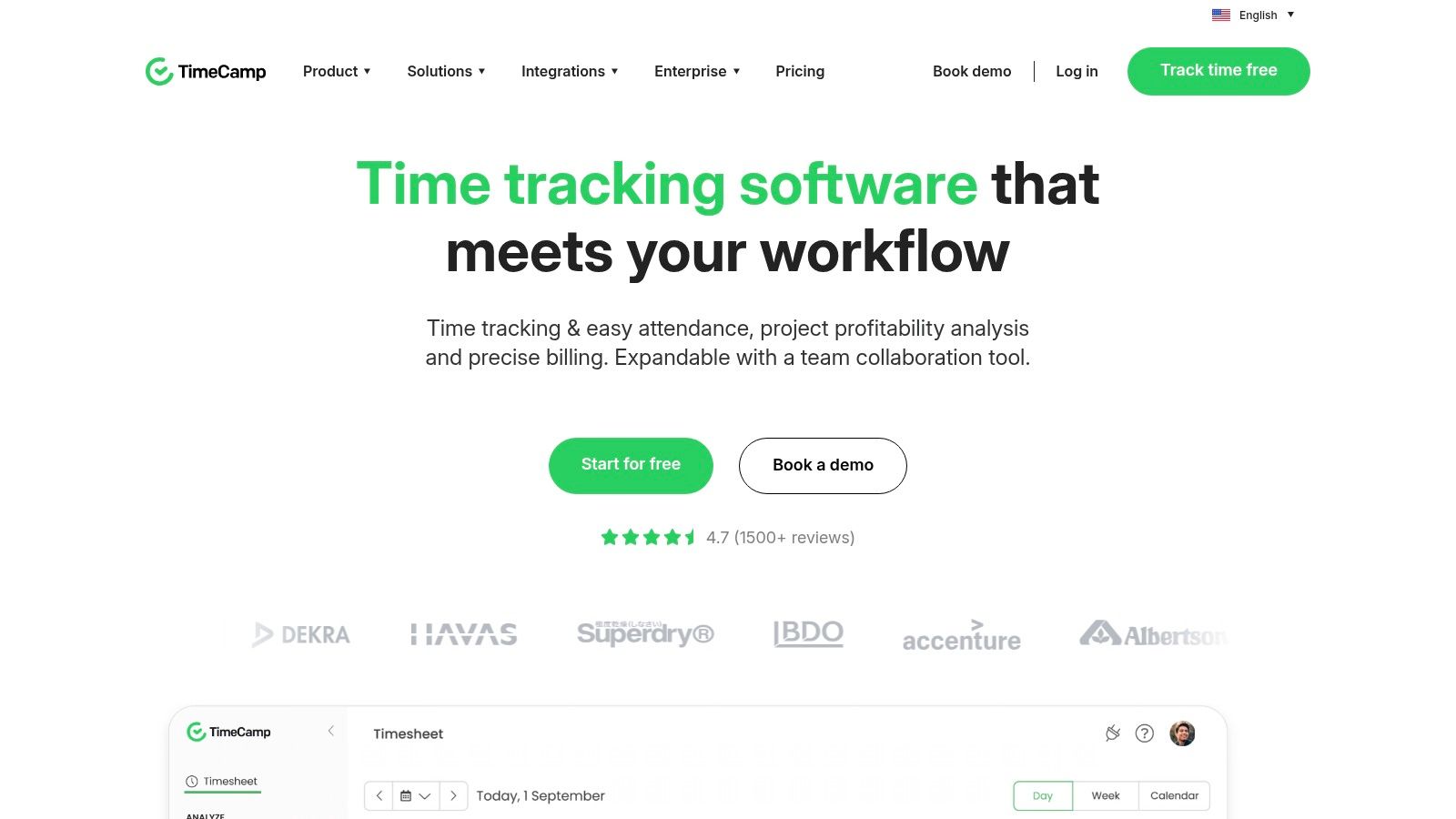
What makes TimeCamp a strong contender is its focus on profitability and productivity. The platform offers detailed reports on project budgets, margins, and employee performance, giving freelancers the data needed to make informed business decisions. Its ability to generate and send invoices directly from tracked hours streamlines the billing process, saving significant administrative time. This all-in-one approach is ideal for freelancers looking to scale their operations or manage multiple complex projects simultaneously.
Key Details & Features
- Best For: Freelancers and small businesses needing an all-in-one tool for time tracking, project budgeting, and invoicing.
- Key Features: Automatic time tracking, robust reporting suite, built-in invoicing from timesheets, budget tracking, and extensive integrations with tools like Asana, Trello, and QuickBooks.
- Pricing:
- Free: Core time tracking for unlimited users and projects.
- Starter: $2.99/user/month (billed annually) for attendance and time-off management.
- Basic: $5.99/user/month (billed annually) for billable rates, integrations, and budgeting.
- Pro: $8.99/user/month (billed annually) for invoicing and project profitability.
- Pros: The free forever plan is very functional, and the paid tiers are competitively priced. Automatic tracking and integrated invoicing are major time-savers.
- Cons: The user interface can feel a bit dated and may require an initial learning period to navigate effectively. Some of the most valuable features, like invoicing, are reserved for the Pro plan.
Website: https://www.timecamp.com/
7. Paymo
Paymo is more than just a time tracker; it’s a comprehensive work management platform designed for freelancers who want to consolidate their tools. It skillfully combines time tracking with project management, invoicing, and client management, making it an excellent all-in-one solution. This integration is perfect for freelancers looking to streamline their entire workflow, from initial task assignment to final payment, without juggling multiple subscriptions.
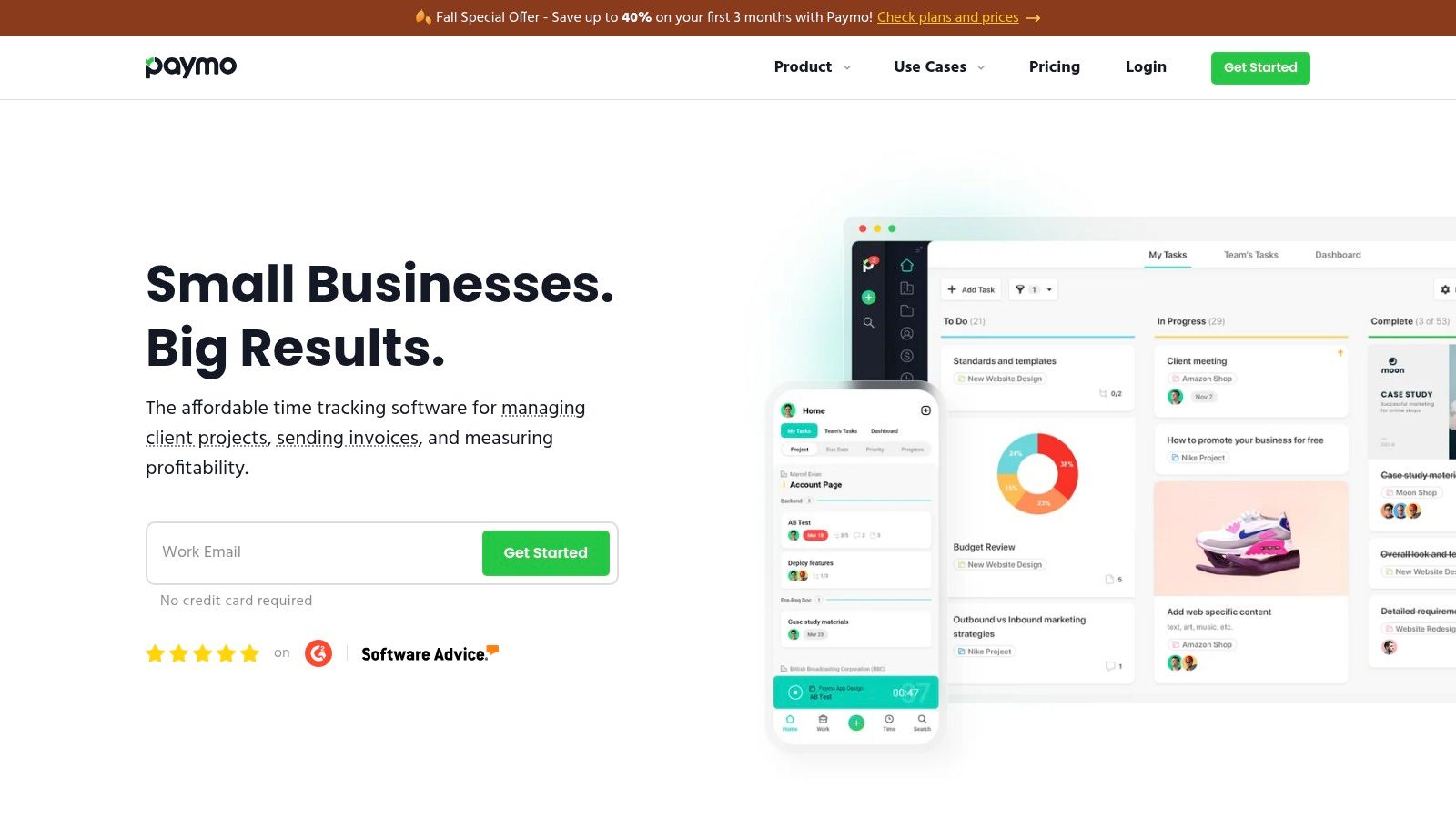
What makes Paymo stand out among other time tracking apps for freelancers is its ability to connect billable hours directly to tasks within a project. This creates a clear and transparent link between the work done and the invoice sent to the client. Its robust feature set helps freelancers stay organized, which is crucial when you need to learn how to manage multiple projects effectively. The platform offers dedicated desktop and mobile apps, ensuring you can track time accurately whether you’re at your desk or on the go.
Key Details & Features
- Best For: Freelancers and small agencies needing a single platform for project management, time tracking, and invoicing.
- Key Features: Automatic time tracking, Kanban boards, Gantt charts, detailed timesheets, expense tracking, and integrated invoicing.
- Pricing:
- Free: Core features for one user, limited to three active clients and basic reporting.
- Starter: $5.90/user/month (billed annually) for unlimited clients and project templates.
- Small Office: $10.90/user/month (billed annually) for advanced features like online payments and Gantt charts.
- Pros: The all-in-one approach simplifies the freelancer toolkit, and its free plan is a great starting point for solo professionals.
- Cons: The project management tools might be overly complex for freelancers with very simple workflows, and key features are reserved for paid plans.
Website: https://www.paymoapp.com/
8. QuickBooks Time (formerly TSheets)
For freelancers already embedded in the Intuit ecosystem, QuickBooks Time (formerly TSheets) is a natural and powerful extension for time management. Its primary advantage is the seamless, deep integration with QuickBooks, which streamlines the entire workflow from tracking hours to generating invoices and running payroll. This direct sync eliminates manual data entry, reduces errors, and ensures that billable hours are accurately reflected in your accounting records with minimal effort.
What makes QuickBooks Time stand out is its robust feature set designed for both solo professionals and teams that may require more oversight. Features like GPS tracking and geofencing are particularly useful for freelancers who work on-site or travel between client locations, providing an automated way to log time based on arrival and departure. This makes it an excellent choice for consultants, field service professionals, and others who need location-aware time tracking.
Key Details & Features
- Best For: Freelancers and small business owners who use QuickBooks for accounting and invoicing.
- Key Features: Deep QuickBooks integration for payroll and invoicing, mobile app with GPS tracking (Elite plan), real-time “Who’s Working” dashboard, and employee scheduling tools.
- Pricing:
- Premium: $20/month base fee + $8/user/month for project tracking and reporting.
- Elite: $40/month base fee + $10/user/month for geofencing, timesheet signatures, and project estimates.
- Pros: The unmatched integration with QuickBooks is its biggest strength, automating the billing cycle. The location-based tracking is a powerful tool for on-the-go freelancers.
- Cons: The pricing structure, with its base fee plus per-user cost, can be more expensive than competitors for a solo freelancer. Its full potential is only realized when paired with a QuickBooks Online subscription.
Website: https://quickbooks.intuit.com/time-tracking/
9. FreshBooks (with built-in Time Tracking)
FreshBooks is primarily an accounting and invoicing software, but it earns its spot on this list for its seamlessly integrated time tracking capabilities. This all-in-one approach is ideal for freelancers who want to consolidate their bookkeeping, invoicing, and time management into a single platform. The built-in timer allows you to track hours directly against specific clients and projects, ensuring every billable minute is captured accurately and ready for invoicing.
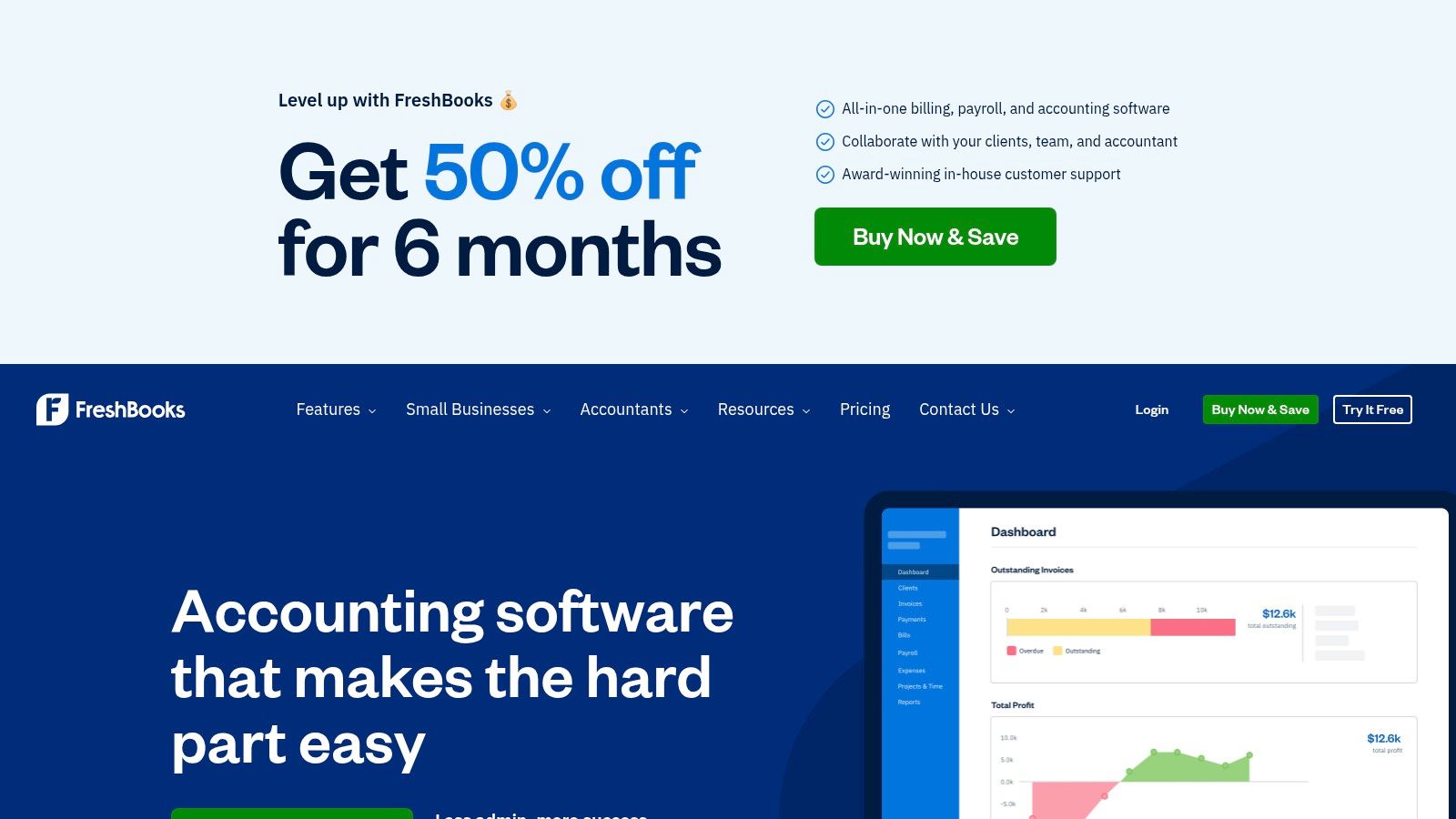
What makes FreshBooks stand out is its exceptionally smooth time-to-invoice workflow. Once you’ve tracked your hours, you can pull them directly into a professional invoice with just a few clicks, complete with detailed timesheet entries. This eliminates the need for manual data entry, reduces errors, and gets you paid faster. It is one of the most comprehensive time tracking apps for freelancers who also manage their own finances.
Key Details & Features
- Best For: Freelancers and sole proprietors who need a unified solution for accounting, invoicing, and time tracking.
- Key Features: Timers and timesheets linked to projects, automated invoicing from tracked hours, expense tracking, payment processing, and a client portal.
- Pricing:
- Lite: $19/month for up to 5 billable clients.
- Plus: $33/month for up to 50 billable clients and more automation.
- Premium: $60/month for unlimited billable clients.
- Pros: The seamless time-to-invoice process is a huge time-saver, and it’s a great option for those needing bookkeeping tools. It also offers a 30-day free trial.
- Cons: The pricing model is based on the number of billable clients, which can become expensive as your freelance business grows. Advanced accounting features are reserved for higher-tier plans.
Website: https://www.freshbooks.com/
10. Bonsai (Fiverr’s Hello Bonsai)
Bonsai is more than just a time tracker; it’s an all-in-one business management suite designed specifically for freelancers. Its strength lies in integrating time tracking directly into a comprehensive workflow that includes proposals, contracts, project management, and invoicing. This holistic approach helps freelancers streamline their entire client lifecycle, from initial contact to final payment, making it one of the most efficient time tracking apps for freelancers who manage multiple business functions.
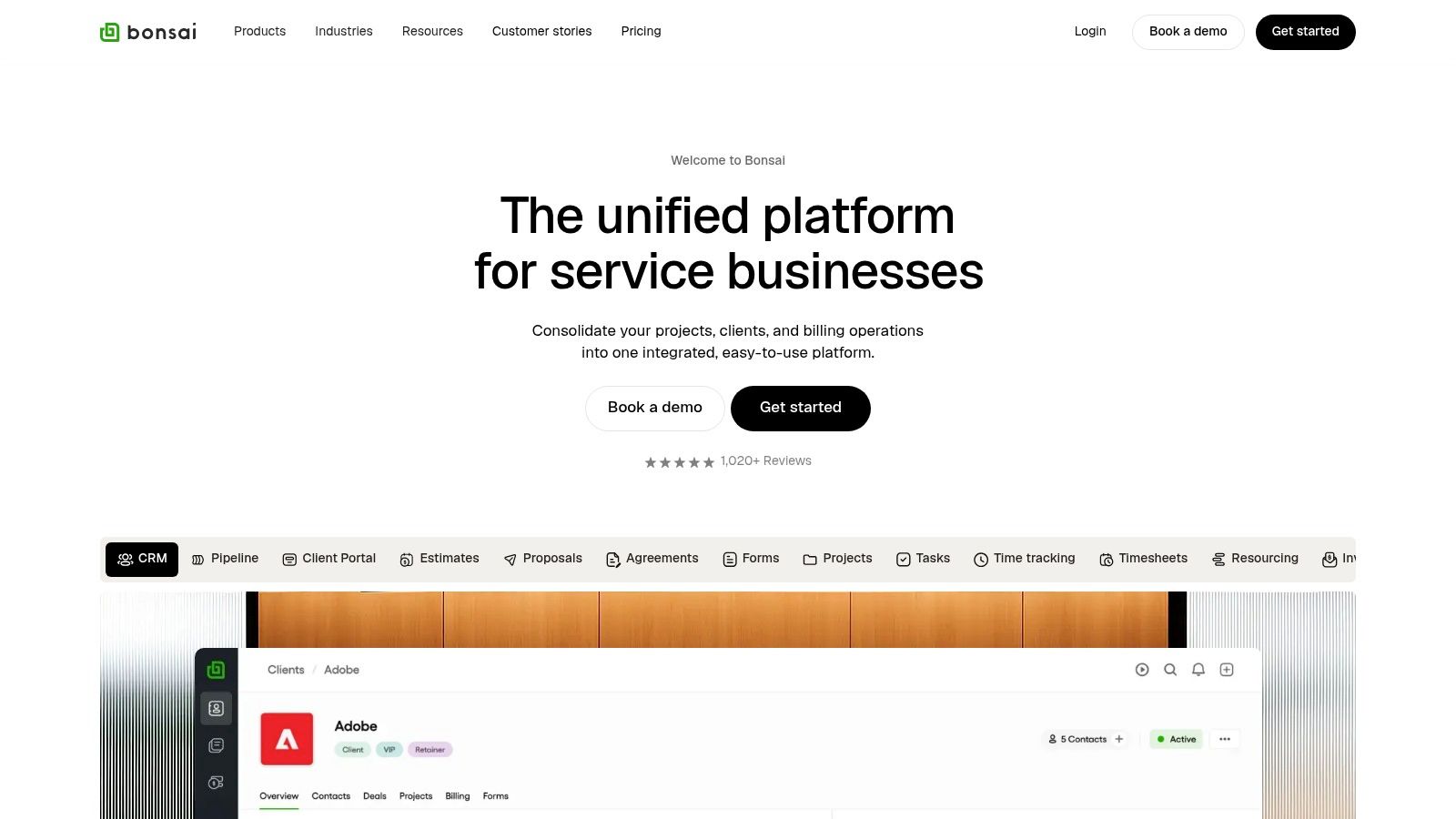
What sets Bonsai apart is its focus on professional business tools. Freelancers can generate legally-vetted contract templates, send polished proposals, and automatically create invoices from tracked hours. This level of integration simplifies administrative tasks, ensuring that time spent on a project is accurately billed and professionally documented. Its contract features are particularly useful for those navigating the complexities of freelance agreements, a crucial aspect of securing remote contract work.
Key Details & Features
- Best For: Freelancers and small agencies seeking an integrated solution to manage clients, projects, and finances in one place.
- Key Features: Integrated time tracking, proposal and contract templates, automated invoicing, client CRM, and project management tools.
- Pricing:
- Starter: $21/month (billed annually) for core features and unlimited clients.
- Professional: $32/month (billed annually) adds client portal and workflow automations.
- Business: $66/month (billed annually) for subcontractor management and team features.
- Pros: The all-in-one platform saves time by connecting proposals, contracts, time tracking, and invoicing. Professional templates and automation features are a major plus.
- Cons: It can be more expensive than standalone time trackers, and users just needing a simple timer may find the extra features unnecessary.
Website: https://www.hellobonsai.com/
11. TrackingTime
TrackingTime offers a lightweight and accessible solution for freelancers who need a no-fuss time tracking app without a steep learning curve. Its core value lies in providing essential time tracking and project management features in a clean, visual interface. The platform simplifies the process of logging hours against specific projects and tasks, making it a great option for those who find more complex systems overwhelming.
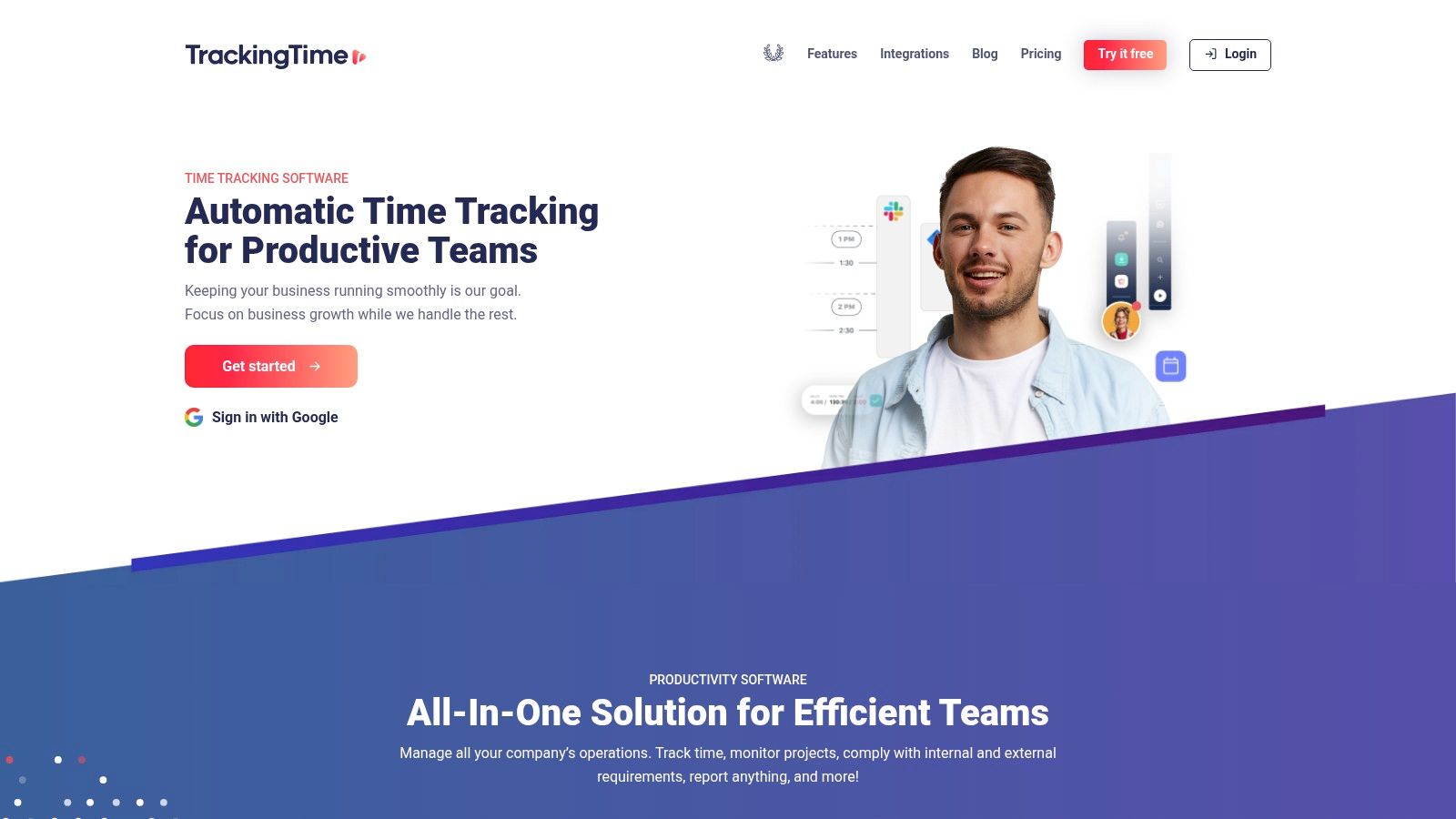
What makes TrackingTime stand out is its balance of functionality and affordability, particularly its generous free plan that supports up to three users and includes unlimited projects and tasks. This makes it one of the most practical time tracking apps for freelancers just starting out or those working on a tight budget. The platform’s visual timesheets and performance reports give you a clear overview of where your time is going, helping you stay productive and bill accurately.
Key Details & Features
- Best For: Budget-conscious freelancers and small teams who need a simple, visual tool for tracking project hours.
- Key Features: Visual timesheets, project and task organization, data exports, and multi-platform availability (web, desktop, mobile).
- Pricing:
- Free: Core time tracking features for up to 3 users.
- Pro: $5/user/month (billed annually) for unlimited collaboration and advanced reporting.
- Business: $10/user/month (billed annually) for role-based access control and timesheet approvals.
- Pros: The free plan is quite generous, the paid plans are very affordable, and the user interface is simple and focused.
- Cons: Some advanced features are reserved for higher-tier plans, and its integration ecosystem is smaller compared to larger competitors.
Website: https://trackingtime.co/
12. TopTracker (by Toptal)
TopTracker stands out in the crowded market of time tracking apps for freelancers by being completely free, with no hidden costs or feature tiers. Developed by Toptal, it provides a full suite of professional tracking tools without a subscription, making it an excellent choice for freelancers managing tight budgets. The platform is designed to give both freelancers and clients peace of mind through detailed activity monitoring, including optional screenshots, webcam captures, and keystroke metrics.
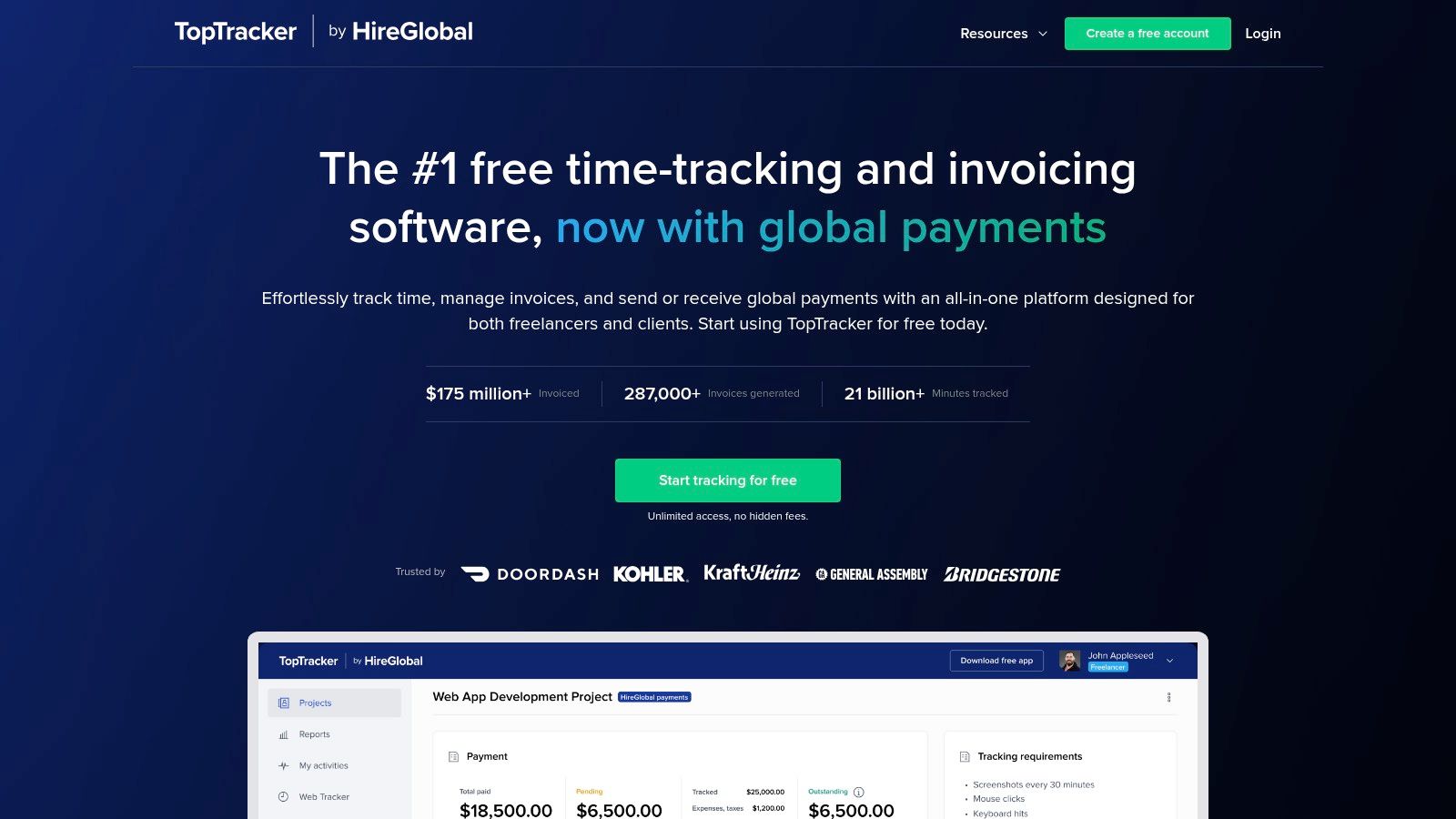
What makes TopTracker unique is its commitment to being a 100% free tool, from time tracking and project management to invoicing. Freelancers can easily generate invoices directly from their tracked hours and receive payments through the integrated HireGlobal system. This all-in-one approach simplifies the administrative side of freelancing, allowing you to focus more on your actual work. While the tool is powerful, it maintains a clean interface across its desktop and web applications.
Key Details & Features
- Best For: Freelancers seeking a comprehensive, no-cost solution for time tracking, invoicing, and proof-of-work documentation.
- Key Features: Unlimited time tracking across devices, optional screenshots and webcam captures with privacy controls, timesheets, and built-in invoicing and global payments.
- Pricing:
- Free: All features, including unlimited projects, clients, and invoicing, are available at no cost. Transaction fees apply to payments processed through the platform.
- Pros: It is completely free for all tracking and invoicing features, provides excellent tools for documenting work for clients, and is quick to set up and use.
- Cons: The platform has fewer third-party integrations compared to paid competitors, and the integrated payment system includes transaction fees.
Website: https://www.toptal.com/tracker/
Freelancer Time Tracking Apps Comparison
| Tool | Core Features ✨ | User Experience ★★★★☆ | Value Proposition 💰 | Target Audience 👥 | Unique Selling Points 🏆 |
|---|---|---|---|---|---|
| Toggl Track | One-click timers, 100+ integrations, billing | Clear UI, fast reporting | Free up to 5 users, paid tiers | Freelancers, small teams | Simple billing, calendar sync |
| Harvest | Time, expense tracking, invoicing | Practical reports, 30-day trial | Limited free plan, premium features | Freelancers needing invoicing | Native invoicing, payment integrations |
| Clockify | Unlimited free tracking, team features | Robust free plan, somewhat complex UI | Competitive pricing | Solo freelancers & scaling teams | Unlimited free users/projects, admin controls |
| Hubstaff | Activity monitoring, scheduling, payroll | Freelancer-friendly, mobile GPS | 14-day trial, entry pricing | Freelancers needing productivity monitoring | App/URL tracking, time-off management |
| Timely by Memory | AI automatic tracking, project budgets | Clean UI, privacy-focused | Higher pricing, limited starter plan | Freelancers who forget tracking | AI time capture, project health |
| TimeCamp | Timers, invoicing, integrations | Some learning curve, budget-friendly | Very competitive pricing | Cost-conscious freelancers | On-premise option, annual discounts |
| Paymo | Project mgmt & time tracking, invoicing | All-in-one solution, free solo plan | Feature tiers vary | Freelancers wanting all-in-one | Project mgmt + billing |
| QuickBooks Time | GPS, scheduling, QuickBooks sync | Best for QuickBooks users | Base + per user cost | QuickBooks users | Real-time tracking, payroll integration |
| FreshBooks | Accounting + time tracking | Smooth workflow, mobile apps | Pricing scales with clients | Freelancers needing bookkeeping | Integrated accounting & invoicing |
| Bonsai | Contracts, proposals, invoicing, time tracking | Scales well, templates/automation | May pay for extras | Freelancers managing full business | End-to-end freelancer business suite |
| TrackingTime | Timers, exports, role control | Simple UI, easy scaling | Affordable paid plans | Budget-conscious freelancers | Focused interface, clear per-user pricing |
| TopTracker | Free unlimited tracking, screenshots | Quick setup, simple | Fully free, payment fees | Freelancers needing proof-of-work | 100% free, webcam & screenshot capture |
Final Thoughts
Navigating the landscape of time tracking apps for freelancers can feel overwhelming, but the journey to find the perfect tool is a crucial investment in your business’s success and your personal well-being. Throughout this guide, we’ve dissected twelve of the industry’s leading solutions, from the simplicity of Toggl Track and Clockify to the all-in-one powerhouses like Paymo and Bonsai. The key takeaway is that there is no single “best” app; instead, there is only the best app for your unique freelance workflow.
Your ideal tool isn’t just about logging hours. It’s about gaining clarity, proving your value to clients, streamlining your invoicing process, and ultimately, reclaiming control over your most valuable asset: your time. By understanding where your effort is allocated, you can make smarter decisions, quote projects more accurately, and identify areas of inefficiency that are silently eating into your profits.
Making Your Final Decision
As you move from evaluation to selection, distill your needs down to the essentials. Don’t be swayed by a long list of features you’ll never use. Instead, focus on the core functionality that will have the biggest impact on your daily operations.
To guide your choice, consider these final filtering questions:
- What is my primary goal? Am I trying to simplify invoicing (Harvest, FreshBooks), gain deep productivity insights (Timely, TimeCamp), manage complex projects (Paymo, Hubstaff), or simply log hours for free (Clockify, TopTracker)? Define your number one priority.
- What is my budget reality? Be honest about what you can afford. While premium tools offer significant advantages, starting with a robust free option like Clockify is a perfectly valid strategy. You can always upgrade as your business grows.
- How important are integrations? If your workflow heavily relies on tools like Asana, Jira, or QuickBooks, your choice may be predetermined by which apps offer seamless connections. Check the integration libraries of your top contenders before committing.
- What kind of freelancer am I? A creative professional might value the visual timeline of Timely, while a consultant billing by the minute might prefer the precision of Toggl Track. An agency owner managing a team will find the monitoring features in Hubstaff indispensable.
Implementing Your New Time Tracking System
Once you’ve made a selection, the real work begins. Successful implementation is about building a habit. Merely installing the software isn’t enough; you must integrate it into the fabric of your workday.
Start by committing to a one-week trial period where you track everything meticulously. This initial phase will feel tedious, but it provides a critical baseline. Use project and task tagging features from day one to ensure your data is organized and meaningful. At the end of the week, review the reports. The insights you gain, even from just a few days of data, will likely be surprising and will provide the motivation needed to make time tracking a permanent, effortless habit.
Ultimately, adopting one of these time tracking apps for freelancers is a powerful step toward professionalizing your services and building a more sustainable, profitable, and balanced career. You are moving from guessing your value to proving it with data, a transition that empowers you in client negotiations and strategic business planning. Choose the tool that feels like a natural extension of your workflow, commit to using it consistently, and watch as it transforms not just how you work, but how you think about your work.
Now that you have the tools to manage your time effectively, the next step is finding high-quality freelance and remote opportunities that respect your expertise. Visit Remote First Jobs to explore a curated board of roles from companies that understand and value the modern remote professional. Find your next great project at Remote First Jobs today.