
You’re probably in one of two places right now. Either you’ve seen cloud internships mentioned in job posts and they sound vague and intimidating, or you’ve already started learning AWS or Azure and you’re wondering why that still doesn’t feel enough to get interviews.
That’s normal.
A lot of students treat cloud like a giant bucket of services to memorize. Recruiters don’t hire for memorization. They hire for evidence. They want to see that you can set up infrastructure, debug a broken deployment, explain tradeoffs clearly, and work like an engineer instead of a tutorial follower.
That’s why a good cloud engineer intern plan isn’t just “learn AWS.” It’s an application pipeline. You learn the right skills, turn them into projects, turn those projects into resume bullets, and then turn those bullets into strong interview answers and smarter applications.
What Is a Cloud Engineer Intern and Why It Pays So Well
A cloud engineer intern is the student version of a digital infrastructure engineer. If a software developer builds the app, the cloud engineer helps build the environment the app runs on.
It’s similar to construction.
A frontend developer paints and furnishes the apartment. A backend developer installs the plumbing inside the walls. A cloud engineer designs the building itself, the power lines, the elevators, the fire exits, and the monitoring systems that tell everyone when something breaks.

What the role looks like day to day
At the intern level, you usually won’t be designing an entire enterprise platform alone. You’ll support real systems under guidance. That often includes:
- Provisioning infrastructure using tools like AWS, Azure, or Google Cloud
- Automating repeatable setup with Terraform or CloudFormation
- Helping with deployments through CI/CD tools such as GitHub Actions
- Monitoring logs and alerts to spot failures early
- Tightening security settings like IAM permissions, network rules, and secrets handling
- Writing scripts in Python or Bash to remove manual work
That mix is why the role feels broad at first. It sits between software, systems, and operations.
Why companies value it
Modern companies run on cloud platforms. Their websites, APIs, internal tools, analytics systems, and customer data pipelines all depend on reliable infrastructure. If those systems are slow, misconfigured, or expensive, the business feels it immediately.
That’s one reason the role pays so well. As of 2026, the average annual salary for a Cloud Engineer Intern in the United States stands at $122,478, significantly higher than the general intern average of around $50,000 to $60,000, according to Glassdoor salary data for cloud engineer interns.
Practical rule: Companies don’t pay for “interest in cloud.” They pay for people who can make infrastructure safer, faster, and easier to operate.
Another reason is that cloud work touches cost. If you want to understand why businesses care so much about architecture choices, study a practical enterprise cloud cost analysis that compares the pricing mindset behind AWS, Azure, and Google Cloud. You don’t need to become a finance expert, but you do need to understand that engineering decisions affect budget.
What confuses students most
Students often think the role is just server setup.
It isn’t.
A strong cloud engineer intern learns how systems fit together. Compute, storage, networking, security, automation, and observability all interact. Your real value comes from seeing those connections and making them reliable.
If you like building things that other engineers depend on, this path fits you well.
Core Cloud Skills and Tools Recruiters Actually Look For
Most students spread themselves too thin. They watch a little Kubernetes content, a little AWS content, a little Docker content, and end up with a wide but shallow skill set.
Recruiters usually look for a narrower signal. They want proof that you understand the core stack well enough to contribute.
The four pillars that matter
Here’s the stack I’d tell any college student to build first.
| Skill Category | Key Tools & Concepts | Why It’s Essential |
|---|---|---|
| Cloud Platforms | AWS, Azure, GCP, IAM, compute, storage, networking basics | You need to understand where workloads run and how cloud services connect |
| Infrastructure as Code | Terraform, AWS CloudFormation, reusable modules, state, variables | It lets you define infrastructure consistently instead of clicking around manually |
| Containers and orchestration | Docker, container images, registries, Kubernetes basics | Modern applications are often packaged and deployed this way |
| Linux and networking | Bash, systemd, logs, ports, DNS basics, VPCs, load balancers, security groups | This is how you debug when something works in theory but fails in production |
Cloud platforms first, but not all at once
You do not need expert-level AWS, Azure, and GCP on day one.
Pick one platform. Learn it well enough to deploy a web app, store data, manage permissions, and observe logs. AWS is common for student projects, Azure shows up often in enterprise settings, and GCP can be a great learning environment if you’re interested in data-heavy systems.
What matters most is that you understand patterns that transfer:
- Compute means where code runs
- Storage means where data lives
- Networking decides who can talk to what
- IAM controls access
- Monitoring tells you what’s going wrong
If you only memorize service names, interviews get hard fast. If you understand the pattern, you can reason through unfamiliar tools.
IaC is your automated blueprint
Infrastructure as Code, usually shortened to IaC, is one of the clearest hiring signals for a cloud engineer intern.
If manual cloud setup is like building a house by eyeballing measurements every time, IaC is the architectural blueprint that gives the builders exact instructions. You can review it, version it, reuse it, and recreate the same environment without guessing.
Proficiency with Infrastructure as Code tools like Terraform is critical, as it can reduce provisioning time from hours to minutes and ensure reproducibility, as explained in this cloud engineering skills guide from CodeSignal.
That phrase, “ensure reproducibility,” matters a lot. It means your development, test, and demo environments don’t drift apart just because someone clicked a different checkbox in the console.
If you want a hands-on way to connect scripting with cloud automation, this walkthrough on EC2, RDS, ElastiCache automation is a useful example of how engineers use Python to interact with AWS services beyond the web console.
Containers matter because teams ship software fast
Containers solve a common student problem: “It worked on my machine.”
Docker lets you package your app and its dependencies into a portable unit. Kubernetes goes one step further and helps manage containers at scale. For intern roles, you usually don’t need to be a Kubernetes wizard. You do need to understand what a container is, why images matter, and how services get deployed reliably.
A simple explanation I use with students is this: a virtual machine is like renting a full apartment, while a container is like using a standardized storage box inside a larger facility. Containers are lighter, faster to move, and easier to run consistently.
Linux and networking separate hobby projects from real engineering
Many otherwise strong candidates fall apart at this stage.
You can build a flashy cloud project, but if you can’t explain why a service can’t reach the database, or why a health check is failing, you’ll struggle in interviews. Linux and networking are what let you troubleshoot calmly instead of guessing.
A strong grasp of these fundamentals matters because Linux and networking fundamentals can reduce application latency by preventing common misconfigurations, as noted in the CodeSignal guide cited earlier.
When an app fails, don’t start with “I’d redeploy it.” Start with “I’d check logs, recent changes, network access, and resource health.”
What to learn in order
If you want a clean sequence, follow this:
- Start with one cloud provider and deploy a basic app
- Learn Linux commands for files, processes, logs, and permissions
- Study networking basics like ports, load balancers, subnets, and security groups
- Add Terraform and rebuild the same app using code
- Containerize the app with Docker
- Connect deployment automation using GitHub Actions
That’s a hireable learning path because each layer supports the next one.
Build Cloud Projects That Prove Your Skills
Projects get students hired when they show judgment, not just effort.
A recruiter doesn’t care that you watched a ten-hour tutorial. They care that you built something with cloud services, made choices, ran into problems, and can explain what you learned. Good projects act like evidence in a courtroom. They prove you can work.
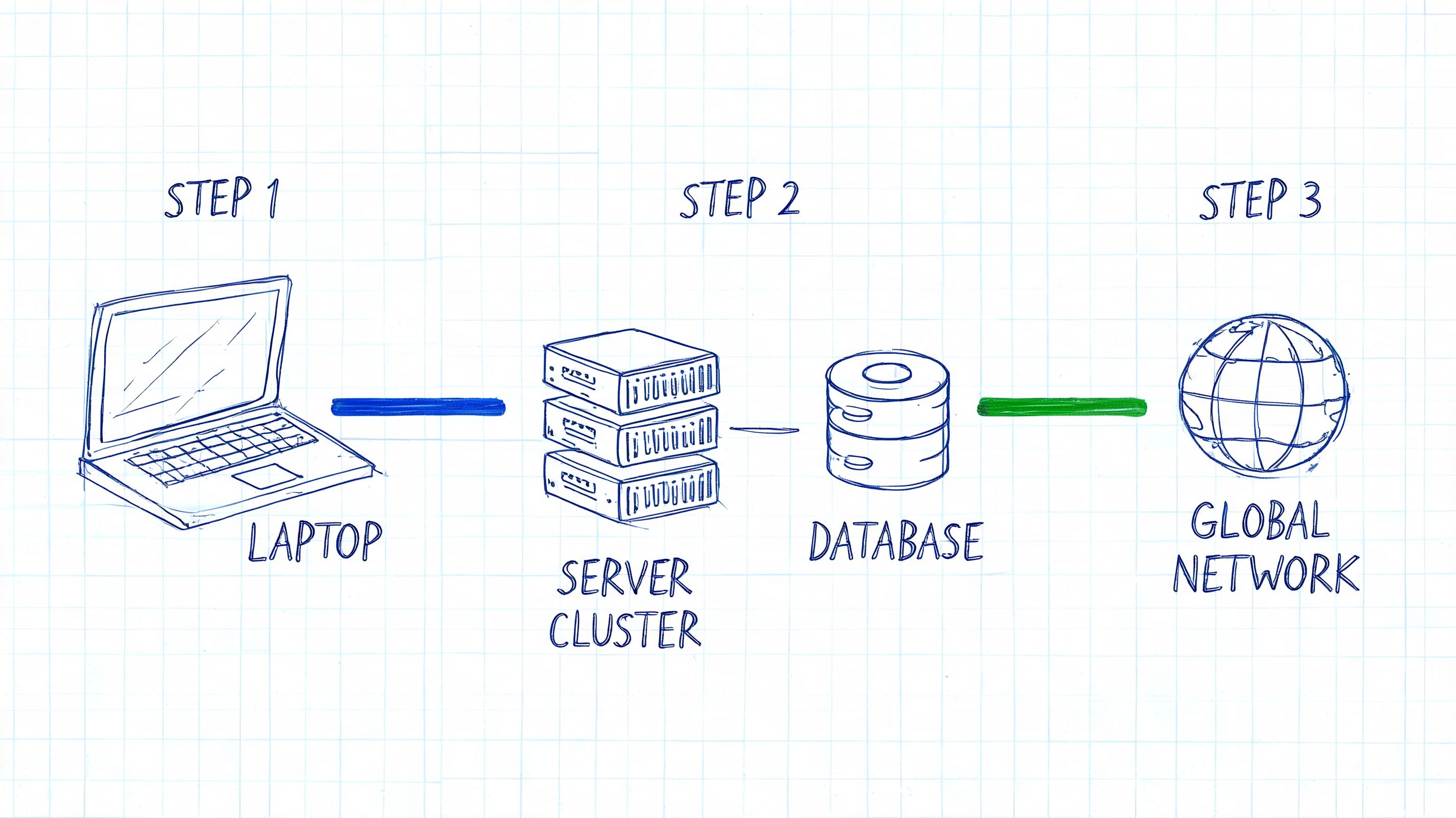
Project one, a deployable web app with Terraform
This is the best first serious project for a cloud engineer intern.
Build a small web application. It can be a portfolio page, a notes app, or a simple API. The app itself can stay modest. The cloud architecture is the point. Use Terraform to provision the infrastructure. Put the code in GitHub. Add a deployment workflow with GitHub Actions.
This project proves several things at once:
- You can create cloud resources without relying on console clicks
- You understand repeatable deployments
- You can connect app code to infrastructure code
- You can explain basic security and environment separation
Resume bullets should sound like engineering outcomes, not class assignments.
Weak bullet
- Built a website on AWS for practice
Better bullet
- Provisioned cloud infrastructure for a web application using Terraform, including compute, networking, and storage resources, then connected deployment steps through GitHub Actions for repeatable releases
Project two, a containerized service with monitoring
Now add operations thinking.
Take a simple API, package it with Docker, deploy it to a cloud compute environment, and add logs and basic monitoring. Set up alerts for failures or high resource use. Your goal isn’t to build a giant platform. Your goal is to show that you think beyond deployment.
Students often stop at “the app is live.” Real cloud work starts after that.
A live app without logs is a black box. A live app with monitoring is a system you can actually operate.
This kind of project gives you stronger interview stories because you can talk about how you handled bad deploys, container issues, or service health.
A stronger resume bullet looks like this:
- Containerized a backend service with Docker, deployed it to a cloud environment, and configured logging and alerting to improve troubleshooting during testing
Project three, a secure storage and access mini-lab
This one sounds less exciting, but recruiters like it because it reflects real work.
Create a small project focused on IAM, storage, and access control. For example, store files in cloud storage, restrict access through roles, and write a script that reads or uploads data with the correct permissions. Add documentation that explains your security decisions in plain English.
This project helps you answer a question many students fear: “How do you think about security?”
Later, when you explain your work, show the architecture visually. This kind of walkthrough format helps:
What your GitHub repo should include
A recruiter should be able to scan the repository and understand what you built quickly.
Include:
- A clear README with architecture, tools, setup steps, and screenshots
- Terraform files with sensible naming
- A deployment workflow in GitHub Actions
- Short design notes explaining tradeoffs
- A troubleshooting section describing one or two real issues you fixed
That last part matters more than students realize. Problems make your project believable.
How to Craft a Winning Cloud Intern Resume
Most student resumes read like transcripts with formatting.
That’s a problem because hiring teams aren’t trying to admit you into a class. They’re trying to decide whether you can help an engineering team. Your resume needs to read like a lightweight technical case for why you’re useful.

What a weak resume usually looks like
A generic student resume often has these problems:
- Education dominates the page while projects are buried low
- Skills are vague such as “cloud computing” or “programming”
- Project bullets describe tasks instead of outcomes
- Keywords from job descriptions are missing
- Tools are listed without context so nothing feels proven
This version tells the reader you studied. It doesn’t tell them you can contribute.
What a stronger resume looks like
A strong cloud engineer intern resume usually has a different shape.
Put your Skills section near the top if your experience is still limited. Be specific. Name platforms, tools, and languages you’ve used in projects. Then lead with your best technical projects, not generic campus activities.
Here’s the difference in framing.
Before
- Learned AWS in coursework
- Created a Docker project
- Familiar with Linux
After
- Built and deployed a cloud-hosted application using AWS services and Terraform
- Containerized an application with Docker and documented deployment and troubleshooting steps
- Used Linux command-line tools to inspect logs, manage processes, and debug service behavior during development
A simple resume structure that works
Use this order if you’re targeting cloud intern roles:
- Name and contact info
- Skills
- Projects
- Education
- Experience, if relevant
- Certifications, if you have them
That order works because it surfaces your technical signal fast.
Hiring manager lens: I want to know your stack in seconds, your proof in a minute, and your polish by the end of the page.
Keywords without keyword stuffing
Read five or six cloud internship job descriptions and look for repeated terms. You’ll often see some variation of cloud platform names, IAM, Terraform, CI/CD, Linux, scripting, monitoring, and networking.
Use those words truthfully. If a project used Docker and GitHub Actions, say that. If you’ve only watched videos on Kubernetes, don’t list it like production experience. Students hurt themselves when they try to sound bigger than they are. A concise, truthful resume is much stronger than a padded one.
The test for every bullet
For each bullet, ask:
- What did I build?
- Which tools did I use?
- What problem did it solve?
- What does this say about how I think?
If the bullet answers all four, it’s probably good enough to keep.
Answering Common Cloud Internship Interview Questions
Cloud interviews feel stressful because students expect a trivia contest. Most good interviewers aren’t testing whether you can recite service definitions all day. They’re trying to see how you think when systems have tradeoffs, failures, and ambiguity.
That means your answer structure matters as much as your raw knowledge.
Conceptual questions
These test whether you understand cloud ideas, not just buttons in a dashboard.
Examples include:
- What’s the difference between containers and virtual machines?
- When would you use serverless?
- Why use Terraform instead of manual setup?
For these, use a three-part answer:
- Define the concept clearly
- Explain the tradeoff
- Give a practical example
If asked about serverless, don’t stop at “it scales automatically.” Say what you gain, what you lose, and where you’ve seen the pattern fit. Interviewers trust candidates who can talk in tradeoffs.
Technical troubleshooting questions
These are common because cloud engineering is operational by nature.
You might hear:
- A website is loading slowly. How would you investigate?
- A deployed service can’t connect to the database. What would you check?
- A recent deployment caused failures. What’s your process?
Start broad, then narrow.
A clean framework is:
- Check symptoms first through logs, metrics, and alerts
- Identify recent changes in code, config, or infrastructure
- Verify dependencies such as networking, permissions, and service health
- Contain the issue if needed by rolling back or isolating the failing component
- Document the cause so the team can prevent it later
Don’t answer troubleshooting questions like a gambler. Answer them like an engineer running a checklist.
This is also where your projects help. If you’ve debugged a container issue or broken Terraform state, you have something real to talk about.
Behavioral questions
These make students nervous, but they’re often the easiest to prepare for.
Common ones include:
- Tell me about a time something failed
- Describe a time you learned a tool quickly
- Tell me about a disagreement in a team project
Use the STAR method:
- Situation. What was happening
- Task. What you needed to do
- Action. What you did
- Result. What changed
Your cloud projects are perfect raw material here.
If your deployment failed because of a bad environment variable, that becomes a great answer. Explain the setup, the failure, how you traced it, what you changed, and what process improvement you added after. That’s much better than pretending you’ve never made mistakes.
What interviewers remember
They usually remember three things:
- Whether you explained clearly
- Whether your examples sounded real
- Whether you stayed calm when you didn’t know something
If you don’t know an answer, say how you’d reason through it. That still shows engineering judgment.
Your Smart Strategy for Finding the Best Internships
A lot of students do the hard part backward. They build skills, polish projects, write a decent resume, and then throw all of that into the noisiest possible job boards.
That creates a bad feedback loop. You apply late, compete with huge applicant pools, and waste time on listings that may already be stale. Then you assume your qualifications are the issue when the search strategy is the actual problem.
Why the usual search gets crowded fast
Cloud internship listings often cluster around major hubs, and remote options get buried behind filters. At the same time, over 2,600 remote cloud intern roles exist, and specialized job engines surface them by sourcing directly from over 21,135 remote-first companies while detecting 200,000 new opportunities monthly, according to this Indeed remote cloud intern market snapshot.
That matters because discoverability is part of the competition.
If everyone searches by city first, fully remote roles can get drowned out. If everyone waits for a listing to spread across major platforms, they’re applying after the first wave has already hit.
A better search workflow
Treat the job search like an engineering system. Reduce noise. Increase signal. Apply earlier.
Use a process like this:
- Search by role and work style instead of only by location
- Prioritize direct-to-company listings when possible
- Check posting freshness before spending time on a custom application
- Keep a tracker with company, role, date, resume version, and follow-up status
- Batch your applications so you can improve based on patterns
This sounds simple, but it’s how strong candidates stay consistent.
Why direct sourcing helps
Big boards are useful for awareness. They’re often weak for timing and quality control. Specialized search tools can help you find remote and distributed openings earlier, especially when they pull directly from company career pages instead of reposting from other aggregators.
That’s why it’s worth using a dedicated remote search engine like Remote First Jobs as part of your internship search stack. It’s a practical way to spot fresh remote opportunities without sorting through the same level of noise you’ll usually find on general-purpose boards.
The best application strategy isn’t applying to more jobs. It’s applying earlier to better-matched jobs with stronger materials.
A cloud engineer intern search works best when the whole pipeline is connected. Learn the stack. Build proof. Write strong bullets. Practice your stories. Then apply where timing gives you an actual chance.
If you’re tired of noisy job boards and want a faster way to find verified remote roles, try Remote First Jobs. It helps you discover fresh openings sourced directly from company career pages, which gives you a cleaner path to remote cloud engineer intern opportunities and other distributed roles.