You’re probably reading this after one of those remote work days that looks fine on the surface and feels chaotic underneath.
A project update happens across Slack, a half-documented Notion page, two Zoom calls, and a comment thread in Jira. Someone in Europe thinks a decision was made. Someone in the US thinks it’s still open. The manager says the team should “communicate more,” which usually means more meetings, more messages, and more noise.
That’s the wrong diagnosis.
The issue isn’t volume. It’s whether a company has built a remote operating system that makes communication and collaboration reliable under pressure. If you’re a mid-career professional, that system matters as much as compensation, scope, or title. A weak one will drain your time, blur accountability, and make solid work look messy. A strong one will make you faster, calmer, and more visible for the right reasons.
The hard part is that almost every company claims to be good at remote collaboration. Far fewer can prove it.
The High Stakes of Remote Teamwork
A bad remote team rarely looks broken in the interview process. It looks “fast-moving.” It looks “flexible.” It looks “async-first.” Then you join and discover nobody agrees on where decisions live, who owns follow-through, or when a message is urgent enough to interrupt deep work.
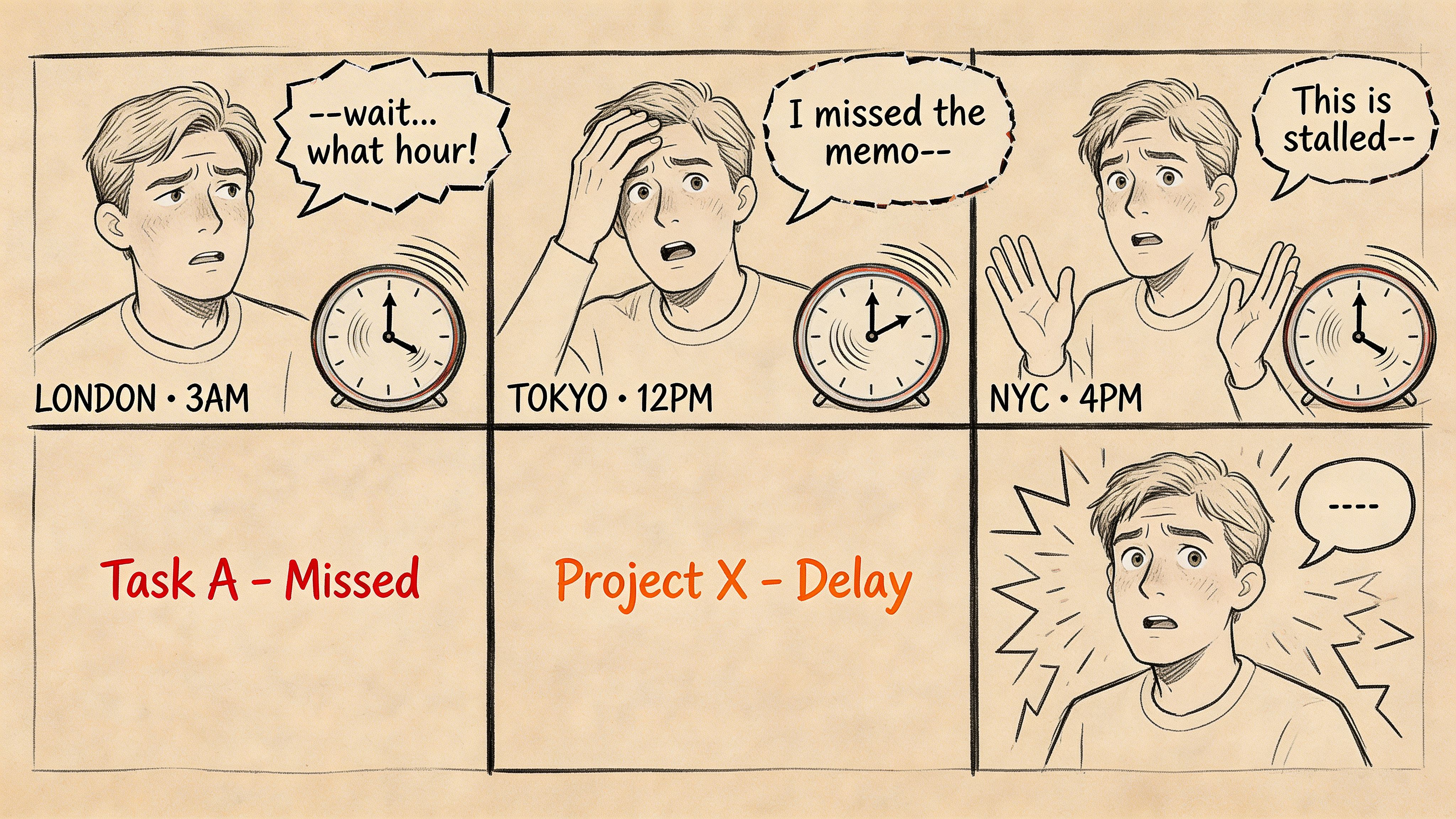
That’s not a soft inconvenience. It’s a business problem. Poor workplace communication is the root of most business failures, with 86% of employees and executives citing a lack of effective collaboration as the primary cause of missed deadlines, internal conflict, and low productivity, according to Cake’s workplace collaboration statistics roundup.
For job seekers, this changes the assignment. You’re not just trying to impress a company. You’re trying to avoid joining one that confuses activity with coordination.
What this means for your career
If you work in product, engineering, design, marketing, sales, or operations, your output is shaped by the team around you. A dysfunctional collaboration culture can make a capable person look inconsistent. A healthy one can compound your strengths.
Look for evidence of how the company runs distributed work in practice, not just whether it offers remote roles. If you want a useful primer on the management side, this guide on how to manage remote teams is worth reading because it shows what competent leadership should look like from the inside.
Practical rule: Don’t ask only, “Is this role remote?” Ask, “How does this company prevent remote work from turning into organized confusion?”
The payoff for spotting this early
When you can tell the difference between a polished remote brand and an effective remote team, you stop applying blindly. You start screening for operating quality.
That one shift saves time. It also protects your sanity.
Beyond Talking The Remote Work Default
Office collaboration runs on ambient awareness. You overhear priorities. You catch hesitation in a hallway conversation. You notice who’s blocked, who’s drifting, and who already made the call.
Remote collaboration can’t rely on that. It has to be designed.
The easiest way to understand the difference is this. A co-located office often works like an orchestra. People can see the conductor, watch each other, and recover from minor ambiguity in real time. A strong remote team works more like a jazz group. People improvise, but only because they share structure, timing, and trust.
Intentionality replaces proximity
In weak remote teams, people communicate when they feel uncertainty. In strong ones, they communicate to remove uncertainty before it spreads.
That means messages have a purpose. Meetings have a decision goal. Written updates include context, owner, and next step. People don’t “circle back” forever because the expected shape of communication is already known.
You can usually see this in how teams write.
A vague message says, “Any thoughts on this?”
An intentional one says, “Need feedback on option A vs. B by Thursday. If no objections, I’ll proceed with A and update the spec.”
Remote communication and collaboration improve when people reduce interpretation work for everyone else.
Clarity is not a nice-to-have
Most remote friction is not caused by bad intent. It’s caused by unclear writing.
Good remote companies treat written communication as operational infrastructure. They expect people to summarize decisions, state assumptions, and distinguish discussion from commitment. They don’t hide critical information inside a fast-moving chat stream and pretend that counts as alignment.
That also changes what “good communicator” means. It’s not the person who talks most smoothly on calls. It’s the person who can explain a complex issue in writing, in a way that helps the next person act correctly.
Trust has to be the default
Remote teams slow down when every message is read defensively.
If employees feel they need to prove they’re working, they over-report. If managers don’t trust judgment, they create approval bottlenecks. If teams fear being wrong in writing, they avoid documenting anything important. Then everything gets dragged into meetings.
High-trust remote teams don’t eliminate accountability. They make accountability legible.
The three habits that matter most
A strong remote default usually rests on three habits:
- Write for action: End updates with what changed, what’s needed, and who owns the next move.
- Choose channel on purpose: Put durable information in tools like Notion, Confluence, or a project tracker. Use Slack for movement, not memory.
- Assume good intent first: Clarify before escalating. Most confusion is structural, not personal.
When candidates miss this, they evaluate remote companies like office employers with laptops. That’s a mistake. Elite remote communication and collaboration don’t replicate office life online. They replace office dependence with a better system.
The Four Pillars of an Elite Remote Operating System
A strong remote company doesn’t just have smart people and decent tools. It has rules that reduce drag. When communication and collaboration break down, the problem is usually one of these four areas.
Meetings are a last resort
Good remote teams don’t brag about having no meetings. They know when a live conversation is worth the interruption.
Use synchronous time for conflict, ambiguity, or decisions that need fast trade-offs across functions. Don’t use it for status theater.
A useful test is simple. If the issue needs live debate, emotional nuance, or immediate convergence, schedule the call. If not, keep it async.
Sync vs async communication when to use each
| Scenario | Choose Synchronous (e.g., Zoom Call) | Choose Asynchronous (e.g., Slack, Notion) |
|---|---|---|
| A product launch is blocked by disagreement between functions | Best when people need to resolve trade-offs live | Poor choice if debate will sprawl across threads |
| Weekly status updates | Only if the team needs active discussion | Best for structured updates people can review in their time zone |
| Giving detailed feedback on a spec or campaign plan | Use live only if the author is stuck or conflict is emerging | Best for thoughtful review with comments and revisions |
| Incident response | Best when speed and coordination matter | Use async for logging actions and post-incident documentation |
| Sharing a final decision | Optional if rollout needs discussion | Best for durable clarity and searchable record |
A company with elite habits can explain why a meeting exists. A weak one defaults to calls because nobody trusts written alignment.
If every problem becomes a meeting, the team hasn’t built a remote system. It has built a dependency.
Async first means designed, not delayed
Async-first doesn’t mean “reply whenever.” It means people can make progress without waiting for everyone to be online at once.
That requires message discipline. Strong async communication usually includes:
- Context up front: What’s the issue, and why does it matter now?
- A clear ask: Feedback, approval, input, or awareness.
- Deadline and owner: Who responds, and by when.
- Decision path: What happens if nobody objects.
Many companies fail here. They adopt Slack, Notion, Loom, Linear, Asana, or Jira, but never define how those tools should work together. The result is duplication. People ask in chat, decide in a call, and forget to update the source of truth.
For data-heavy teams, the quality of written explanation matters even more. In data-heavy roles, effective data storytelling and visualization protocols can reduce misinterpretation by 40% and accelerate decision-making by 35%, according to Pragmatic Institute’s guidance on communication techniques for data analysts. In practice, that means charts need a takeaway, dashboards need owner context, and recommendations need plain-language implications.
Documentation is where remote teams stay sane
Most remote pain comes from institutional memory failure.
If key knowledge lives in people’s heads, old Slack threads, or scattered docs, the company will keep rediscovering the same problems. Good documentation prevents that. Great documentation also lowers political friction because people can inspect the reasoning, not just the outcome.
The best systems usually document:
Decision records
What was decided, by whom, and why.Operating norms
Response expectations, meeting rules, escalation paths, and collaboration standards.Project history
Specs, trade-offs, launch notes, and postmortems.
The point is not exhaustive writing. It’s durable clarity.
Decision rights are explicit
This is the least glamorous pillar and often the most important.
A lot of remote frustration is decision ambiguity. People collaborate for days because nobody knows who can close the loop. Then a senior person jumps in late, reopens the issue, and burns another week.
Frameworks like DACI can help because they force companies to name who drives, approves, contributes, and stays informed. You don’t need the acronym if the behavior is already strong. You do need the clarity.
What clear decision rights look like
- The owner is named early: No vague “team ownership.”
- Input is bounded: Contributors advise. They do not become approvers without explicit designation.
- Closure is visible: The final call is documented somewhere the team can find.
- Reopening has a rule: New evidence can reopen a decision. Preference alone cannot.
When a company gets these four pillars right, remote work feels lighter. Not because there’s less work, but because fewer people waste energy decoding how work moves.
Collaboration Red Flags to Spot During Your Job Search
Most remote culture problems reveal themselves before you join. Candidates miss them because they listen to policy statements instead of inspecting operating behavior.
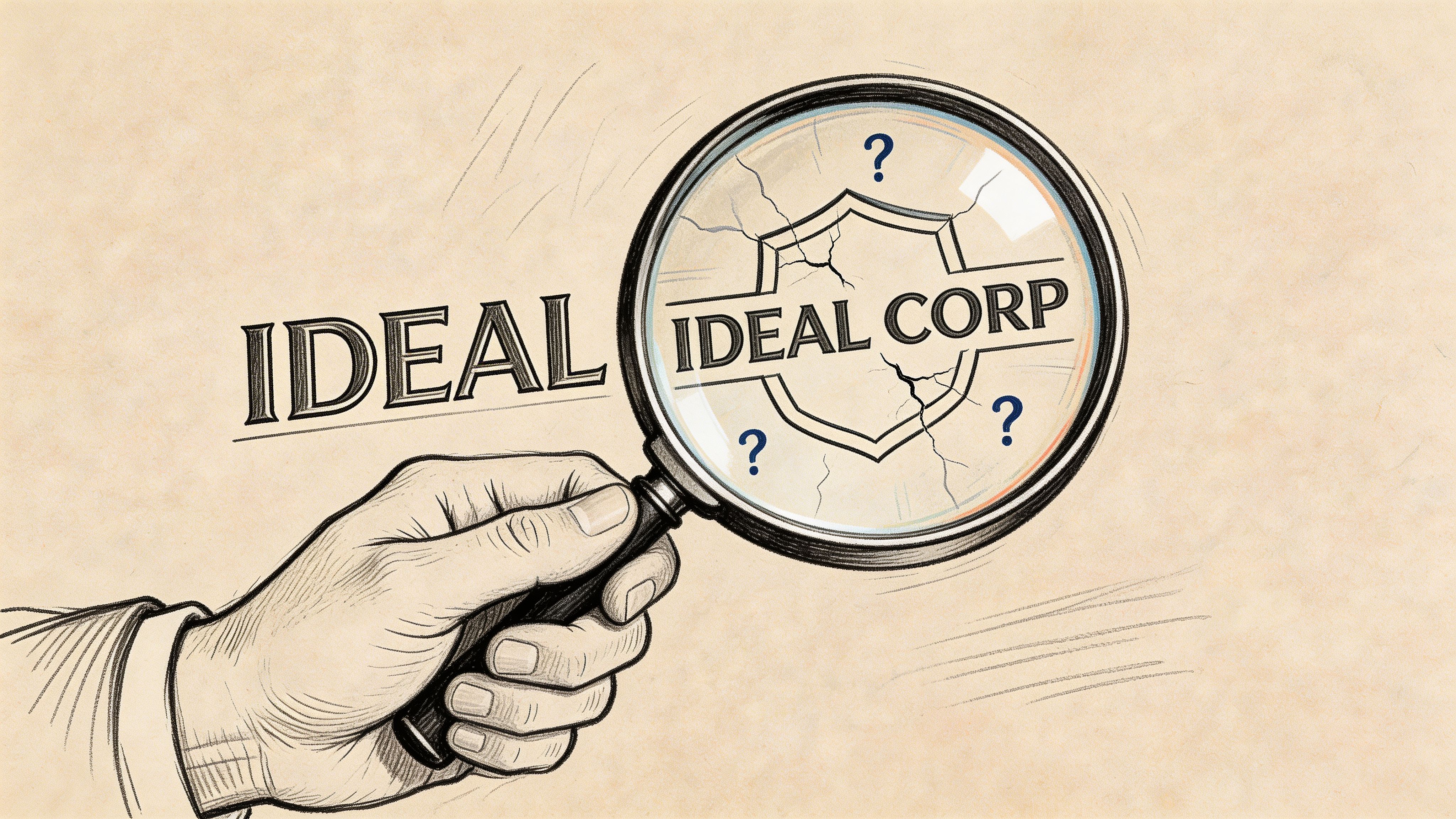
A company can say it values transparency, trust, and asynchronous work. That tells you almost nothing. What matters is whether people can describe how those ideas show up on a normal week.
Red flag one is performative documentation
Some companies have a beautiful handbook nobody uses. It looks polished in recruiting material and disappears in actual work.
You’ll hear phrases like “everything is documented,” but interviewers struggle to explain where decisions live, how changes are announced, or what happens when written guidance conflicts with manager preference.
Ask this instead:
- Can you walk me through a recent decision that affected multiple teams?
- Where would a new hire find the final call and the reasoning behind it?
- How often do teams update working docs after meetings?
If the answers stay abstract, the documentation is probably branding, not infrastructure.
Red flag two is async siloing
Over-reliance on async tools can create the illusion of efficiency while teams drift into parallel work. People post updates, react with emoji, and keep moving, but shared understanding gets thinner each week.
That issue is bigger than most hiring managers admit. A critical but often overlooked issue is the rise of communication silos from over-reliance on async tools, with 68% of remote teams reporting reduced spontaneous idea-sharing due to this overload, according to the source referenced for this finding.
In interviews, this often shows up as pride in being “very async,” with little mention of how the company restores real-time alignment when work gets interdependent.
Questions that expose async silos
- When a project starts drifting, how do you notice it early?
- What type of work still gets a live discussion on your team?
- How do product, design, engineering, and go-to-market teams stay aligned without over-meeting?
Strong companies answer with process. Weak ones answer with tool names.
Red flag three is unclear conflict handling
Bad remote teams often sound harmonious because people avoid visible disagreement. That doesn’t mean collaboration is healthy. It usually means conflict is displaced into side channels, private messages, and manager escalations.
Look for signs that the company can handle disagreement in the open.
Good signals include interviewers describing how trade-offs are debated, who breaks ties, and how dissent is recorded without becoming personal. Bad signals include phrases like “we’re all pretty aligned” or “we just jump on a quick call,” especially when repeated across interviews.
A useful benchmark is whether the team can tell a concrete story about a disagreement that improved the work.
Red flag four is AI-mediated fatigue
Remote companies increasingly use AI tools to summarize meetings, draft updates, and rewrite feedback. Used carefully, that can reduce admin. Used carelessly, it strips out judgment and tone.
Later in the process, watch for signs that people are outsourcing too much of their communication. Robotic follow-ups. Generic feedback loops. Interview answers that sound processed rather than owned.
This short clip is worth watching because it captures some of the human side of trust and connection in distributed work:
The practical issue isn’t whether a company uses AI. Most do. It’s whether people still sound like humans when clarity, conflict, and care matter.
Ask yourself after every interview: did these people describe a real operating system, or just a stack of tools with nice language around it?
How Top Remote Companies Collaborate in Practice
The easiest way to judge remote excellence is to study companies that have made their operating habits public. Three names come up often for good reason: GitLab, Doist, and Zapier.
None of them are perfect. All of them show what strong communication and collaboration look like when the system is built on purpose.
GitLab treats the handbook as operating infrastructure
GitLab is the clearest example of handbook-first work. The important lesson isn’t that it has lots of documentation. Many companies do. The lesson is that documentation is part of execution, not an afterthought.
When teams work this way, a meeting doesn’t become the source of truth. The written record does. That reduces memory battles and makes decision history visible to people across time zones.
As a candidate, this is what you want to test for. Not whether a company has docs, but whether docs govern real behavior.
Doist protects depth and expects thoughtful writing
Doist’s public approach has long emphasized calm work, fewer interruptions, and strong async habits. That matters because some remote companies say they value flexibility while creating a culture of permanent responsiveness.
Doist’s example shows a better trade-off. Teams don’t need to be instantly available all day if the company has clear writing norms, stable priorities, and sensible expectations around response time.
For mid-career professionals, that’s a major quality signal. It means the company understands that focus is part of productivity, not a luxury perk.
Zapier shows how process can scale trust
Zapier has often been cited for distributed operating discipline. The useful takeaway is not any single policy. It’s the consistency between hiring, onboarding, communication habits, and decision-making.
That’s where many remote companies fall apart. They may have a decent handbook, but onboarding is improvised. Or managers all run their teams differently. Or one function documents everything while another lives in chat.
Strong remote companies reduce those seams. They make it easier for employees to predict how work moves across teams.
What to borrow from these examples
You don’t need to work at GitLab, Doist, or Zapier to apply the same standards to your job search. You just need to know what to look for.
Here are the patterns worth stealing:
- Handbook discipline: Policies and decisions are visible, current, and used.
- Async maturity: Written communication carries real weight.
- Deep work protection: Urgency is defined, not assumed.
- Cross-team consistency: Collaboration norms don’t change wildly by manager.
The best remote companies aren’t impressive because they use modern tools. They’re impressive because employees know where clarity comes from.
That’s the benchmark. If a company can’t explain its collaboration system clearly, it probably doesn’t have one.
How to Prove Your Collaboration Skills and Land the Job
Most candidates still describe communication and collaboration in soft, generic language. “Strong communicator.” “Cross-functional team player.” “Works well with stakeholders.”
Those phrases don’t help. Every serious candidate claims them.
Hiring managers want evidence that you can reduce friction in distributed work. That matters because foundational communication and collaboration skills have a skill half-life of over a decade, far outlasting specific technical competencies, and teams with high communication proficiency resolve issues up to 50% faster, according to UIDP’s discussion of critical collaboration skills.
Rewrite your experience around operating impact
Instead of describing personality, describe how you helped work move.
Weak version:
- Team player: Collaborated with cross-functional teams to deliver projects.
Stronger version:
- Async coordination: Led a distributed product initiative across engineering, design, and marketing by centralizing decisions in Notion and reducing dependency on ad hoc status calls.
Weak version:
- Communication: Kept stakeholders informed throughout the project lifecycle.
Stronger version:
- Decision visibility: Built a weekly written update that clarified blockers, owners, and next steps, giving leadership a single place to review project status.
Weak version:
- Problem solving: Helped resolve team issues.
Stronger version:
- Remote issue resolution: Stepped in when scope confusion stalled delivery, rewrote requirements in plain language, and realigned contributors around a documented next-step plan.
Notice the pattern. The strongest bullets explain the system you improved, not just the effort you made.
What employers actually want to hear
In remote hiring, your examples should prove that you can do four things:
Create clarity in writing
Show that you can summarize complexity and make action obvious.Coordinate across functions
Show how you handled handoffs, dependencies, and competing priorities.Reduce collaboration drag
Explain how you prevented confusion, rework, or meeting overload.Build trust without proximity
Give examples of navigating feedback, alignment, or disagreement in distributed settings.
Use interview stories that show judgment
Remote companies don’t just need pleasant communicators. They need people who know when to write, when to call, when to escalate, and when to let others work.
Good stories often involve trade-offs:
- You moved a messy debate from Slack to a live call because tone was degrading.
- You pushed a decision back into documentation because a meeting created more confusion.
- You introduced a template, recap, or dashboard because repeated questions showed the system was failing.
If you need help preparing those stories, this roundup of common behavioral interview questions is useful because it helps you shape examples before you’re under pressure.
Ask questions that make you sound like an operator
Most candidates ask about culture in broad terms. Better candidates ask how work moves.
Try questions like these:
- How does your team decide what belongs in a meeting versus a written update?
- Where do final decisions live after cross-functional discussions?
- What tends to break down first when projects get messy?
- How do new hires learn the team’s communication norms?
- How do you protect deep work without slowing urgent decisions?
These questions do two jobs at once. They help you assess the company, and they signal that you understand elite remote collaboration.
Show your skills before the offer stage
You can demonstrate communication and collaboration in the hiring process itself.
- Send crisp follow-ups: Summarize your understanding of the role and any unresolved questions.
- Answer with structure: Use context, action, outcome, and what you learned.
- Reference systems, not vibes: Talk about docs, handoffs, decision paths, and priorities.
- Be easy to work with: Prepared, concise, and clear beats charismatic but vague.
When you’re actively searching, it also helps to target companies that are serious about distributed work rather than posting remote roles as an afterthought. A focused starting point is https://remotefirstjobs.com/
The strongest candidates don’t just say they collaborate well. They make the interviewer feel what it would be like to work with them.
Build Your Career on a Foundation of Strong Collaboration
Remote work gets better when you stop treating communication and collaboration as soft traits and start treating them as infrastructure.
That shift changes everything. You choose companies more carefully. You ask sharper questions. You present your own experience with more precision. You stop being impressed by remote branding and start looking for evidence of a real operating system.
That matters because the right company won’t just make your days more efficient. It will change how sustainable your career feels. Less noise. Fewer avoidable meetings. Better decisions. More room for focused work that gets noticed for the right reasons.
A lot of professionals stay stuck because they evaluate remote jobs by title, salary, and flexibility alone. Those things matter. But if the collaboration model is poor, the role will cost more than it gives.
Choose teams that make good work easier to do. That’s where remote careers become calmer, stronger, and more durable.
Frequently Asked Questions
How do you collaborate well across big time zone gaps
Start by designing for delay instead of fighting it.
Write updates so the next person can act without waiting for you. Put context, decision status, blockers, and next steps in the same place. If a live meeting is necessary, use it for issues that need discussion, not routine reporting.
A good rule is to treat overlap time as scarce. Use it for judgment-heavy work, relationship repair, and decisions with real trade-offs. Put everything else into durable written form.
What’s the right way to use AI in remote collaboration
Use AI to reduce admin, not replace judgment.
It can help summarize notes, clean up rough drafts, or turn messy inputs into a first pass. It shouldn’t become the default voice of the team, especially for feedback, conflict, or sensitive decisions. A recent trend is AI-mediated collaboration fatigue. 37% of remote product and design teams report trust erosion from AI-drafted feedback loops, according to this published source on the topic.
A sensible standard is simple:
- Use AI for preparation: Drafting, organizing, summarizing.
- Use humans for meaning: Nuance, accountability, and relational judgment.
- Label important ownership clearly: If a message matters, it should sound like the person sending it.
Don’t let convenience erase voice. Teams trust people, not polished output alone.
How do you build trust with colleagues you’ve never met in person
Trust in remote teams comes from consistency more than chemistry.
Do what you said you’d do. Write clearly. Surface risks early. Don’t make people chase you for context. When you disagree, stay specific and calm. When someone else is blocked, reduce their uncertainty instead of adding to it.
You can also build rapport without forcing fake intimacy. Short check-ins, thoughtful follow-ups, and occasional informal conversations help. So does showing your working process. People trust what they can understand.
The key is not to perform friendliness. It’s to become reliably easy to collaborate with.
If you’re tired of noisy job boards and want to find remote companies with stronger operating discipline, Remote First Jobs is a smart place to start. It helps you focus on verified remote opportunities so you can spend less time sorting through junk listings and more time finding teams where good communication and collaboration can thrive.