The demand for skilled designers has transcended office walls, creating a vibrant global market for creative talent. For designers, this shift means unprecedented freedom and opportunity, but it also introduces the challenge of finding high-quality, legitimate remote positions amidst a sea of listings. Knowing where to look is half the battle, especially when you need to find platforms that cater specifically to creative roles rather than general job boards.
This guide cuts through the noise, ranking and reviewing the 12 best platforms tailored for finding remote jobs for designers. We’ll dive deep into each site’s unique strengths, potential drawbacks, and provide actionable strategies to optimize your profile and applications. Navigating the digital canvas not only means finding opportunities but also understanding the core principles that define quality design work today. A key aspect is explored in Creating Inclusive Designs for Enhanced User Experience, emphasizing the importance of inclusive approaches.
Each entry includes screenshots and direct links to get you started immediately. Whether you’re a UX/UI specialist, a graphic designer, or a product designer, this comprehensive resource will equip you with the tools to find a role that not only fits your skills but also your desired remote lifestyle.
1. Remote First Jobs
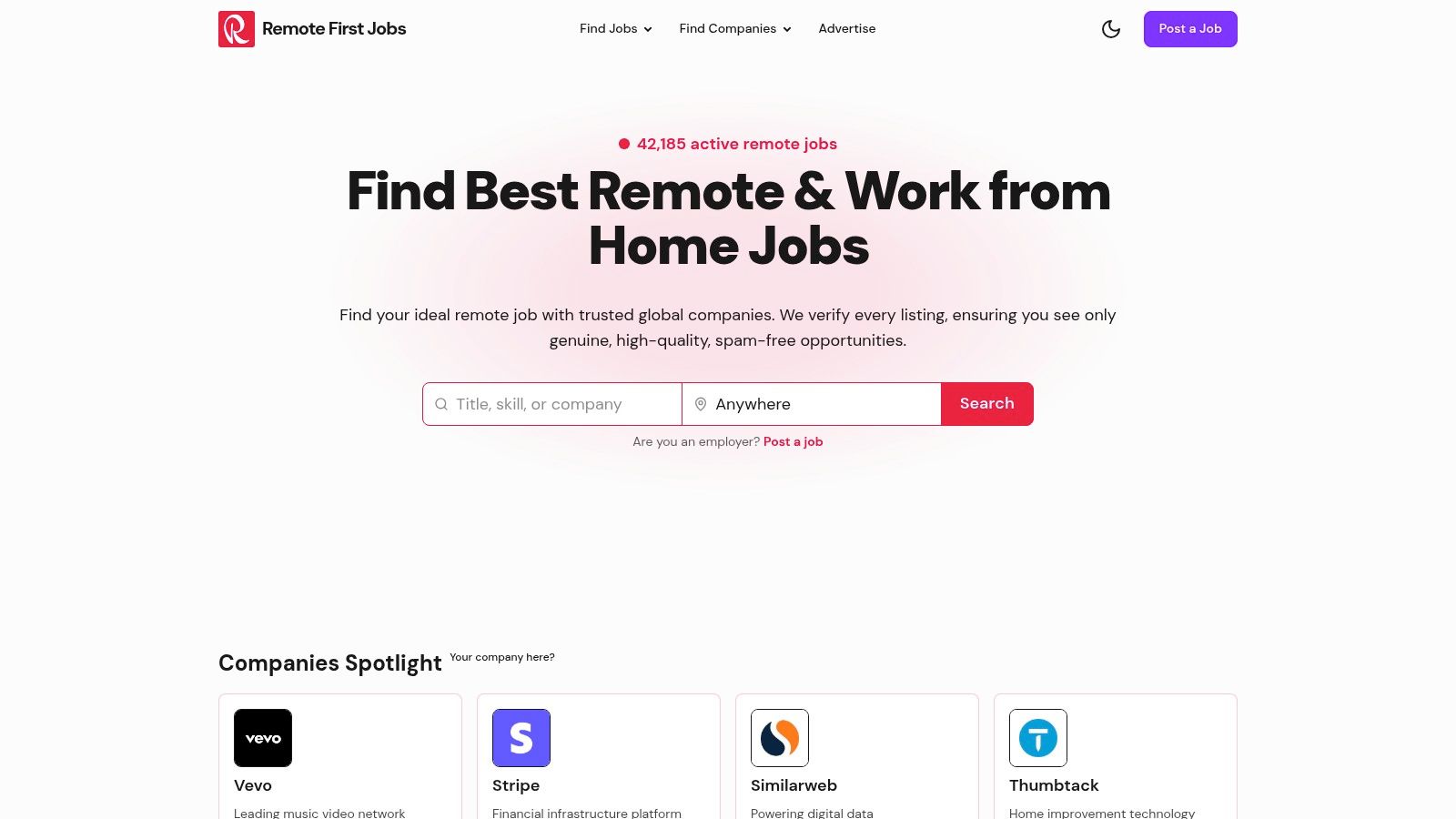
Remote First Jobs establishes itself as a premier destination for designers seeking fully remote opportunities by focusing exclusively on 100% remote-first roles. This singular dedication ensures every listing is relevant, eliminating the noise of hybrid or location-specific positions common on broader job boards. The platform’s strength lies in its massive, verified database of over 40,000 jobs, making it a comprehensive resource for finding high-quality remote jobs for designers.
Why It Stands Out
What truly sets Remote First Jobs apart is its powerful and granular search functionality. Designers can move beyond simple keyword searches and filter opportunities by specific design skills (e.g., Figma, Adobe XD), seniority level, industry, and even specific companies. This level of control allows you to tailor your search precisely, saving significant time and effort. The platform’s commitment to a spam-free experience, with daily scans of over 20,000 companies, ensures the listings are not only numerous but also current and authentic.
Key Features & User Experience
- Advanced Search Filters: Effortlessly narrow your search by role (UI/UX Designer, Graphic Designer), specific skills, seniority, and industry to find the perfect fit.
- Verified Listings: The platform curates jobs from over 21,000 reputable companies, ensuring a high-quality, spam-free search.
- Daily Updates: Thousands of new jobs are scanned and added daily, providing fresh opportunities and a competitive edge.
- Job Hunt Progress: Save your searches and track applications directly on the platform, streamlining your job-seeking process.
Practical Tips for Designers
To maximize your success, set up priority job alerts for specific roles like “Senior Product Designer” or “Brand Illustrator” to receive instant notifications. Utilize the platform’s blog, which offers valuable career advice, such as these tips for finding entry-level remote design jobs on Remote First Jobs. This combination of powerful tools and expert resources makes it an indispensable asset.
Website: https://remotefirstjobs.com
2. Dribbble Jobs (Remote Design Jobs)
Dribbble is more than a portfolio platform; its job board is a powerhouse for designers seeking high-quality remote opportunities. The platform’s design-centric community ensures that job listings are relevant, attracting top-tier companies looking specifically for creative talent. This focus makes it an essential bookmark for anyone searching for remote jobs for designers, from brand and visual to product and UX roles.

The user experience is clean and intuitive, with a dedicated “Remote / Anywhere” filter that makes it easy to sift through the daily influx of new postings. Unlike generic job sites, employers on Dribbble are often design-led organizations, which translates to better-defined roles and a deeper appreciation for the creative process. This focus on quality over quantity is a key differentiator.
Maximizing Dribbble Jobs
To stand out, ensure your Dribbble portfolio is polished and linked in your applications, as recruiters will check it. Also, pay close attention to location requirements; while many roles are fully remote, some specify regional time zones or require U.S. work authorization.
- Best For: Product Designers, UI/UX Designers, and Brand Specialists.
- Pros: Highly curated, design-specific roles; high posting velocity for remote positions.
- Cons: Extremely competitive applicant pools; some global roles may have location restrictions.
- Website: https://dribbble.com/jobs
3. Behance Joblist
As Adobe’s creative portfolio network, Behance naturally extends its platform to a robust job board tailored for creatives. Its job list is a go-to resource for those seeking remote jobs for designers, featuring opportunities from global agencies, innovative startups, and large in-house corporate teams. The direct integration with Behance portfolios creates a seamless application experience, allowing employers to instantly review a candidate’s work alongside their resume.
The platform’s filtering system is straightforward, allowing users to quickly narrow down listings by selecting “Remote” and specifying full-time or freelance contracts. Many listings use the “Apply on Behance” feature, which simplifies the process down to a few clicks if your profile is complete. This unified system makes it a highly efficient tool, removing the friction of navigating to external application sites for every role.
Maximizing Behance Joblist
A well-curated Behance portfolio is non-negotiable, as it’s the first thing a recruiter sees. Regularly update your best projects and ensure your profile information is complete. Use the platform’s search function with specific keywords like “UX Designer remote” to uncover hidden gems that might not be perfectly tagged.
- Best For: Visual Designers, Motion Graphics Artists, and Product Designers.
- Pros: Direct integration of portfolios enhances application quality; strong coverage of visual and product design roles.
- Cons: Job quality can vary by poster; some listings redirect to external application sites.
- Website: https://www.behance.net/joblist
4. We Work Remotely (Design category)
As one of the original and largest remote-only job boards, We Work Remotely has earned a reputation for reliability and quality. Its dedicated Design category is a treasure trove for creatives, offering a steady stream of legitimate remote jobs for designers. The platform primarily features roles from established U.S. companies and remote-first teams, making it a go-to for those seeking stable, long-term employment in product, UI/UX, and visual design.
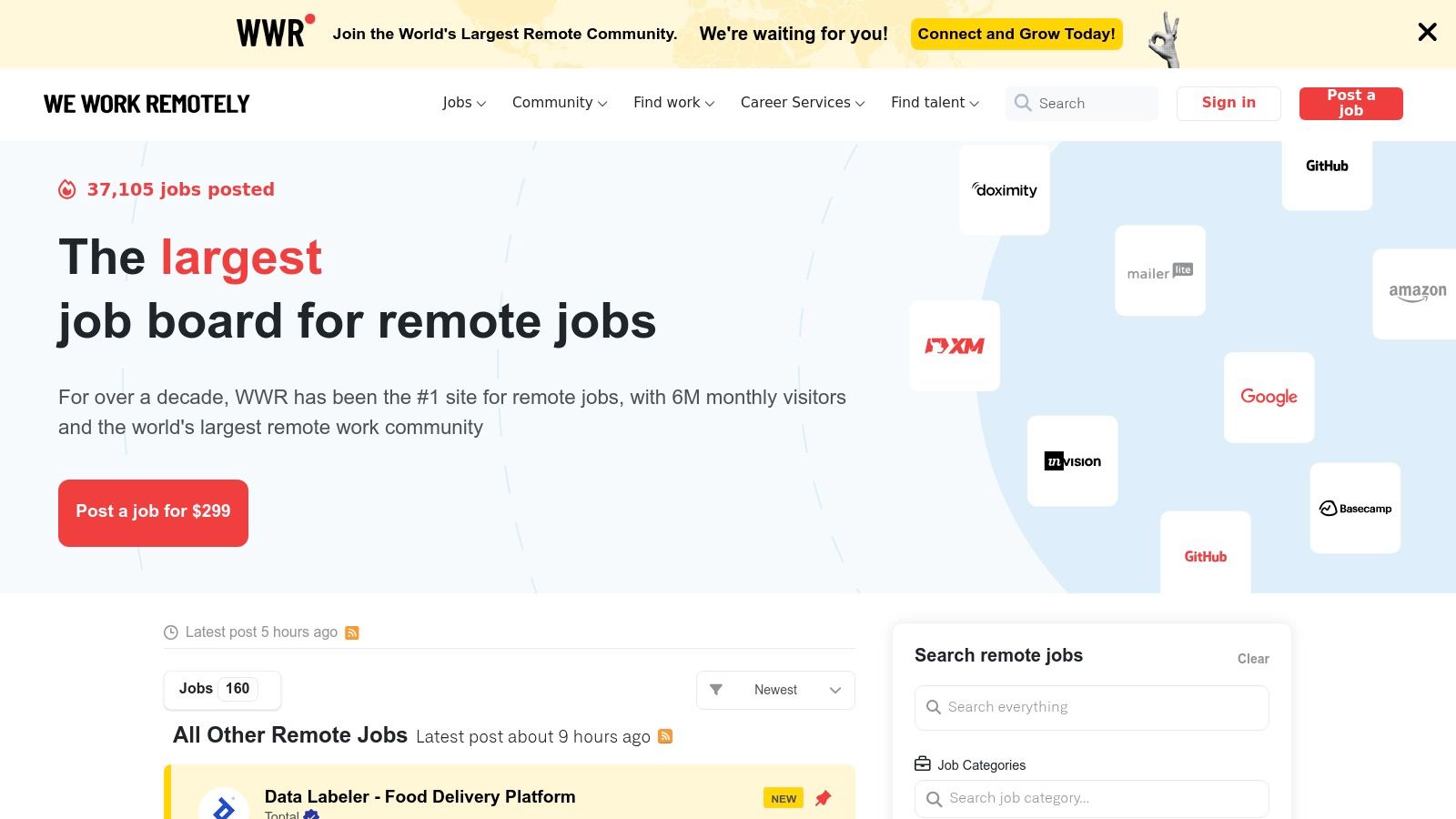
The user experience is straightforward and no-nonsense, focusing on clarity over flashy features. Many listings include clear salary ranges and location requirements, which saves significant time in the application process. We Work Remotely also emphasizes safety, providing guidance to help job seekers avoid scams, a crucial feature in the remote work landscape. This commitment to transparency and quality solidifies its spot as an essential resource.
Maximizing We Work Remotely
To make the most of the platform, check the site daily, as new high-quality roles are posted frequently and attract applicants quickly. Be sure to read location requirements carefully; while most roles are remote, some specify time-zone overlaps or are open only to non-U.S. candidates. Applications are typically submitted directly on the employer’s website, so have your portfolio and resume ready to go.
- Best For: Product Designers, UI/UX Designers, and Visual Designers seeking full-time roles.
- Pros: High reliability for fully remote roles; simple, fast application process.
- Cons: Very high applicant volume; some listings exclude U.S. time zones.
- Website: https://weworkremotely.com/remote-design-jobs
5. Remote OK (Design jobs)
Remote OK is a massive job aggregator with a powerful and well-curated channel specifically for remote design roles. It aggregates listings from across the web, making it a one-stop shop for everything from product and UI/UX to graphic design and creative direction. The platform’s straightforward interface and comprehensive filtering system help streamline the search for remote jobs for designers, saving valuable time.
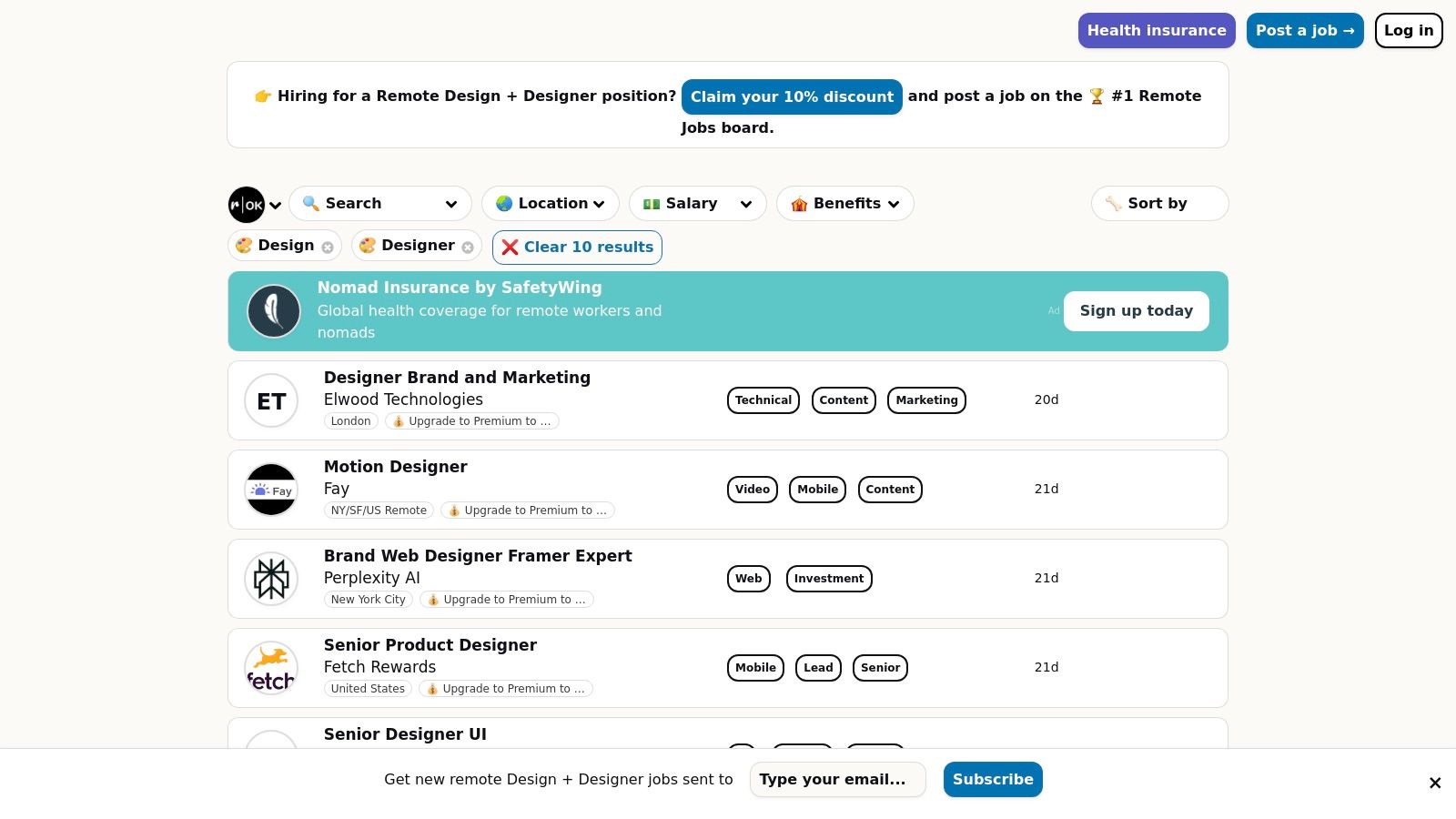
The user experience is built around efficiency, featuring clear tags like “United States only” or specific time zone requirements. This transparency helps applicants quickly identify relevant opportunities without digging through job descriptions. Remote OK also prominently displays safety notices and salary ranges when available, providing a layer of trust and clarity often missing from broader job boards. This focus on practical, filterable data makes it a standout resource.
Maximizing Remote OK
Leverage the keyword search and tags to narrow your focus. For example, searching for “UX” and filtering by a specific benefit tag can quickly surface ideal roles. Also, pay attention to the scam-avoidance notices, and always research companies before applying, as the platform’s open nature means job quality can vary.
- Best For: UI/UX Designers, Product Designers, and Graphic Designers looking for broad industry exposure.
- Pros: Wide variety of design roles from diverse industries; excellent filtering for location and time-zone constraints.
- Cons: Job quality and legitimacy can be inconsistent, requiring careful user vetting of employers.
- Website: https://remoteok.com/remote-design+designer-jobs
6. LinkedIn Jobs
As the world’s largest professional network, LinkedIn has evolved into a formidable platform for sourcing remote jobs for designers. Its powerful search engine, combined with an immense database of company profiles and recruiters, makes it a go-to resource. Unlike niche design boards, LinkedIn offers unparalleled scale and the ability to connect directly with hiring managers and team members, providing a unique networking advantage in your job search.
The platform’s dedicated “Remote” and “Hybrid” workplace filters are essential tools, allowing you to quickly narrow down opportunities. The “Easy Apply” feature streamlines the application process for many listings, while setting up job alerts for specific keywords ensures you never miss a new opening. The key differentiator is the integration with your professional profile, which acts as a living resume and portfolio hub.
Maximizing LinkedIn Jobs
Optimize your profile by enabling the “Open to Work” feature and specifying “remote” as your workplace preference so recruiters can find you. A well-crafted profile is crucial; you can learn how to create a good UX portfolio and showcase it effectively on your profile. Also, actively engage with design communities and companies you admire to increase your visibility.
- Best For: Corporate design roles, UX/UI Designers, and senior-level positions.
- Pros: Massive employer base with powerful networking; alerts and saved searches streamline remote job hunting.
- Cons: Filter and UI changes can cause occasional glitches; some duplicate or aggregated postings require verification.
- Website: https://www.linkedin.com/jobs
7. Indeed (U.S. remote design searches)
As one of the largest job aggregators in the U.S., Indeed offers an unparalleled volume of remote job listings, making it a critical resource for designers. While not design-specific, its sheer scale means it pulls in thousands of remote jobs for designers, from entry-level graphic design roles to senior product leadership positions. Its powerful filtering system allows you to narrow down the vast selection by salary, experience level, and date posted.
The platform’s strength lies in its comprehensive reach and user-friendly interface. Features like “Easily Apply” and saved job alerts streamline the application process, helping you stay ahead of new opportunities without constant manual searching. For U.S.-based designers, the high frequency of new postings and the wide variety of companies represented make Indeed a numbers game where persistence often pays off.
Maximizing Indeed
To cut through the noise, use highly specific keywords like “remote UX designer fintech” or “remote brand designer CPG.” Set up daily job alerts for your most precise searches to get relevant roles sent directly to your inbox. Be prepared for some applications to redirect you to an external company portal, requiring extra steps to complete.
- Best For: Graphic Designers, Product Designers, and generalists seeking U.S.-based roles.
- Pros: Huge volume of listings; excellent search filters, including clear salary information.
- Cons: Job quality can be highly variable; many postings redirect to external application systems.
- Website: https://www.indeed.com
8. FlexJobs (Creative & Design)
FlexJobs is a premium, subscription-based service dedicated to providing hand-screened remote and flexible job opportunities. Its commitment to quality control means every listing is vetted for legitimacy, eliminating scams and low-quality offers. This curation makes it a trustworthy resource for designers who are serious about finding legitimate remote jobs for designers and are willing to invest in their search. The platform’s robust filtering options allow you to narrow down roles by job type, schedule, and career level.
Unlike open job boards, FlexJobs requires a paid membership to view full job details and apply, which significantly reduces applicant competition. Beyond listings, a membership unlocks access to career coaching, resume reviews, skill tests, and member-only webinars, providing a comprehensive support system for your job hunt. This all-in-one approach is what sets it apart from free aggregators.
Maximizing FlexJobs
Take full advantage of the resources included with your subscription. Use the skill tests to validate your expertise and complete your profile thoroughly to attract recruiters searching the platform. Set up multiple targeted job alerts to ensure you’re among the first to see relevant new creative roles as they are posted.
- Best For: Designers seeking vetted, scam-free remote roles, particularly in the U.S.
- Pros: High curation ensures legitimate opportunities; additional resources like webinars and resume tips.
- Cons: Paid subscription is required to access full listings; smaller job inventory than free sites.
- Website: https://www.flexjobs.com/remote-jobs/creative
9. Upwork (Freelance/Contract Design)
As the world’s largest freelance marketplace, Upwork is an undisputed giant for designers seeking project-based remote work. It connects freelancers with clients for everything from quick, one-off gigs to long-term, full-time contracts. Its sheer volume of opportunities makes it a critical platform for designers looking to build a flexible career with a diverse client base, offering thousands of listings for remote jobs for designers across every imaginable niche.
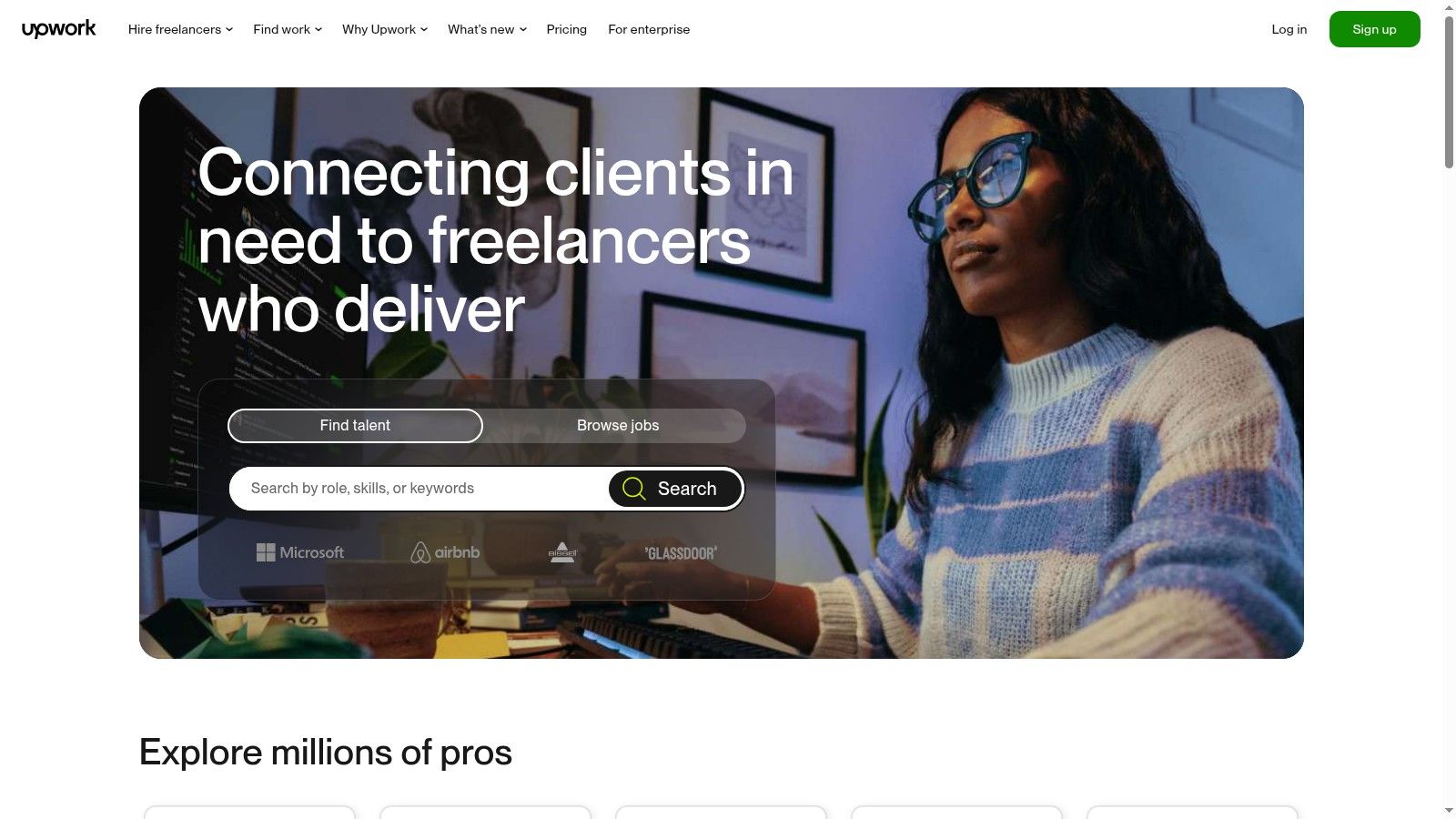
The platform’s strength lies in its robust features, including an escrow system that ensures payment protection and advanced search filters to narrow down jobs by skill, budget, and client history. Designers can also offer pre-packaged services through the “Project Catalog,” creating a more productized way to sell their skills. While the platform’s service fees are a factor, its secure payment infrastructure provides peace of mind that is essential for independent contract work. To get a better sense of this work model, you can learn more about finding and succeeding in remote contract work.
Maximizing Upwork
Success on Upwork requires a well-crafted profile that showcases your portfolio and highlights client testimonials. Focus on writing personalized proposals for each job instead of using templates, and consider niching down to reduce competition. Building a strong “Job Success Score” is key to attracting higher-paying clients over time.
- Best For: Freelance Web Designers, Graphic Designers, and UX/UI Consultants.
- Pros: Massive volume of U.S.-heavy demand; secure payment systems protect freelancers.
- Cons: Platform service fees (typically 10%) on earnings; intense competition for popular design jobs.
- Website: https://www.upwork.com
10. Toptal Designers
Toptal positions itself as an elite network for the top 3% of freelance talent, and its designer vertical lives up to that reputation. This platform is not a conventional job board; it’s an exclusive marketplace connecting highly skilled designers with premium clients, including major enterprises, for high-stakes remote projects. The focus is on quality over quantity, offering curated remote jobs for designers who have a proven track record of excellence in UI/UX, product, and brand design.
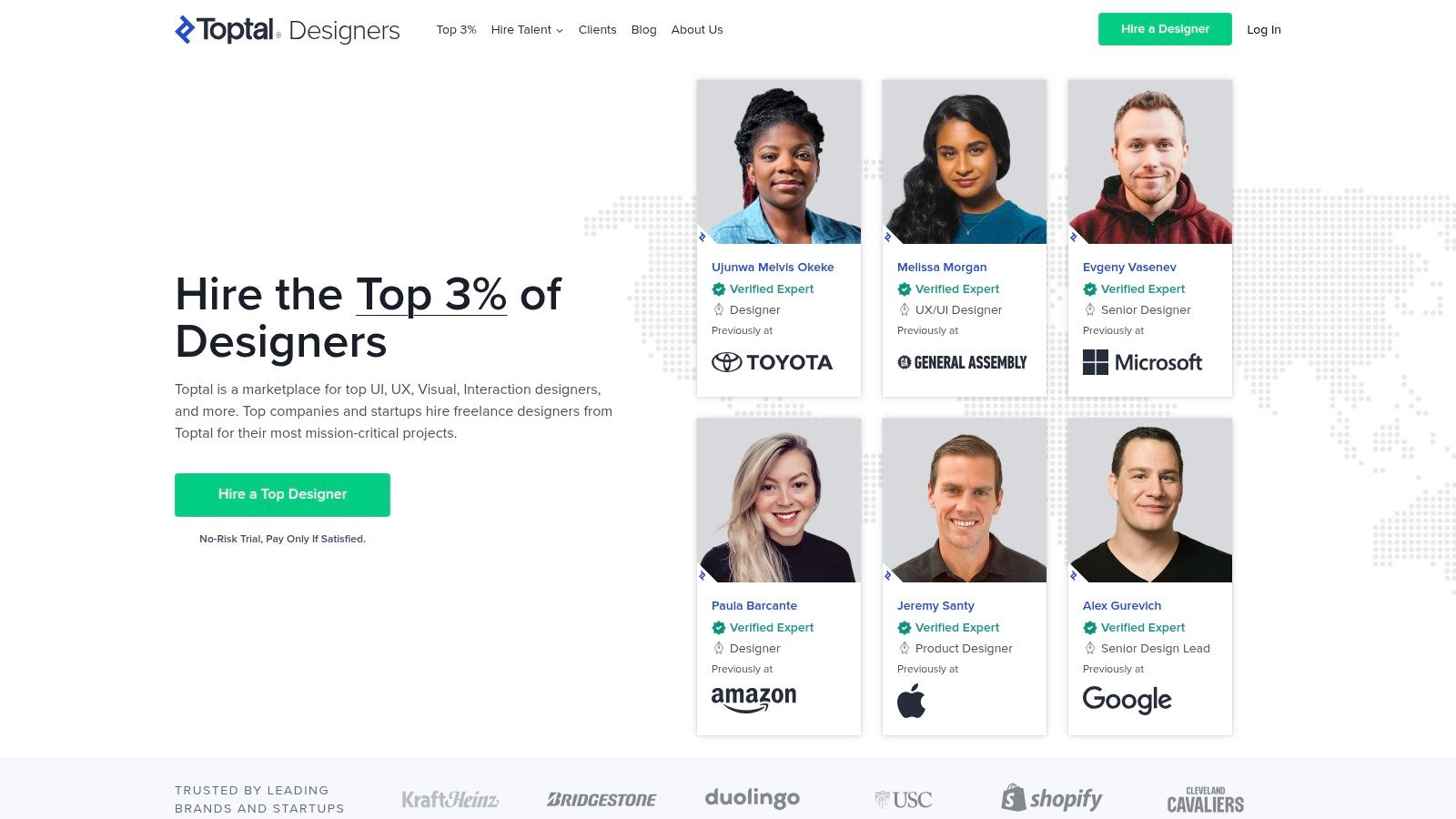
The platform’s main differentiator is its rigorous, multi-stage screening process, which ensures that only seasoned professionals are accepted. Once approved, Toptal matches you with clients seeking your specific skills, eliminating the need to browse and apply for jobs. Engagements are typically structured, well-paid, and offer the opportunity to work on meaningful projects with established companies, making it an aspirational goal for experienced remote designers.
Maximizing Toptal Designers
Success on Toptal requires a stellar portfolio and the ability to clearly articulate your design process during the screening interviews. Prepare to demonstrate deep expertise in your specialization and showcase case studies with measurable business impact. Unlike other platforms, you don’t browse jobs; the platform’s team brings opportunities to you based on your profile and availability.
- Best For: Senior UI/UX Designers, Product Designers, and Digital Strategists.
- Pros: Access to premium clients and significantly higher pay rates; jobs are matched to you.
- Cons: Extremely difficult acceptance process (less than 3% acceptance rate); not suitable for entry-level or junior designers.
- Website: https://www.toptal.com/designers
11. AIGA Design Jobs
As the official job board for the American Institute of Graphic Arts, AIGA Design Jobs is a trusted resource for U.S.-based creative professionals. While not exclusively remote, it features a significant number of high-quality remote and hybrid roles from credible employers who value professional design standards. Its connection to the broader AIGA community provides a layer of credibility and relevance you won’t find on massive job aggregators, making it an excellent niche for serious U.S. designers.
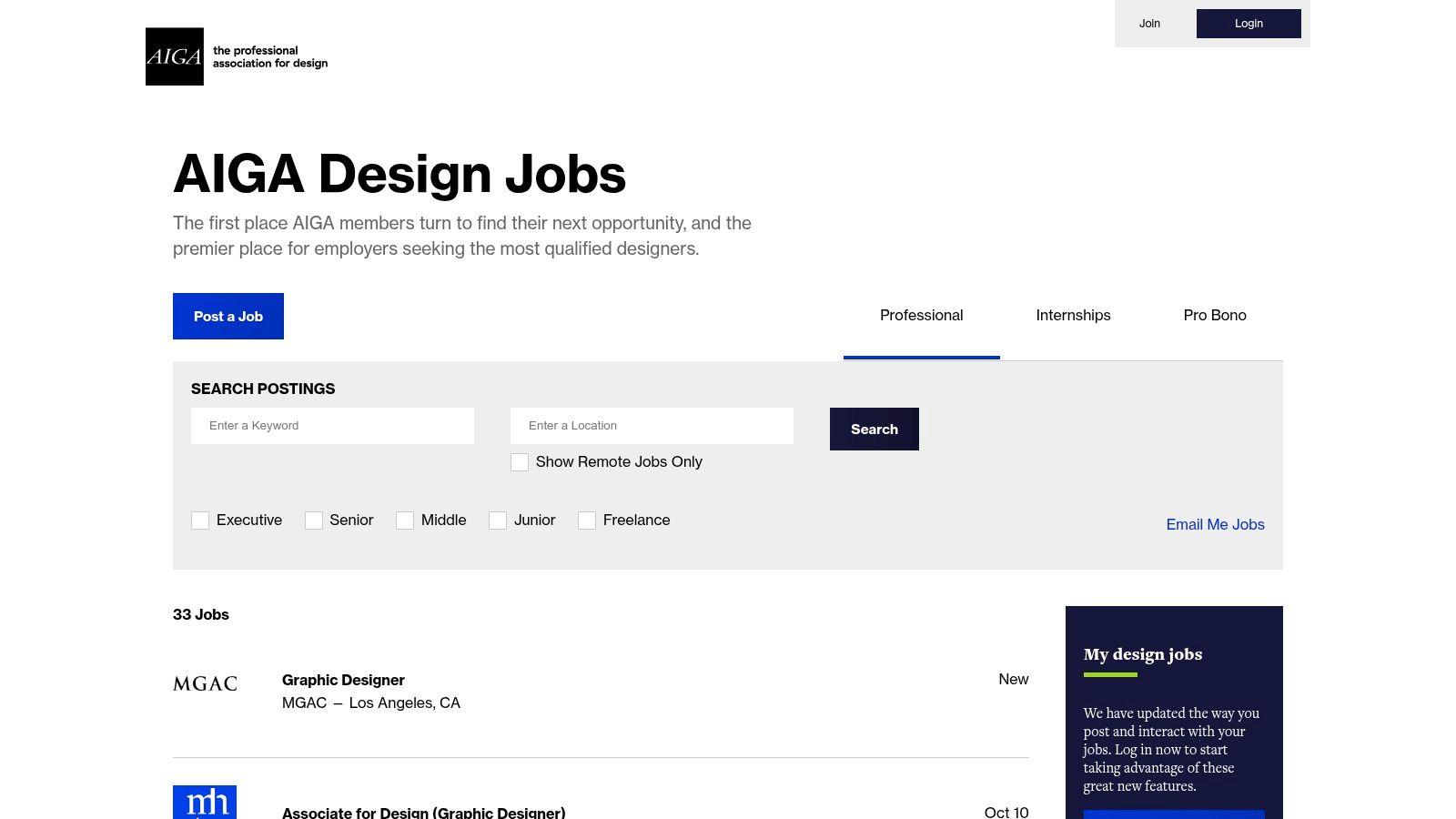
The platform is straightforward, with a dedicated “Remote Only” filter to streamline your search for remote jobs for designers. Because of its industry standing, employers are typically well-established and looking for serious talent in brand identity, visual communication, and creative leadership. The focus is on quality, in-house roles rather than freelance gigs, offering stability for those who want it.
Maximizing AIGA Design Jobs
To get the most out of the site, consider an AIGA membership, as some listings require a login to view full details and members may receive discounts or early access. Focus your search on in-house brand and communication design roles, as this is where the platform truly excels.
- Best For: Brand Designers, Communication Designers, and Art Directors in the U.S.
- Pros: Highly credible U.S. employer base; strong source for in-house and leadership roles.
- Cons: Lower volume of listings compared to larger sites; some content is gated for AIGA members.
- Website: https://designjobs.aiga.org
12. Remote.co (Design and UI/UX categories)
Remote.co, created by the team behind FlexJobs, offers a highly curated job board with dedicated categories for Design, Graphic Design, and UI/UX. Its standout feature is its commitment to listing genuinely remote positions, cutting through the noise of hybrid or mislabeled roles found on larger, generalist platforms. This makes it an efficient resource for designers seeking legitimate remote jobs for designers without sifting through irrelevant listings.
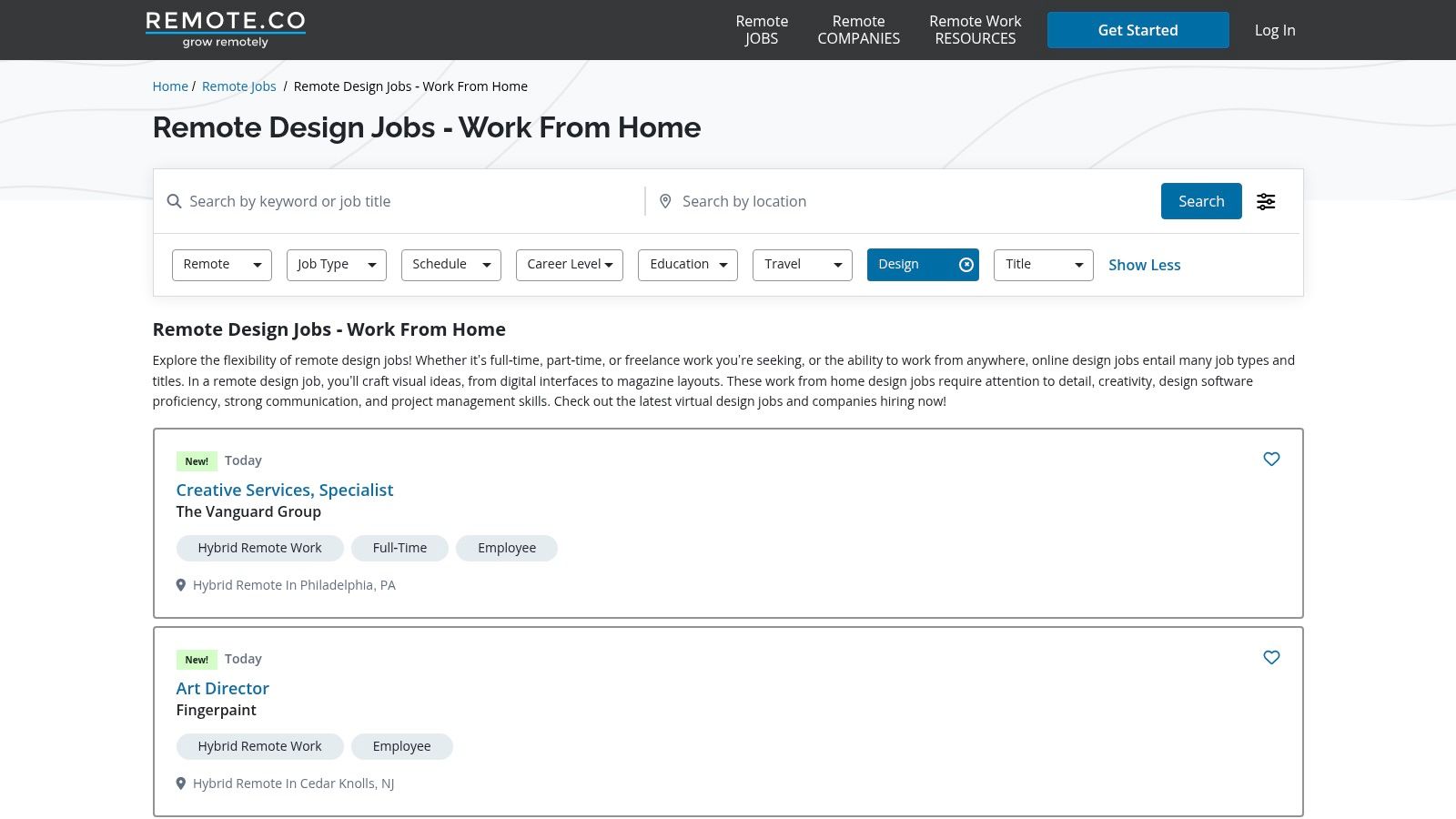
The platform’s simple interface clearly indicates whether a job is 100% remote or has location-specific requirements. Many U.S.-national postings include salary ranges, promoting transparency in the application process. While its job inventory is smaller than massive aggregators, the quality and relevance of the listings are consistently high, covering a broad spectrum of industries from tech startups to established corporations.
Maximizing Remote.co
Use the dedicated pages for Design, Graphic Design, and UI/UX to narrow your search effectively. Always check the fine print for location requirements, as many U.S. roles require you to be based in the country, even if the position is fully remote. The frequent updates mean it’s worth checking back daily for new opportunities.
- Best For: UI/UX Designers, Product Designers, and Graphic Designers seeking U.S.-based remote roles.
- Pros: Highly curated feed reduces spam; strong emphasis on salary transparency for U.S. jobs.
- Cons: Smaller job inventory than generalist boards; some roles are country-specific.
- Website: https://remote.co/remote-jobs/design
Remote Design Job Boards Comparison
| Platform | Core Features/Characteristics | User Experience & Quality Metrics | Value Proposition 💰 | Target Audience 👥 | Unique Selling Points ✨ | Price Points 💰 |
|---|---|---|---|---|---|---|
| 🏆 Remote First Jobs | 40,000+ verified remote listings; advanced filters | Spam-free, regularly updated ★★★★☆ | Free posting; no hidden fees 🏆 | Remote professionals & employers 👥 | 100% remote-only; automatic job integration; social media promos ✨ | Not fully disclosed |
| Dribbble Jobs (Remote Design Jobs) | Design-focused remote roles; freelancer marketplace | High-quality job posts ★★★★☆ | Flexible hiring options 💰 | Designers worldwide 👥 | Dedicated remote design category; escrow payment system ✨ | Not clearly specified |
| Behance Joblist | Remote filters; direct portfolio integration | Portfolio-enhanced applications ★★★☆☆ | Free to browse and apply 💰 | Creative/design professionals 👥 | One-click apply with portfolio visibility ✨ | Free |
| We Work Remotely (Design) | Remote-only design roles; salary & location tags | Reliable remote jobs; scam awareness ★★★★☆ | Free to browse; employers pay for posts 💰 | Designers seeking U.S.-friendly roles 👥 | Emphasis on scam safety; direct employer links ✨ | Varies by employer |
| Remote OK (Design jobs) | U.S. location tags; salary info; scam notices | Frequent updates ★★★☆☆ | Free access; employer fees possible 💰 | Broad design roles 👥 | Location/time-zone filters; scam avoidance tips ✨ | Not clearly specified |
| LinkedIn Jobs | Remote/hybrid filters; recruiter visibility | Large network; alerts ★★★★☆ | Free basic use; premium recruiter tools 💰 | Professionals in all industries 👥 | Strong networking; portfolio & skills showcase ✨ | Free + Premium options |
| Indeed (U.S. remote design) | Robust filters; daily job refresh | Large volume; salary filters ★★★☆☆ | Free to search; employers pay for sponsor 💰 | U.S.-based remote job seekers 👥 | Extensive U.S. role coverage; pay filtering ✨ | Free + Sponsor listings |
| FlexJobs (Creative & Design) | Hand-screened remote & hybrid jobs; virtual job fairs | High curation ★★★★☆ | Subscription required 💰 | U.S. remote creatives 👥 | Scam-free listings; career resources ✨ | Paid subscription |
| Upwork (Freelance/Contract) | Freelance gigs; payment protection; advanced search | Secure payments; intense competition ★★★★☆ | Freelancer fees apply (ca. 10%) 💰 | Freelance designers 👥 | Fixed-price projects; escrow system ✨ | Service fees on earnings |
| Toptal Designers | Rigorous vetting (<3% acceptance); premium clients | High pay & quality ★★★★★ | Vetted freelancers only | Senior, top-tier designers 👥 | Exclusive network; quick client matching ✨ | No listing fees; vetting only |
| AIGA Design Jobs | U.S.-centric; remote & hybrid options | Trusted U.S. employers ★★★☆☆ | Membership discounts on postings 💰 | U.S. design professionals 👥 | Community & education integration ✨ | Some paid memberships |
| Remote.co (Design/UI/UX) | Dedicated design pages; U.S.-national roles | Curated & updated ★★★★☆ | Free access; employers pay fees 💰 | U.S. remote designers 👥 | Clear remote vs. hybrid indicators; pay bands ✨ | Not fully disclosed |
Crafting Your Remote Career: Final Thoughts on a Strategic Job Search
Navigating the expansive landscape of remote jobs for designers is no longer about finding just any opportunity; it’s about strategically identifying the one that aligns perfectly with your skills, career goals, and lifestyle. This guide has equipped you with a curated arsenal of platforms, from the community-driven boards of Dribbble and Behance to the broad-reaching power of LinkedIn and the specialized curation of FlexJobs. The core takeaway is that a one-size-fits-all approach is ineffective. Your job search strategy must be as thoughtfully designed as your portfolio.
Key Insights for a Successful Search
The most successful remote designers are proactive and diversified in their search. Relying on a single platform limits your exposure to the best roles. Instead, create a tiered approach: identify your top 2-3 primary platforms for daily checks and another 3-4 secondary sites for weekly browsing. This method ensures you cover both niche, high-quality listings and broader market opportunities without becoming overwhelmed.
Remember that each platform has a unique “language.” An application on a portfolio-centric site like Dribbble should lead with your visual work, while an application through a professional network like LinkedIn demands a polished profile that highlights your career trajectory and accomplishments. Tailoring your approach for each tool is non-negotiable for standing out in a competitive remote market.
Actionable Next Steps to Land Your Role
To transform this knowledge into tangible results, start by implementing a structured system. Use the following checklist to guide your next actions:
- Select Your Platforms: Choose 3-5 platforms from this list that best match your career level and design specialty (e.g., Toptal for elite freelance, AIGA for mission-driven roles, We Work Remotely for startup culture).
- Optimize Your Profiles: Update your portfolio, resume, and online profiles (especially LinkedIn) with keywords relevant to your dream role, such as “UI/UX Designer,” “Remote Product Designer,” or “Brand Identity Specialist.”
- Set Up Alerts: Create saved searches and email alerts on each chosen platform. This automated process ensures you’re among the first to see new remote jobs for designers that fit your criteria.
- Go Beyond the Application: Finding the job is only the first step. Companies hiring for remote roles place a high value on autonomy and communication. Sharpening your project management skills for designers can significantly improve your ability to lead projects independently and articulate your workflow, making you a much more attractive candidate.
Ultimately, your remote job search is a marathon, not a sprint. Consistency, strategic diversification, and a commitment to presenting your best self across multiple channels will be your greatest assets. By leveraging the tools and strategies outlined here, you are well-equipped to find a fulfilling remote design career that offers the freedom and flexibility you deserve.
Ready to streamline your search and discover the best remote design roles in one place? Remote First Jobs aggregates high-quality listings from multiple sources, saving you time and effort. Start exploring curated remote jobs for designers today on Remote First Jobs and take the next step in your career.