
To find contract jobs, filter Indeed and LinkedIn by the “Contract” job type, set daily alerts, and check company career pages directly, where many fixed-term roles are posted first. Staffing agencies, freelance marketplaces such as Upwork and remote job boards such as Remote First Jobs cover the rest, so pick two or three sources that match the work you want (remote office contracts, freelance projects or on-site trade jobs) and check them every day.
This is the Remote First Jobs blog, so we have an interest in where you look. Fees and features of the other platforms were checked on their own pages on 6 and 13 November 2026, and each check date is given in the text; where a platform does not publish a detail, the text says so. Prices change often, so check the platform’s pricing page again before you pay.
How do you find contract jobs?
Most contract work reaches people through four channels: big job boards, company career pages, staffing agencies and freelance or lead marketplaces. These seven steps cover all four.
- Decide which kind of contract you want. Remote office work (software, design, marketing, project management), freelance projects and on-site trade or field work are found in different places, so start there.
- Filter the big boards by contract. On Indeed, open the “Job type” filter and pick contract or temporary. On LinkedIn, use the “Employment type” filter and pick Contract. Add the word “remote” or your city to the search.
- Save each search as an alert. Indeed sends email alerts for a saved search, and LinkedIn sends email and in-app notifications, daily or weekly. New contract posts fill fast, so applying in the first days helps.
- Check company career pages. Many companies post fixed-term and contract roles on their own careers site. Remote First Jobs collects remote listings from 21,000+ company career pages, so you can browse remote contract jobs in one place instead of visiting each site.
- Register with one or two staffing agencies in your field. Agencies such as Robert Half, Aerotek and Apex place contract workers, and some contract roles are filled through an agency without a public job post.
- Build one marketplace profile if you sell projects. On Upwork, clients post projects and you send proposals; you can also list fixed-price services in its Project Catalog.
- For trade and field work, use lead platforms. Field Nation posts IT and telecom work orders, while Thumbtack and Angi send you requests from homeowners. Each platform’s section below covers how it charges.
Which job boards are best for contract work?
The best contractor job board depends on the work you do. For remote office contracts, use LinkedIn, Indeed and a remote board; for freelance projects, use Upwork; for on-site IT work, use Field Nation; and for home services, use Thumbtack or Angi. The table compares the seven platforms in this guide plus Remote First Jobs. Costs were checked between 6 and 13 November 2026, and each platform section below links to its source.
| Platform | Best for | Who posts the work | Cost to you | Contract filter |
|---|---|---|---|---|
| Indeed | Volume in every field, local and remote | Employers post on Indeed; Indeed also collects jobs from career sites and other job boards | Free | Yes: “Job type” (contract, temporary) |
| LinkedIn Jobs | Office and tech contracts, referrals | Employers and recruiters | Free; Premium Career optional (from $39.99 a month in the US, checked 13 November 2026) | Yes: “Employment type”, Contract |
| Upwork | Remote freelance projects | Clients post projects; you send proposals | Free to join; service fee of 0% to 15% per contract; Connects cost $0.15 each | Every job is a contract (hourly or fixed-price) |
| FlexJobs | Screened remote, part-time and freelance roles | Employers, plus jobs its team finds and screens | $2.95 for 14 days, then $23.95 every 4 weeks; $29.85 for 3 months; $71.40 a year | Yes: job type in Advanced Job Search |
| Field Nation | On-site IT and telecom field work | Businesses post work orders | 10% of the work order value; 1.95% more if you use its liability insurance | All work is contract work orders |
| Thumbtack | Local home and consumer services | Customers request a service; you pay for leads | Pay per lead; you set a lead price per service and a weekly budget | Not a job board; leads only |
| Angi | Home improvement trades | Homeowners request a service; Angi matches leads | Pay per lead within a monthly budget; Opportunities you accept are billed on top | Not a job board; leads only |
| Remote First Jobs | Remote contracts in office fields | Employers, collected from their career pages | Free | Contract hub (keyword match) |
1. Indeed
As one of the world’s largest job aggregators, Indeed is a powerful starting point for any contractor job search due to its sheer volume and breadth of listings. While not exclusively a contractor job board, its large inventory and detailed filters make it a useful tool for finding contract, temporary, and freelance opportunities across nearly every industry and geographic location. For contractors seeking a high quantity of leads from a single source, Indeed’s scale is unmatched.
The platform is completely free for job seekers. You can create a profile, upload a resume, search for roles, and apply without any cost. The user experience is straightforward, allowing you to quickly filter millions of listings down to your specific needs.
Key Features and How to Use Them
Indeed’s strength lies in its advanced search and filtering capabilities. To maximize your results, go beyond simple keyword searches.
- Job Type Filters: The most useful feature for contractors. Always select “Contract,” “Temporary,” or “Internship” from the “Job Type” dropdown to eliminate full-time permanent roles. You can select multiple options to broaden your search.
- Advanced Search Operators: Use Boolean logic directly in the search bar for more precise results. For example,
("project manager" OR "scrum master") contract -seniorwill find contract roles for project managers or scrum masters while excluding listings with the word “senior.” - Employer Reviews and Salary Data: Before applying, check the company’s page on Indeed. It often contains reviews from current and former employees (including contractors) and salary data, giving you valuable insight into company culture and compensation expectations.
- Job Alerts: Instead of manually searching daily, set up email alerts for your refined searches. For instance, create an alert for
"remote graphic designer" contractin a specific location to get new, relevant postings sent directly to your inbox.
Pros and Cons
| Pros | Cons |
|---|---|
| Massive Volume: A very large number of listings across all sectors. | Search Noise: Can include duplicate posts and outdated listings. |
| Free for Job Seekers: No cost to search, apply, or set up alerts. | External Applications: Many “Apply” buttons redirect to external ATS. |
| Rich Company Data: Access to employer reviews and salary info. | “Easily Apply” Varies: The quality of the one-click apply can be inconsistent. |
Indeed serves as an excellent foundational tool in a contractor’s job search toolkit. While it requires careful filtering to cut through the noise, its comprehensive reach makes it one of the most effective contractor job boards for sourcing a high volume of opportunities. If you’re looking to explore more platforms, you can find a comprehensive list of the best job boards for remote work here.
Website: https://www.indeed.com
2. LinkedIn Jobs
Built on the world’s largest professional network, LinkedIn Jobs is more than just a job board; it’s a dynamic platform where professional reputation and networking directly influence opportunity. It excels for contractors who value building relationships, gaining referrals, and using their professional history to find roles. While not a dedicated contractor job board, its social features and detailed job filters make it a strong tool for finding high-quality contract work.
The platform is free for job seekers to search and apply for jobs. Your LinkedIn profile effectively serves as your living resume, allowing you to showcase skills, experience, and endorsements to potential employers. The integration of your professional network adds a unique layer of discovery, revealing who you know at a hiring company.
Key Features and How to Use Them
To get the most out of LinkedIn Jobs, contractors should combine its search functions with its unique networking capabilities.
- Job Type and Experience Filters: In the job search interface, immediately use the “Employment type” filter to select “Contract” (and “Temporary” where it appears). You can further refine results by “Experience level” and “Date posted” to ensure you’re only seeing relevant, recent opportunities.
- The “All filters” Panel: Don’t stop at the basic filters. If your search page shows an “All filters” button, open it to narrow your search further, for example by company. LinkedIn has been changing which filters its job search shows (checked 6 November 2026), so the set you see may differ.
- Network Visibility: LinkedIn can show you jobs at companies where you have connections (the “In your network” filter). Use this information to request a referral or send a personalized message to the hiring manager, significantly increasing your chances of getting noticed.
- Job Alerts: Once you have a search dialed in with the perfect filters (e.g., “Remote IT Project Manager,” “Contract,” “Mid-Senior level”), set up a job alert. LinkedIn will notify you by email and with LinkedIn notifications, daily or weekly, when matching roles are posted.
Pros and Cons
| Pros | Cons |
|---|---|
| Strong Network-Based Discovery: Uncover opportunities via referrals and connections. | Frequent Interface Changes: Filters and layout can be inconsistent. |
| Profile is Your Resume: Your public profile acts as a dynamic resume. | Degraded Search Relevance: Users sometimes report poor search results. |
| Direct Recruiter Access: Easy to identify and message hiring managers. | High Competition: Popularity means more applicants for each role. |
LinkedIn Jobs works well for contractors who understand that networking is a key part of their business. While its search algorithm can sometimes be unpredictable, the ability to connect directly with decision-makers and use your professional brand makes it one of the most strategic contractor job boards available. To make sure your profile stands out, you can learn how to optimize your LinkedIn profile for recruiters.
Website: https://www.linkedin.com/jobs
3. Upwork
As one of the world’s largest freelance marketplaces, Upwork is a dominant force for project-based contract work. It connects businesses with independent professionals across hundreds of categories like development, design, marketing, and administrative support. Unlike traditional job boards, Upwork operates on a proposal-based system where contractors bid on projects, giving them direct control over the work they pursue. Its integrated platform, featuring built-in contracts, payment protection, and communication tools, makes it a comprehensive ecosystem for managing remote contract engagements.
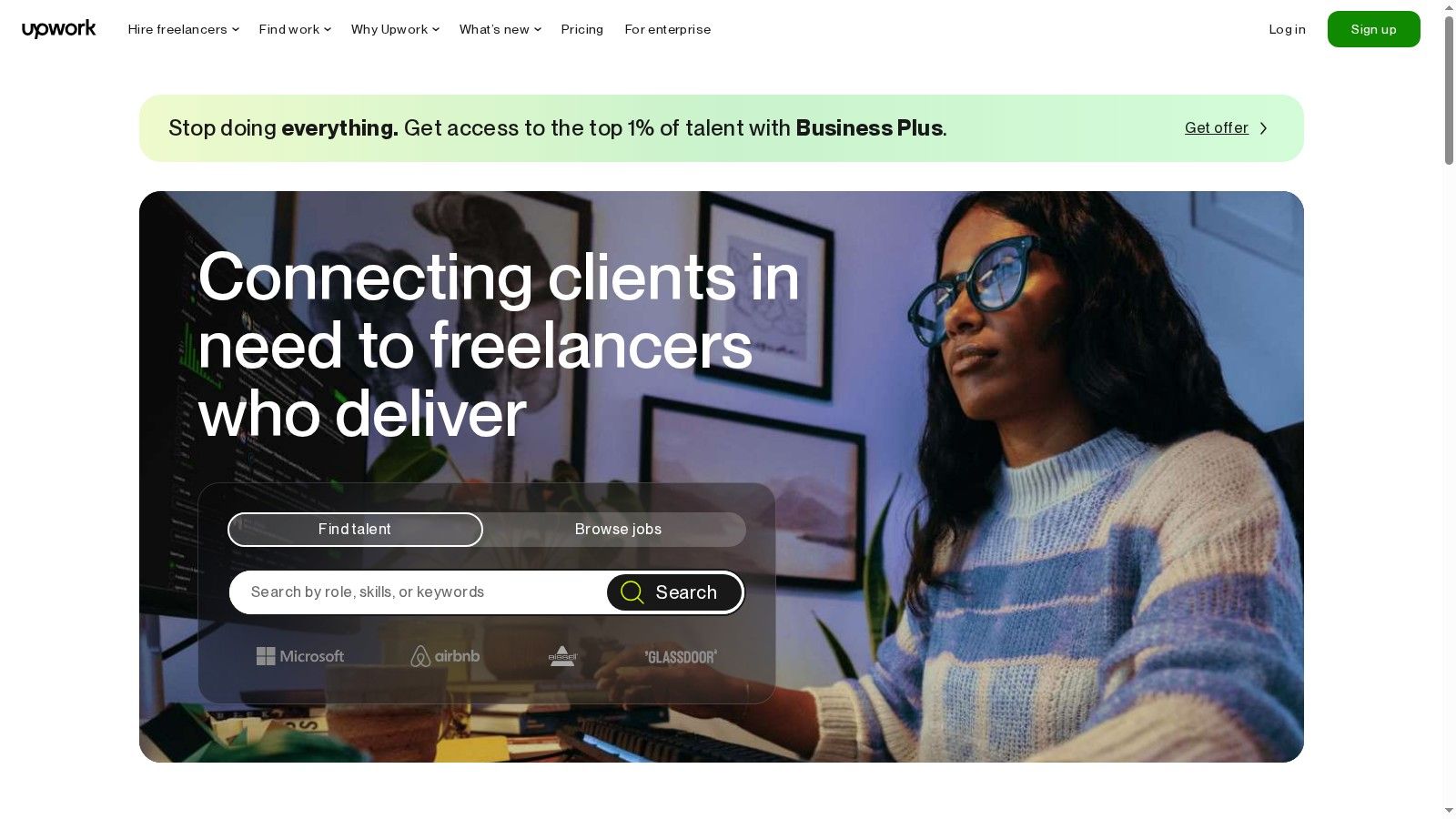
The platform is free for contractors to join and create a profile. However, applying for jobs requires “Connects,” a virtual currency that costs $0.15 per Connect, sold in bundles, and Upwork charges a service fee on earnings that ranges from 0% to 15% per contract. You see the fee percentage when a client sends you an offer or when you submit a proposal, and it stays fixed once the contract starts (Upwork Help Center, checked 6 November 2026). This model makes it a highly structured and secure environment for finding and managing contract work.
Key Features and How to Use Them
Upwork’s platform is designed to manage the entire project lifecycle, from bidding to payment. Mastering its features is key to success.
- Proposal System: You use “Connects” to submit proposals for jobs. Craft a highly tailored proposal for each project, directly addressing the client’s needs and showcasing relevant portfolio examples. Avoid generic, copy-pasted templates, as experienced clients can spot them easily.
- Payment Protection: For hourly projects, use the desktop time-tracking app to qualify for Upwork’s Hourly Payment Protection. For fixed-price jobs, use the Milestones feature. This breaks the project into smaller, payable chunks funded in advance (Upwork now calls the escrow “project funds”) and released upon your submission and the client’s approval.
- Job Success Score (JSS): This public score reflects client satisfaction and is a major factor in winning jobs. Prioritize clear communication, meet deadlines, and deliver high-quality work to keep your score high; a high score is one of the requirements for Top Rated status and other perks. Upwork’s help center lists the current threshold.
- Project Catalog: Instead of bidding on jobs, you can create pre-packaged services at a fixed price that clients can purchase directly. This is an excellent way to generate inbound leads for well-defined tasks like “logo design” or “SEO audit.”
Pros and Cons
| Pros | Cons |
|---|---|
| Massive Client Base: High volume of diverse projects posted daily. | Intense Competition: Popular job postings receive dozens of proposals. |
| Payment Protection: Escrow and time-tracking reduce payment risk. | Service Fees: Platform fees (0% to 15% per contract, checked 6 November 2026) reduce take-home pay. |
| Integrated Platform: All-in-one system for proposals, contracts, and payments. | “Connects” System: May need to purchase Connects to apply for more jobs. |
Upwork is a leading platform for contractors who want a structured and secure environment to find project-based work. While the competition and fees can be challenging, its built-in tools and large client network make it one of the most reliable contractor job boards available. To explore other options for independent work, you can find a guide to landing remote contract jobs here.
Website: https://www.upwork.com
4. FlexJobs
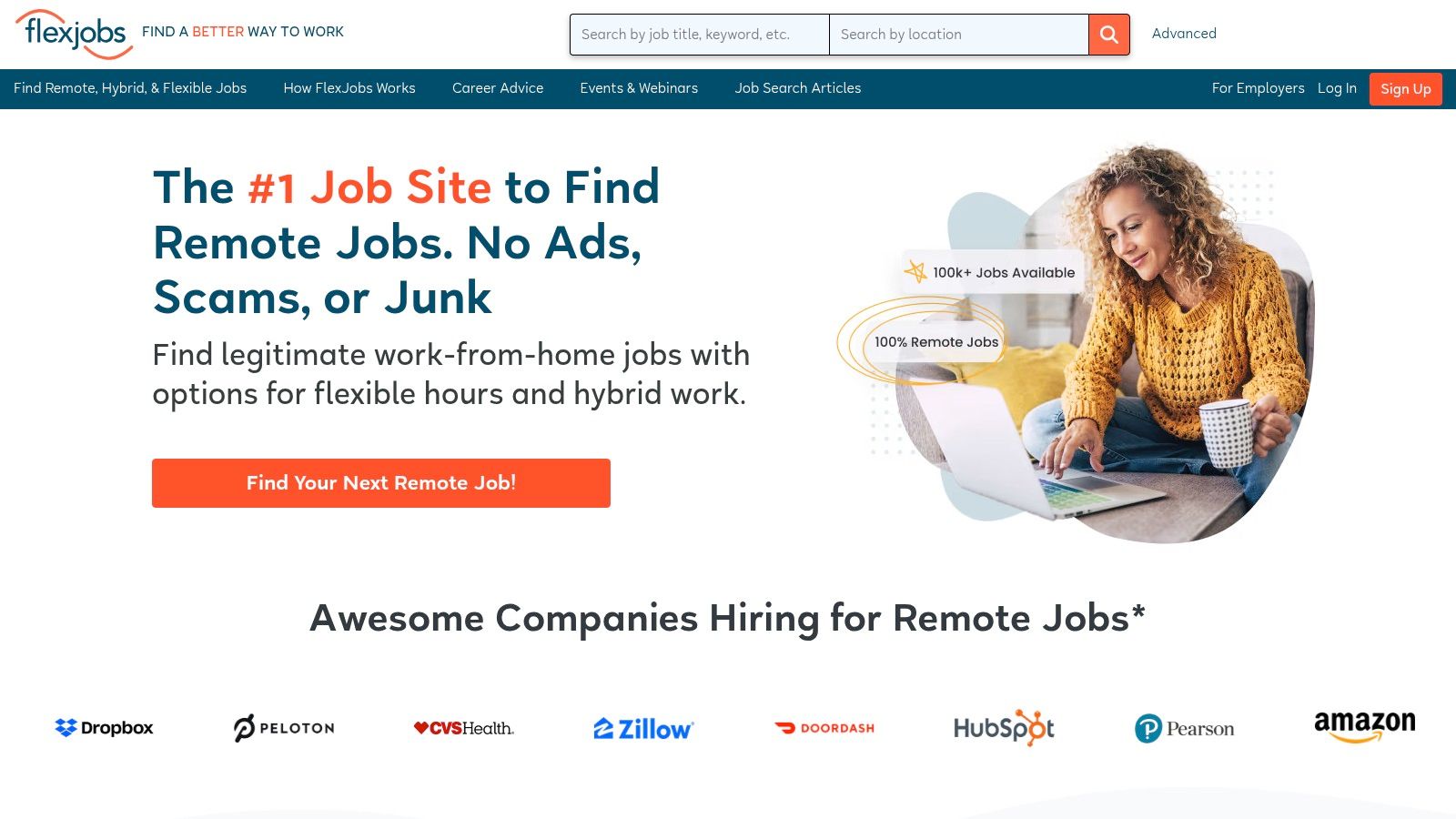
FlexJobs is a premium, subscription-based service specializing in remote, contract, and flexible job opportunities. Its primary differentiator is its screening: FlexJobs says its team hand-screens every job listing to check that it is legitimate, and its home page says the screening uses AI alongside its sourcing experts (checked 6 November 2026). The aim is to keep out the scams, ads, and low-quality posts that plague larger, free-for-all job boards. For contractors who prioritize quality over sheer quantity and are willing to invest in a curated job search experience, FlexJobs is one of the most trusted contractor job boards available.
The platform requires a paid membership for job seekers to view full job details and apply. As of 6 November 2026, the FlexJobs FAQ lists a 14-day trial at $2.95 that renews at $23.95 every 4 weeks, a 3-month plan at $29.85 up front, and an annual plan at $71.40 up front; the pricing page may show local currency. This paywall creates a more professional environment and ensures that the listings are vetted and serious. The user experience is clean, ad-free, and focused entirely on helping you find high-caliber flexible work.
Key Features and How to Use Them
FlexJobs offers more than just a job board; it provides a suite of tools designed to support your career search. Using these features well is key to getting the most value from your subscription.
- Advanced Job Search Filters: Beyond standard keywords and location, Advanced Job Search lets you filter by “Job Type” (employee, freelance), “Schedule” (full-time, part-time), and location. You can also pick “100% remote” in the “remote” filter, and browse work-from-anywhere and International listings, to find contracts that match your work-style preference.
- Company Database and Guides: Use the extensive database of pre-screened, remote-friendly companies to research potential clients. This is an excellent tool for contractors looking to build a direct relationship with companies known for hiring flexible talent.
- Skills Tests and Career Coaching: FlexJobs has offered members skills tests and discounted resume reviews and career coaching, which can help you refine your pitch and land higher-value contracts. Check the member area for what is included now.
- Exclusive Member Savings: FlexJobs has listed member discounts on products and services useful for contractors and remote workers, such as laptops, co-working spaces and online courses. Offers change, so check the current list before you count on one.
Pros and Cons
| Pros | Cons |
|---|---|
| Scam-Free and Vetted: FlexJobs says its team hand-screens every job for legitimacy. | Requires a Paid Subscription: Not a free resource for job seekers. |
| High-Quality Listings: Focus on professional, legitimate opportunities. | Smaller Job Volume: Fewer total listings than giant aggregators. |
| Helpful Career Resources: Career guides and member resources; check the current list. | Niche Focus: Primarily for remote and flexible professional roles. |
FlexJobs provides a secure and efficient environment for finding premium contract roles. Its commitment to quality makes it a worthwhile investment for serious contractors looking to avoid the clutter of free job sites. To broaden your search, you can also get more tips on how to find remote jobs online.
Website: https://www.flexjobs.com
5. Field Nation
For IT and telecommunications professionals seeking on-site, project-based work, Field Nation is a specialized marketplace connecting independent technicians with businesses needing field service. Unlike general contractor job boards, it operates as a work order management system where contractors (or “service providers”) claim specific, defined tasks like network installations, POS system repairs, or low-voltage cabling jobs. It’s a go-to platform for technicians who want a steady stream of 1099 gigs with built-in payment processing and project management.
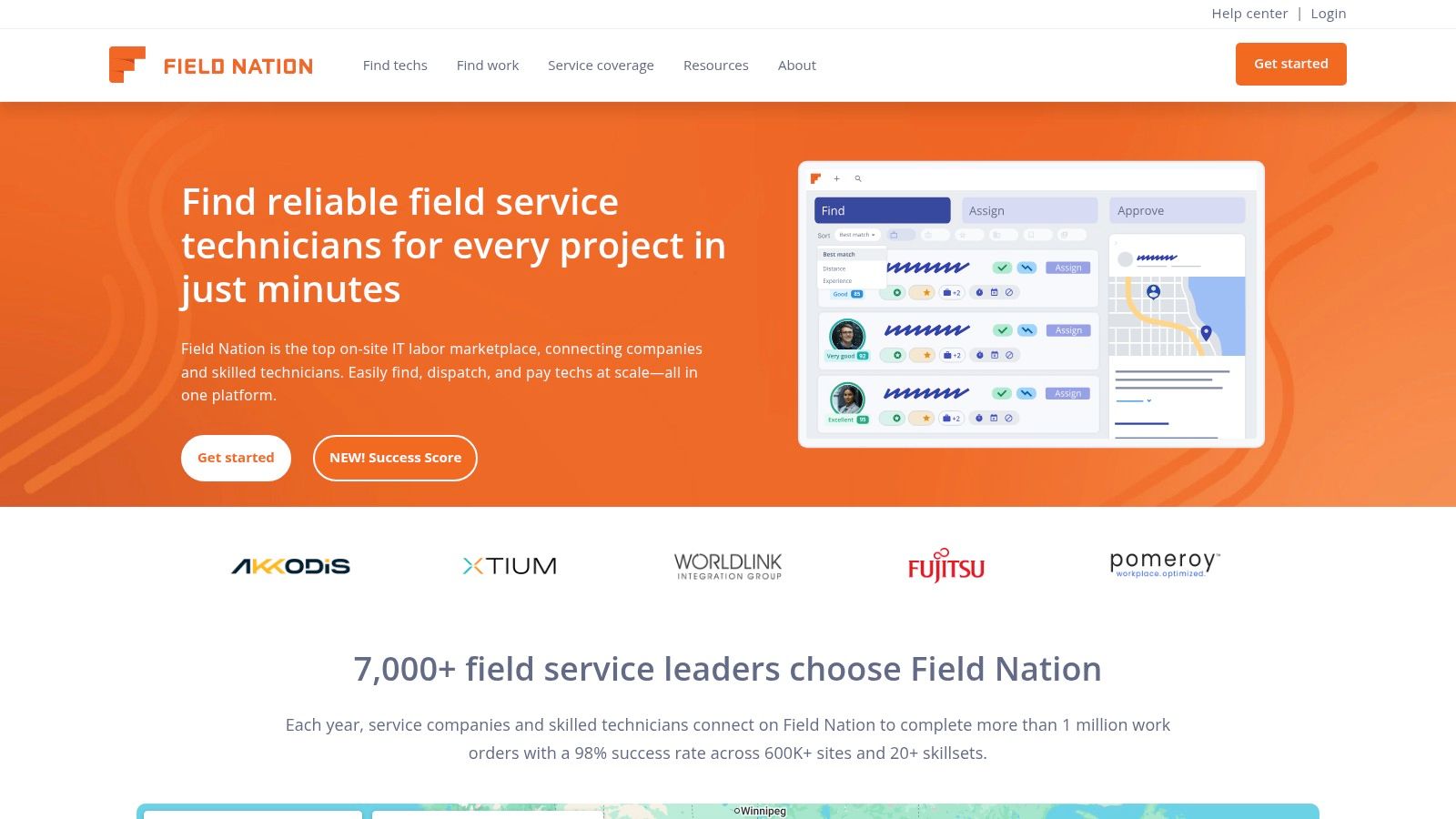
The platform is free for technicians to join, create a profile, and view available work orders. The business model is based on a service fee deducted from completed jobs, 10 percent of the work order value according to Field Nation (checked 13 November 2026), making it a performance-based system. This focus on tangible, on-location tasks makes it a useful tool for hands-on IT contractors in the US and Canada.
Key Features and How to Use Them
Success on Field Nation depends on building a strong profile and efficiently managing work orders. The platform is designed to reward reliability and expertise.
- Work Order Marketplace: The core of the platform is a dynamic list of available jobs. Use filters to sort by location, required skills (e.g., “fiber optics,” “VoIP”), and pay rate. New technicians should start by looking for simpler jobs to build their work history and ratings.
- Provider Profile and Ratings: Your profile is your resume. Highlight your certifications, tools, and experience. After each job, clients rate your performance. A high rating is critical for getting approved for higher-paying, more complex work orders.
- Integrated Payment System: Field Nation handles all invoicing and payments. Field Nation says technicians are paid automatically every Friday by PayPal or direct deposit once a work order is approved. This eliminates the need to chase clients for payment.
- Insurance and Background Checks: Field Nation requires general liability insurance on all work orders: you can upload your own certificate or be covered under Field Nation’s policy for a fee of 1.95% of the work order, and work orders that require occupational accident insurance carry a 0.5% fee (Field Nation insurance FAQ, checked 13 November 2026). Completing background checks and drug tests can also make your profile more attractive to clients and open access to certain jobs.
Pros and Cons
| Pros | Cons |
|---|---|
| Steady Flow of On-Site Tech Work: High volume of IT field service gigs. | Fee Structure: A 10% service fee is deducted from the work order value. |
| Reliable Weekly Payments: Predictable and automated payout schedule. | Insurance Cost: An additional fee of 1.95% of the work order applies if you use Field Nation’s liability insurance instead of your own (checked 13 November 2026). |
| Built-In Support: Platform provides contracts and dispute resolution. | Highly Competitive: Popular metro areas have many technicians competing for jobs. |
Field Nation excels as a dedicated contractor job board for technicians who prefer hands-on, on-site assignments. While the fees and competition require consideration, its specialized focus and streamlined payment system provide a reliable source of income for skilled IT and telecom professionals.
Website: https://fieldnation.com
6. Thumbtack (for Pros)
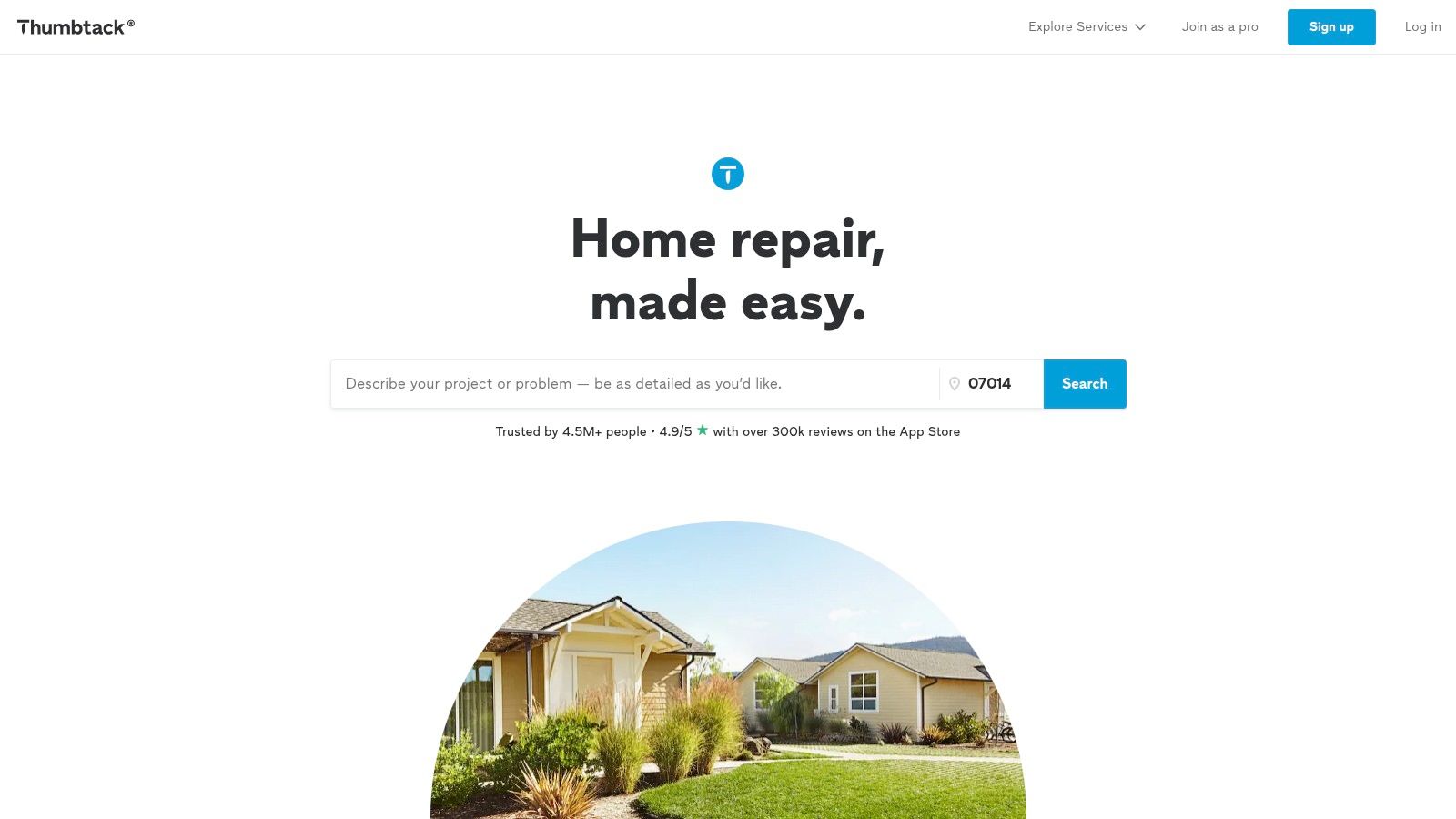
Thumbtack operates as a dynamic lead generation marketplace rather than a traditional contractor job board, focusing specifically on local service professionals. It connects independent contractors in trades like home remodeling, cleaning, electrical work, and landscaping directly with homeowners seeking their services. Instead of browsing job listings, contractors create a professional profile and receive inbound leads from customers in their area, making it ideal for those who provide consumer-facing services and want a steady stream of project opportunities.
The platform’s model is pay-per-lead: professionals pay for customer leads rather than a job board subscription. Thumbtack does not publish one price list: you set your own lead price for each service, and its help center explains when a lead is charged, so read that page before you start. This direct-to-consumer approach gives contractors significant control over their workload and client pipeline.
Key Features and How to Use Them
Success on Thumbtack depends on creating a compelling profile and managing leads effectively. The platform provides a suite of tools designed to help contractors win business and manage customer interactions from start to finish.
- Targeting Preferences: Set precise service areas, job types, and availability. This ensures you only receive leads that match your business focus and schedule, preventing you from paying for irrelevant customer requests. Be specific to improve lead quality.
- Budgeting and Spend Controls: Thumbtack allows you to set a weekly budget to control your lead costs, and you stop getting new leads once you reach it, until the budget resets on Monday. If the last lead costs more than what is left, you pay the full lead price, so you can go over the budget by up to 40% of it or $40 plus 2% of it, whichever is less (Thumbtack Help, checked 6 November 2026). Read the budget rules in Thumbtack’s help center before you pick a number, so the total does not surprise you.
- Instant Book and On-Demand Bookings: For certain services, Thumbtack has let customers book a pro directly for a set time slot. Where your account offers it, this reduces the back-and-forth of scheduling and can quickly fill gaps in your calendar, though it requires diligent calendar management.
- In-App Tools: Utilize the integrated messaging, scheduling, and payment processing features. Keeping all communication and transactions within the app builds a history of your work, which helps with reviews and dispute resolution. Promptly responding to messages is important for converting leads into jobs, and you can learn how to manage client expectations from the start here.
Pros and Cons
| Pros | Cons |
|---|---|
| Strong Consumer Demand: Direct access to a large pool of local clients. | High Competition: Several pros can compete for the same customer request. |
| Flexible Budgeting: Budget controls for your lead spend. | Lead Quality Varies: Costs can add up quickly with unresponsive customers. |
| All-in-One Platform: In-app messaging, scheduling, and payment tools. | Profile Dependent: Success heavily relies on having a high-quality profile and reviews. |
Thumbtack excels as a powerful tool for local service contractors looking to build their client base without traditional advertising. While the pay-per-lead model requires careful budget management to ensure a positive return on investment, its ability to deliver a consistent flow of inbound customer requests makes it a major platform in the home services industry.
Website: https://www.thumbtack.com/pro
7. Angi Leads (formerly HomeAdvisor)
For home service professionals, Angi Leads (formerly HomeAdvisor) operates less like traditional contractor job boards and more like a lead generation engine. Instead of contractors applying for posted jobs, the platform connects them directly with homeowners actively seeking services like plumbing, roofing, and remodeling. This model is ideal for skilled trades professionals who prefer to manage their own projects and client relationships rather than bidding on predefined contracts.
Angi is a pay-per-lead service. Contractors set a monthly budget for leads, but it’s important to note this is a soft cap: leads you accept from the Opportunities tab are billed in addition to your monthly budget (Angi Help Center, updated 14 August 2026, checked 13 November 2026). The platform’s strength lies in its massive consumer-facing brand recognition, which generates a high volume of project requests from homeowners across the United States.

Key Features and How to Use Them
Success on Angi Leads hinges on speed and effective lead management. Unlike a typical job board, you are paying for the opportunity to win the work.
- Lead Types: Angi offers several lead formats. Standard leads are matched to you automatically based on your services and location and count toward your monthly budget; other pros may get the same request. Appointment leads are pre-booked directly into your calendar where Angi offers them. Opportunity leads are opt-in: you review requests in the Opportunities tab and pay only for those you accept, or that become leads after you show interest, on top of your budget. Prioritize responding to appointment leads first.
- Budget and Service Area Management: Carefully define your service area (by ZIP code) and the specific tasks you perform. This prevents you from paying for irrelevant leads. Monitor your billing statements closely in your dashboard to track spending against your budget and lead quality.
- Instant Connect: Angi has offered a feature that connects a homeowner to a pro by phone when the homeowner asks for it. To maximize your chances, ensure you are available to take calls during business hours, as the first contractor to answer often wins the job.
- Profile Optimization: Your Angi profile is your digital storefront. Include high-quality photos of your past work, gather positive reviews from previous clients (both on and off the platform), and clearly state your licenses and insurance information to build trust with potential customers.
Pros and Cons
| Pros | Cons |
|---|---|
| High Volume of Homeowner Demand: Strong brand recognition generates a steady flow of leads. | Shared Leads: Several pros can get the same request, creating high competition. |
| Direct Customer Connection: Bypasses recruiters and connects you directly with clients. | Pay-Per-Lead Model: You pay for the contact, not the secured job. |
| Appointment Leads: Pre-scheduled bookings reduce administrative back-and-forth. | Soft Budget Caps: Monthly spend can exceed your set budget, because accepted Opportunities are billed on top. |
Angi Leads is a powerful tool for service-based contractors looking to fill their project pipeline. While the competitive, pay-per-lead nature requires a fast response time and a solid sales process, its direct access to motivated homeowners makes it a standout platform in the home services industry.
Website: https://pro.homeadvisor.com
Where can you find remote contract jobs?
Remote contract jobs are mostly in office fields such as software, design, marketing, recruiting and project management. The fastest way to find them is to search remote boards and company career pages with contract terms, then filter LinkedIn and Indeed by contract plus “remote”.
4,488 remote listings on Remote First Jobs mention “contract” (as of 13 November 2026), all on one remote contract jobs page. That is a keyword-match count, so it mixes true fixed-term roles with job titles that only contain the word, such as “contract manager”; our methodology explains how we count. On 13 November the first results included a copywriter role on a 12-month contract and a ground engineer role on a 6-month contract, next to contract manager and contract analyst titles. Read the description to confirm the length, the pay basis and whether it is W-2 or 1099.
Remote First Jobs collects listings straight from 21,000+ company career pages and the applicant tracking systems behind them, and filters out third-party agency posts. It lists about 23,000 active jobs (as of 13 November 2026), and its database holds 5M+ jobs sourced directly from company pages. Because jobs come straight from employers, roles often appear before they reach the big boards.
Tips that work on any board:
- Search for “contract”, “fixed-term”, “6-month”, “12-month”, “contract-to-hire”, “1099” and “C2C” as separate searches; each one catches listings the others miss.
- Project management is a common contract field, so check remote project management jobs if you run projects, programs or delivery.
- Make a list of 20 to 30 companies you would contract for, using the directory of remote-first companies, and check their careers pages every week.
- Check where the work can be done. Some remote contracts are limited to one country for tax and payroll reasons, even when they say “remote”.
- Check that the contract is real and still open. Some posts stay up for roles a company isn’t really filling, and our guide to ghost jobs covers why companies post them and how to check if a role is real.
Should you use a staffing agency to find contract roles?
Yes, if you work in a field where agencies place many contractors, such as IT, accounting, admin and engineering. An agency can put you forward for roles that are never posted on a public board, negotiate the rate, and handle payroll. The trade-off is that the agency keeps a margin between what the client pays and what you earn, and you have less say over which projects you get.
How it works in practice:
- You apply to the agency or a recruiter contacts you, and you talk through your skills, rate and availability.
- The recruiter submits you to client companies; the client interviews you and picks a contractor.
- On many agency contracts, the agency is your employer of record: it pays you through payroll while the client directs the day-to-day work.
- When the contract ends, the agency tries to place you on the next one, which can mean less time between projects.
Legitimate agencies are paid by the client company, not by you. Robert Half, for example, says it will never ask job candidates to “pay a fee to work with us or receive payment from us” (Robert Half fraud alert, checked 13 November 2026). If anyone asks you to pay to get a contract, treat it as a warning sign; our guide to legitimate work from home jobs covers the common scams.
What do W-2, 1099, corp-to-corp and contract-to-hire mean?
These terms tell you who pays you, who handles taxes and whether benefits come with the job. They are US terms; other countries use their own contract and freelancer rules. To decide contractor or employee status, the IRS asks: “Does the company control or have the right to control what the worker does and how the worker does his or her job?” (IRS, reviewed 19 May 2026).
| Contract type | How you’re paid | Taxes and benefits | Typical length |
|---|---|---|---|
| W-2 contract (through an agency or the company) | Hourly or salary through payroll | Taxes withheld from your pay; benefits depend on the agency or employer | Fixed term set in the contract, for example 3, 6 or 12 months |
| 1099 independent contractor | You invoice the client per hour, project or milestone | A business client that pays you $2,000 or more in a year (from 2026 payments) reports it on Form 1099-NEC, while card and platform payments are reported on Form 1099-K (IRS); you pay your own taxes, including self-employment tax; no employer benefits | One project or an open-ended agreement |
| Corp-to-corp (C2C) | The client or agency pays your company (an LLC or corporation) | Your company handles taxes, insurance and any benefits | Project or fixed term |
| Contract-to-hire | Contract pay first, often W-2 through an agency | Contract terms at first; employee benefits if you are hired | A trial period, then a possible permanent offer |
| Fixed-term employee | Payroll, like a permanent employee | Employee taxes; benefits per company policy | Set end date, often to cover a project or leave |
The self-employment tax rate is 15.3%: 12.4% for Social Security and 2.9% for Medicare (IRS, reviewed 30 October 2026). When you compare a 1099 rate with a W-2 rate, set aside money for this tax, health insurance and unpaid time off before you decide which pays more.
Which boards work for construction and trade contractors?
For on-site trade work, lead marketplaces and local channels work better than remote job boards. Field Nation suits IT and telecom technicians who take on-site work orders. Thumbtack and Angi suit home service trades, such as remodeling, plumbing, electrical work, roofing and cleaning, where homeowners request a service and you pay for the lead.
Beyond those three:
- Indeed with your trade and city (for example “electrician contract Houston”) lists local contract and temporary roles from builders and staffing firms.
- General contractors and builders in your area often hire subcontractors directly; call or visit their offices and ask how they add subs to their list.
- Trade unions and local trade associations often run job boards and referral lists for their members.
- Licensing comes first: many US states license contractors, so check your state’s licensing board before you bid on work, and keep your license and insurance details on every profile.
How do you land your first contract with no track record?
Your first contract is the hardest, because clients and agencies look for proof that you deliver. These moves help:
- Ask people who know your work. A former manager, colleague or client is the most likely first buyer; tell them you are available for contract work and what you do.
- Start small. Take a short, fixed-price project or an Upwork Project Catalog service to collect your first reviews, then raise your rate.
- Look for contract-to-hire roles. Employers expect to train these hires, so they are often open to people new to contracting.
- Show work samples. Put two or three short case studies in your portfolio: the problem, what you did and the result.
- Register with an agency. Recruiters look at your full work history, not only past contracts, so a permanent-job background counts.
- Protect yourself. Get the scope, rate, payment terms and end date in writing before you start.
Frequently asked questions
How do I find contract jobs online?
Filter Indeed by “Job type” and LinkedIn by “Employment type” for contract roles, save both searches as alerts, and add one source that fits your field: a remote board such as Remote First Jobs for office roles, Upwork for freelance projects, or Field Nation, Thumbtack and Angi for field and trade work. All three of Indeed, LinkedIn and Remote First Jobs are free for job seekers.
Are contract jobs worth it?
They can be. Contracts can pay a higher hourly rate than permanent roles and let you choose projects, but you may pay your own taxes and benefits and have gaps between contracts. Compare the full picture: rate, length, benefits, tax status and how quickly you can find the next one.
What does “contract” mean in a job posting?
It means the role has a set length or ends with a project, rather than being permanent. The posting should say whether you are paid as a W-2 employee (through the company or an agency), as a 1099 independent contractor, or corp-to-corp, and whether it can turn into a permanent job (contract-to-hire).
How do independent contractors find work?
Mostly through referrals, repeat clients, freelance marketplaces, staffing agencies and contractor job boards. Most successful contractors use two or three channels at once and keep in touch with past clients, because repeat work is the cheapest to win.
Do staffing agencies charge contractors a fee?
Legitimate staffing agencies do not charge job seekers; the client company pays the agency. Robert Half, for example, says it will never ask candidates to pay a fee to work with it. If an “agency” asks you for money, it is likely a scam.
Can contractors get benefits?
Some can. W-2 contractors may get benefits from the agency or company that employs them, depending on its policy. 1099 contractors usually get no employer benefits, but in the US they can buy health coverage through the Health Insurance Marketplace: HealthCare.gov says you can enroll “if you’re a freelancer, consultant, independent contractor, or other self-employed worker who doesn’t have any employees” (HealthCare.gov).
Choosing Your Platform and Securing Your Next Role
Pick one or two platforms that match your kind of work and put most of your effort there. The steps below show how.
Synthesizing Your Strategy: From Selection to Success
The central takeaway is that there is no single “best” contractor job board for everyone. Your ideal platform depends entirely on your professional niche.
- For On-Site Technical & Trade Professionals: Platforms like Field Nation are purpose-built for you. They connect skilled technicians with on-demand, location-specific jobs, managing everything from scheduling to payment in a streamlined ecosystem.
- For Local Service Providers: If your business relies on connecting with homeowners and local clients for services like home improvement, landscaping, or event planning, Thumbtack and Angi Leads are your go-to marketplaces for generating qualified leads.
- For Remote Knowledge Workers (Tech, Design, Marketing): While generalist sites like LinkedIn and Indeed cast a wide net, specialized platforms provide a higher signal-to-noise ratio. A remote job board like Remote First Jobs cuts the clutter: it collects remote listings straight from company career pages and filters out third-party agency posts, so you see roles that employers themselves have posted as remote.
Key Insight: Don’t spread yourself too thin. Master one or two platforms that are most relevant to your industry rather than maintaining a mediocre presence on five or six. A well-crafted, active profile on the right board will yield far better results.
Actionable Next Steps to Land Your Contract
Once you’ve selected your primary platforms, the real work begins. Moving from a passive browser to an in-demand contractor requires deliberate action.
- Optimize Your Profile as a Sales Page: Your profile is not just a resume; it’s your primary marketing tool. Use high-quality photos, write a compelling bio that highlights your value proposition, and pack your skills section with relevant keywords. Showcase your best work in a portfolio, complete with case studies that detail the problem, your solution, and the results you achieved.
- Craft Hyper-Personalized Proposals: Avoid a copy-and-paste approach at all costs. Read the project description carefully and address the client’s specific pain points in your proposal. Explain how your skills will solve their problem. Reference a detail from their posting to show you’ve paid attention.
- Establish Your Professional Foundation: As an independent contractor, you are a business owner. This means handling your own administrative and legal responsibilities. Beyond finding the right platform, understanding what liability insurance for contractors entails helps you protect yourself in any new engagement. This coverage safeguards your assets against claims of property damage or injury, providing peace of mind and demonstrating professionalism to potential clients.
Ready to find remote contract roles without the noise and competition of massive job sites? Remote First Jobs collects remote listings straight from the career pages of employers that hire remotely. Browse remote contract jobs today to find your next opportunity on a platform built for remote work.