Many job seekers look for remote jobs in job boards first and community second. That’s backwards.
If you only search public listings, you arrive late, compete with everyone else, and spend hours sorting through stale posts, agency spam, and roles that were never serious hires to begin with. Remote work communities solve a different problem. They give you context before you apply. You hear which companies are actually remote-friendly, which teams are tightening policies, which managers support distributed work, and where hidden openings are likely to appear next. That matters in a market where remote work has settled into a durable baseline rather than a short-lived spike.
The growth of these spaces tracks the broader shift in how people work. U.S. telework rates rose from 5.6% in 2019 to 17.9% in 2021 and reached 22.9% in Q1 2024, representing 35.5 million workers, according to remote work statistics compiled with BLS data. Communities expanded alongside that change because remote workers needed a replacement for hallway knowledge. They needed somewhere to compare notes, pressure-test companies, and swap leads before roles got blasted across LinkedIn.
That’s the primary use case here. Not “finding your tribe” in the abstract. Finding signal.
If your version of remote work includes travel, side trips, or testing a slower-living setup abroad, it’s also worth seeing how people combine location independence with practical housing arrangements like work remotely while pet sitting.
1. r/RemoteWork
What do you do before you trust a company’s “remote” label enough to spend time applying?
Begin with r/RemoteWork. It is one of the fastest places to sanity-check what employers, managers, and remote workers are dealing with. You will see threads on return-to-office pressure, monitoring software, timezone expectations, home office standards, and the gap between a remote job post and the job itself. That gap matters. A role can look flexible on a job board and still come with quiet restrictions once interviews start.
The value here is not networking. It is early signal. Search old threads before you apply, especially if you are targeting a company that talks a lot about flexibility in public. Reddit is messy, but repeated complaints about the same policy shift or manager behavior usually point to something real. Pair that research with verified remote-first job listings so you are not relying on subreddit chatter alone.
Best use
Use r/RemoteWork to pressure-test opportunities before they hit your calendar.
- Company filtering: Search the employer name with terms like “remote,” “hybrid,” “RTO,” and “work from home” to catch policy drift early.
- Function-specific reality checks: Read posts from people in your field, especially product, engineering, support, marketing, and operations.
- Work style diagnostics: Threads on async communication, meeting load, and home office expectations help you spot whether a team’s setup fits how you work.
The trade-off is quality control. Strong advice sits next to bad assumptions, recycled opinions, and people venting after a rough week. Direct relationship-building is also limited. But for raw market intelligence, few public communities give you a faster read on which remote roles are worth pursuing and which ones deserve a hard pass.
2. r/digitalnomad
If r/RemoteWork is where people troubleshoot distributed careers, r/digitalnomad is where people stress-test remote life in practical settings. You’ll find destination threads, SIM card workarounds, coworking reviews, tax confusion, and blunt reports on which cities are overrated for getting actual work done.
That makes it more useful than many stationary professionals assume. Even if you never plan to work from Lisbon, Chiang Mai, or Mexico City, this subreddit reveals how remote policies hold up across borders. It also exposes which employers fully support work-from-anywhere setups and which ones just tolerate occasional travel.
Where it shines
The best threads aren’t about lifestyle envy. They’re about constraints.
- Destination reality checks: Internet stability, apartment ergonomics, and timezone friction.
- Borderline policy questions: What happens when a “remote” employer says yes in theory but gets shaky in practice.
- Meetup spillover: Users often share city-level gatherings and informal coworking plans.
The trade-off is relevance. A lot of discussion is travel-heavy, and some threads drift toward backpacking content instead of career substance. But if you work in a distributed role or want one, that travel bias can still be valuable. You learn quickly whether a community is talking about sustainable work routines or just movement for its own sake.
Use this one when you need field reports, not inspiration.
3. Nomad List
Nomad List sits in a different category from Reddit. It’s part destination database, part member network, part coordination layer for people who want to meet in person. If you’re trying to figure out where to spend the next month, who’s already there, and whether the local setup supports focused work, it’s hard to beat.
Its biggest strength is that it connects location research with human presence. That sounds small until you’ve wasted time in generic travel groups where no one can tell you whether a place is good for actual workdays.
A broader trend supports why a platform like this keeps mattering. The Economic Innovation Group notes that remote work communities have become geographically concentrated in high-adoption areas, and projects 34.3 million U.S. remote workers in 2026, or 22% of the workforce, in its analysis of the uneven geography of remote work. In plain terms, remote workers cluster. Good communities help you find those clusters faster.
Who gets the most value
Nomad List works best for people who are already moving, or planning to.
- City comparison: Better for benchmarking destinations than general social platforms.
- Meetup coordination: Stronger than open forums when you want to go from online to in-person quickly.
- Member visibility: Useful if you want to find peers by city, not just by job title.
The main friction is the paywall and the feel of the product. Some people love the gated community aspect because it reduces noise. Others bounce off it because access details and moderation experience can feel uneven. If you’re stationary and mostly job-focused, it may be overkill. If place matters to your work, it’s one of the more practical remote work communities available.
4. Focusmate
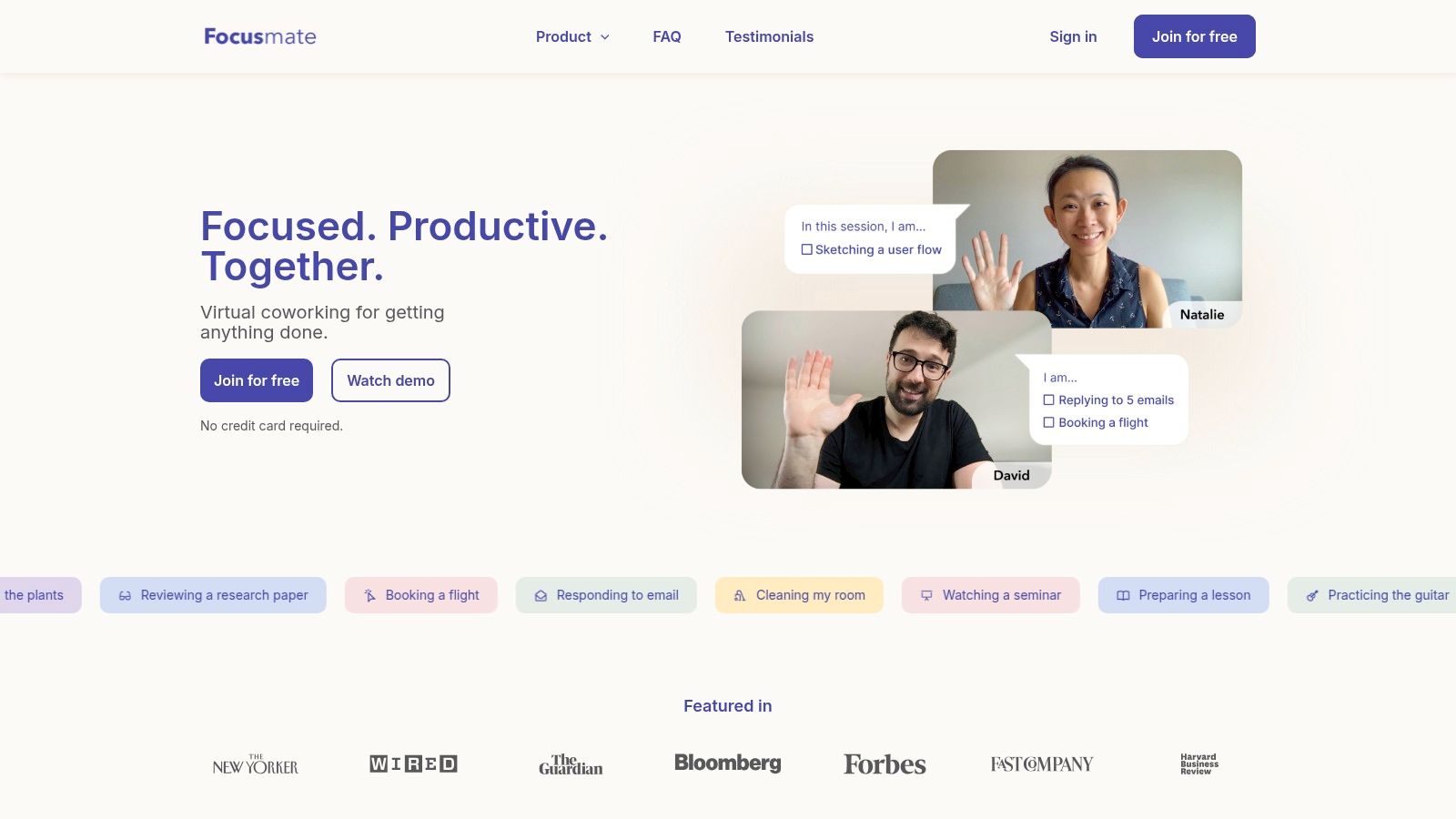
Focusmate isn’t a classic community forum. It’s a working community. That distinction matters.
Instead of asking you to network first and work second, Focusmate pairs you for live, time-boxed coworking sessions. You show up, say what you’re doing, work, and check out at the end. For a lot of remote professionals, that solves a more urgent problem than “community” ever does. It gets you unstuck.
Here’s the visual feel of the tool:
Why it works
Focusmate is best when isolation is hurting execution, not just morale.
- Immediate accountability: You can book a session instead of waiting to “feel motivated.”
- Low social overhead: No need to build rapport before getting value.
- Global cadence: Time zone coverage usually makes it easy to find someone.
If you struggle more with starting than with finishing, this kind of body-doubling setup is often more useful than another Slack group.
The limitation is built into the product. It’s intentionally thin on relationship depth. You won’t build much of a network unless you use it as a springboard into other communities. Matches can also feel transactional, which is fine for focus and less helpful for long-term professional connection.
I recommend Focusmate for people whose job search, portfolio work, or certification prep keeps slipping because they’re working alone. It’s one of the few remote work communities where “showing up” is the whole product.
5. FLOWN
FLOWN takes the accountability idea and makes it more communal. Where Focusmate is sparse and pair-based, FLOWN feels more like a guided deep-work club. You drop into facilitated sessions, recurring rooms, and member-led accountability formats that make routine easier to sustain.
That difference matters if you want structure but don’t want the one-to-one intensity of body doubling with a stranger. Some people work better in a room they can return to, with familiar rhythms and lower social friction.
Here’s what the environment looks like in practice:
Best fit
FLOWN works well for remote professionals who need consistent rituals.
- Facilitated sessions: Better for people who benefit from external structure.
- Drop-in rooms: Useful when your day is fragmented and you need a reset.
- Community layer: Stronger than pure coworking tools for repeat interaction.
The trade-off is that group focus isn’t for everyone. If you want quick, private accountability with minimal ceremony, Focusmate is usually cleaner. FLOWN makes more sense when you want rhythm, familiar faces, and a little more texture around the work itself.
I’d put it in the “prevent drift” category. It won’t hand you jobs, but it can help you maintain the consistency that job searching, remote leadership, and independent project work demand.
6. Outsite Membership
Outsite Membership is for people who want remote community tied to physical infrastructure. That means accommodation, work-ready setup, recurring events, and a member hub that keeps the network alive between stays.
This isn’t for everyone. If you’re a fully stationary worker with a solid home setup, you may not need a coliving layer at all. But if you travel regularly and want a predictable baseline, Outsite is practical in a way many “community” products aren’t.
Here’s the kind of membership experience it promotes:

What you’re really paying for
You’re not just paying for a room. You’re paying to skip setup friction.
- Work-readiness: Better odds of usable Wi-Fi, desk space, and routine.
- Member access: Directory, events, and hiring channels add ongoing value.
- Consistency across locations: Helpful if you don’t want to re-evaluate every stay from scratch.
The catch is cost. Premium coliving almost always loses on price compared with assembling your own stay. It wins on time, reliability, and social entry points. That’s the trade-off.
Outsite is strongest for professionals who travel enough to benefit from repeatable infrastructure, but not so chaotically that they want pure backpacker improvisation. If your remote work community needs to exist both online and in the building you’re sleeping in, this model makes sense.
7. WiFi Tribe
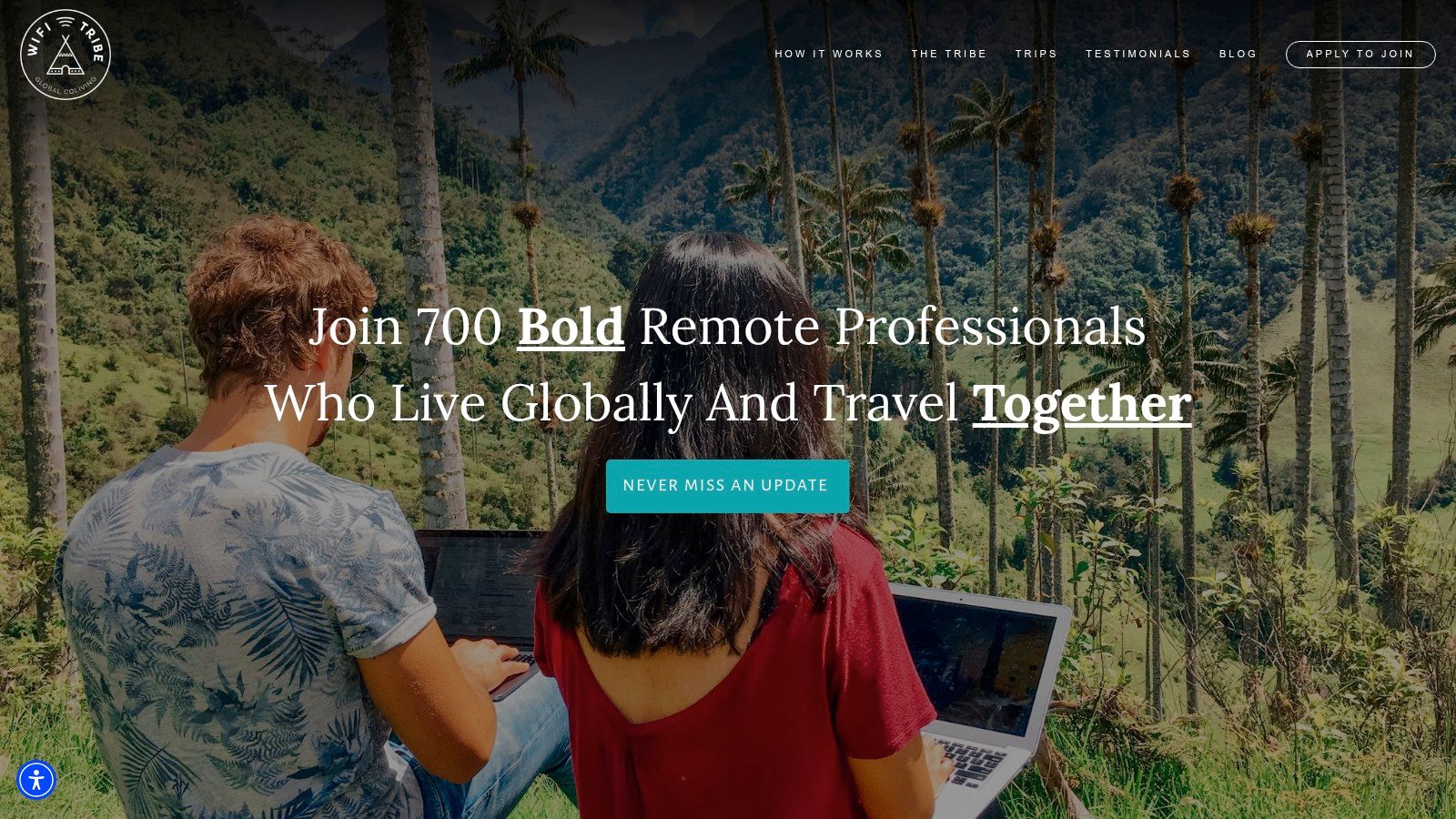
WiFi Tribe is one of the clearest examples of a cohort-based remote work community. You apply, get vetted, and join multi-week Chapters where people live and work together. That application gate changes the feel of the whole experience. Less randomness, more cultural consistency.
For mid-career professionals, that usually means fewer flaky interactions and more people who have stable remote jobs, established routines, and a reason for being there beyond novelty.
A look at the travel-community format helps:
Where it outperforms looser groups
WiFi Tribe is good at generating fast trust.
- Vetted membership: Better signal than open communities flooded with casual browsers.
- Shared living and working: Stronger bonds than comment-based networking.
- Ongoing Slack community: Keeps connections alive after the trip ends.
There’s also a broader reason these immersive communities keep attracting serious professionals. The remote workplace services market is projected to grow from $20.1 billion to $58.5 billion by 2027, with a 23.8% CAGR, according to remote workplace services market analysis. That growth reflects companies treating distributed work as infrastructure, not exception. Communities like WiFi Tribe benefit because more professionals now build their careers around remote-first norms.
This still isn’t a fit for budget-sensitive travelers or people who just want a Slack workspace. It’s a commitment. But if you want intense social and professional overlap in a short period, few formats beat it.
8. Hacker Paradise powered by Noma Collective
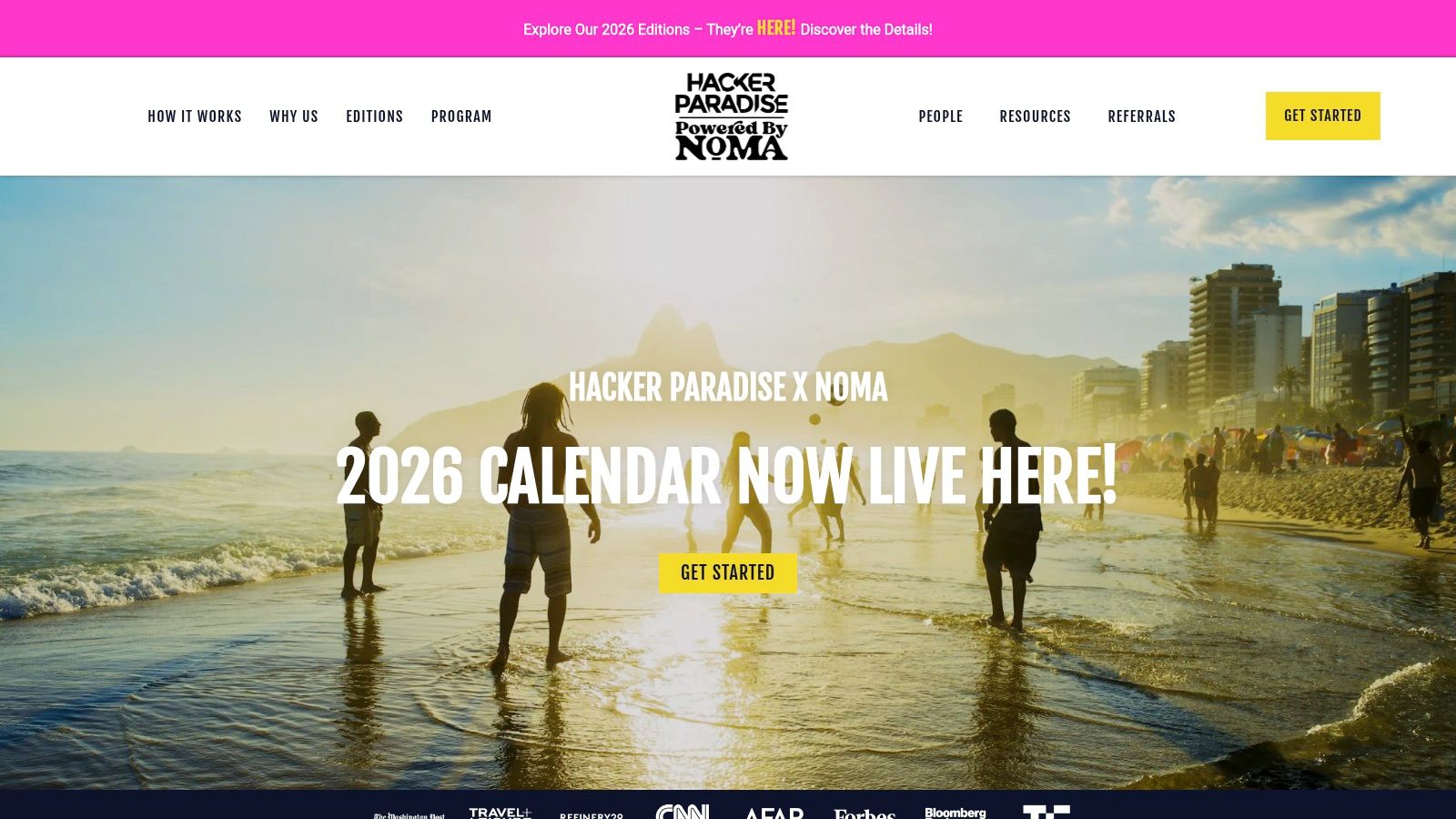
Hacker Paradise has been around long enough to understand that most adults don’t want chaos disguised as freedom. Its format blends travel logistics, coworking, events, local support, and alumni connection in a way that lowers the cognitive load of working abroad.
That’s why it appeals to people who like the idea of nomad life but don’t want to build the whole thing from scratch every time. Shorter trial-friendly formats also make it easier to test whether this style of remote community suits you.
Here’s the visual promise of the experience:
The real advantage
Hacker Paradise is less about hype and more about reducing friction.
- Onsite facilitation: Helpful if you want community without having to organize it.
- Professional development angle: Better than pure travel groups for career-minded members.
- Alumni network: The post-trip value is often stronger than people expect.
Good remote communities don’t just give you people to have dinner with. They give you people who remember your work, your role, and what kind of opportunity fits you.
The downside is the same as other premium travel communities. If you don’t need the bundled logistics, it can feel expensive. And if you’re stationary, it won’t solve your day-to-day networking problem. But for remote professionals who want a guided on-ramp into location-independent community, it’s one of the more credible options.
9. Blind
Blind is where people say the quiet part out loud. Anonymous, work-email-verified, and heavily oriented around companies, compensation, layoffs, interviews, and policy shifts, it functions more like a market backchannel than a warm community.
That’s exactly why it’s useful.
If you’re evaluating an employer’s remote posture, Blind often tells you more than a careers page ever will. Employees talk about who’s enforcing office attendance, which orgs are inconsistent across teams, and whether leadership’s “flexibility” language means anything in practice.
How to use it without getting dragged into the noise
Blind is best used selectively.
- Company reconnaissance: Search before interviews and before final rounds.
- Policy tracking: Watch for repeated signals on hybrid tightening or remote exceptions.
- Market mood: Useful for understanding how peers interpret hiring conditions.
Federal Reserve research found remote work utilization among remote-capable occupations reached about 45% in February 2024, up from 20% in February 2020, according to Federal Reserve analysis of remote work utilization. That gap between capability and actual usage is one reason Blind matters. Workers want remote arrangements, but company implementation is uneven. Blind exposes that unevenness faster than formal employer messaging.
The drawback is tone. It can be abrasive, cynical, and weirdly addictive. Don’t absorb the mood. Extract the information.
10. RemotelyOne
Need a room where remote work is discussed by the people shaping it, not just reacting to it? RemotelyOne earns its place for that reason.
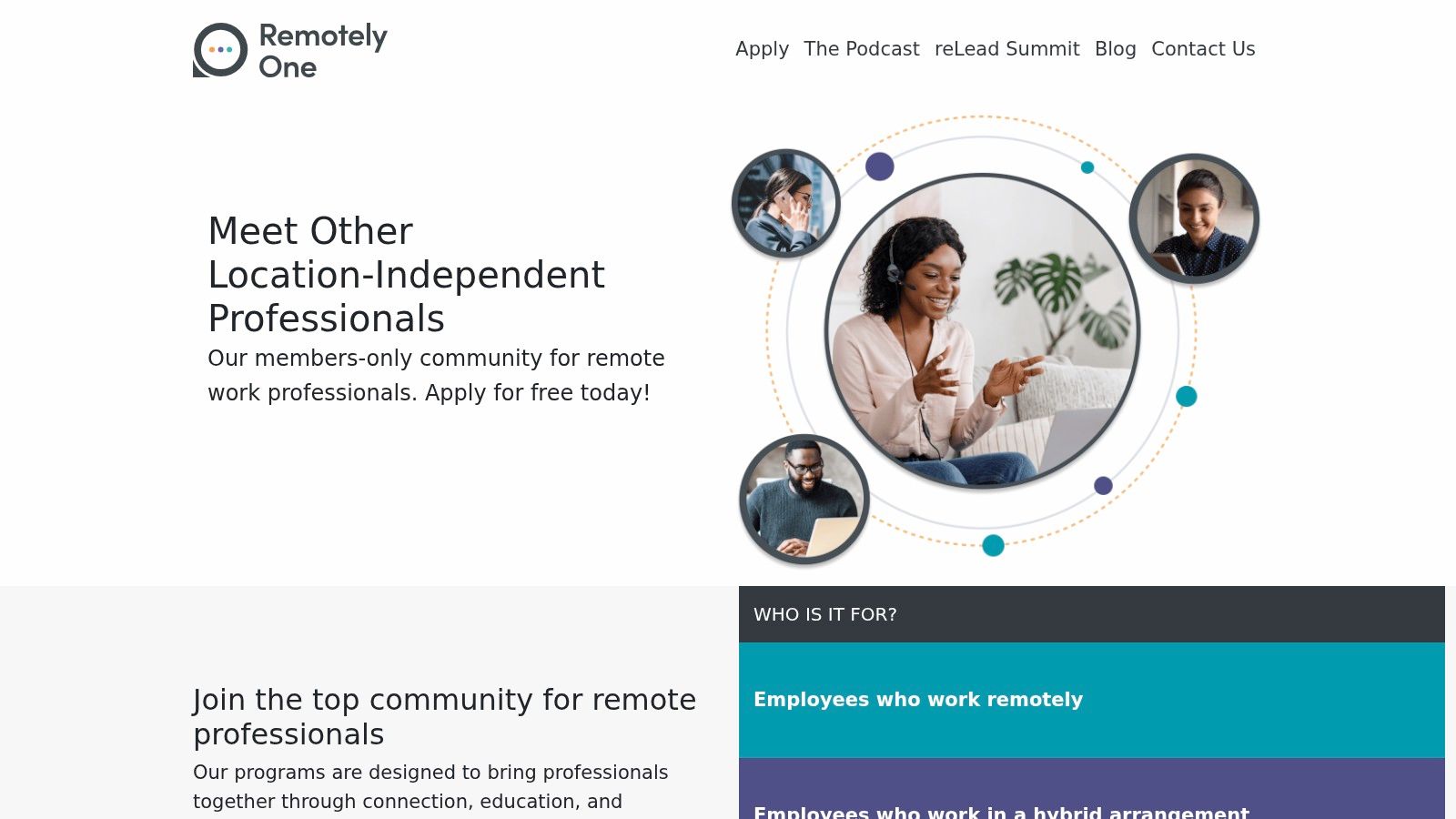
It serves a narrower crowd than Reddit, Blind, or broad nomad groups. The mix skews toward operators, people managers, founders, and culture leads who spend time on hiring, policy, collaboration, and team design. That changes the quality of the conversation. You get fewer generic posts and more practical discussion from people dealing with the trade-offs inside distributed companies.
Here’s the kind of brand and community positioning it presents:
Why this one is different
RemotelyOne is useful for a different reason than the large public forums. It can put you closer to decision-makers.
If your goal is finding better remote roles before they spread across major job boards, communities like this matter. Senior members hear about hiring plans, team changes, and referrals earlier. They also share how companies run remote teams, which is often more valuable than another polished post about culture.
A few practical strengths stand out:
- Higher-signal membership: Better fit for people who want discussion with practitioners, not open-thread churn.
- Proximity to hiring influence: Helpful if you want relationships with managers and operators who can refer, hire, or point you toward unlisted openings.
- Stronger offline ties: Events and meetups can turn a Slack name into a real professional contact faster than text chat alone.
The trade-off is reach. Niche communities rarely match the volume or searchability of Reddit-sized platforms, and Slack archives get messy over time. But volume is not the point here. RemotelyOne works best as a relationship channel. Show up consistently, join discussions where you have real experience, and use it to build trust early. That is how hidden opportunities surface.
Top 10 Remote Work Communities Comparison
| Core Offering (what it is) | Quality / Activity ★ | Price / Value 💰 | Best For 👥 | Standout ✨ / 🏆 |
|---|---|---|---|---|
| r/RemoteWork (Reddit), discussion hub for remote practices, tools, careers | ★★★★, very active, mixed quality | 💰 Free | 👥 Broad remote pros seeking peer advice | ✨ AMAs & long‑form experience sharing |
| r/digitalnomad (Reddit), destination Q&A, visa/tax/travel reports | ★★★★, huge, travel‑heavy | 💰 Free | 👥 Travelers & location‑moving remote workers | ✨ Real‑time city reports & meetups |
| Nomad List, paid data + member directory for city benchmarking | ★★★★★, data‑driven & engaged | 💰 Paid membership | 👥 Digital nomads benchmarking destinations | ✨ Best‑in‑class city metrics + private channels |
| Focusmate, 1:1 virtual coworking (25/50min body‑doubling) | ★★★★, reliable accountability | 💰 Freemium | 👥 Individuals needing time‑boxed focus | ✨ Instant matched sessions for productivity |
| FLOWN, facilitator‑led deep‑work rooms & community sessions | ★★★★, structured, community‑forward | 💰 Freemium / Paid upgrades | 👥 Professionals building routines & team focus | ✨ Facilitator‑led Power Hours & drop‑in rooms |
| Outsite Membership, coliving network + member hub, events & jobs | ★★★★, consistent work‑ready stays | 💰 Paid (published tiers) | 👥 Traveling remote workers wanting hubs | ✨ Member perks + guaranteed work amenities |
| WiFi Tribe, vetted cohort travel chapters (2–8 weeks) | ★★★★, high cohesion via vetting | 💰 Paid (chapter fees) | 👥 Mid‑career pros seeking immersive cohorts | ✨ Curated chapters + active Slack community |
| Hacker Paradise, programed travel + coworking with alumni network | ★★★★, established, transparent options | 💰 Paid (published tiers) | 👥 Remote workers wanting structured trips | ✨ Onsite facilitators & alumni follow‑ups |
| Blind (TeamBlind), anonymized, verified‑professional backchannel | ★★★★, candid, high signal (blunt tone) | 💰 Free | 👥 Tech professionals seeking market intel | ✨ Verified anonymous profiles & polls |
| RemotelyOne, members‑only Slack, content & reLead Summit | ★★★★, curated, leadership focus | 💰 Free application / curated membership | 👥 Remote/hybrid leaders & execs | ✨ Leadership content + in‑person reLead events |
Your Network Is Your Next Opportunity
What if the best remote opportunity never reaches a major job board?
That happens more than people think. Good remote roles often surface first in smaller circles. A hiring manager asks for referrals in Slack. Someone in Blind mentions a team expanding. A member in an operator community shares that a company is tightening its interview loop and plans to hire fast. By the time the same role appears on a broad aggregator, the easy window is usually gone.
The common mistake is treating remote work communities like content feeds. Join, scroll, react, leave. That behavior gives you information, but not much access. Communities produce better results when you show up with a clear purpose and a reputation for being useful.
Useful means specific. Ask questions that show context. Answer within your actual experience. Share credible details about interview processes, remote policies, team structure, and how a company handles async work. If you have firsthand information, post it where it fits. People remember contributors who save them time or help them avoid bad bets.
Different communities do different jobs. Reddit helps with pattern recognition and broad market chatter. Blind is stronger for candid employer intelligence and compensation context. Focusmate and FLOWN help you maintain output, which matters if your search is dragging and your routine is slipping. Nomad List, Outsite, WiFi Tribe, and Hacker Paradise are better for relationship-building when place and in-person overlap matter. RemotelyOne is a better room for serious remote operators and leaders who want substance over volume.
Use fewer communities. Use each one with intent.
That matters because access to remote work is not evenly distributed. The Census Bureau points to clear gaps in who gets work-from-home opportunities in its discussion of work-from-home inequalities. A strong community can narrow that gap by passing along real information, warm introductions, and credible referrals. Passive engagement rarely changes outcomes.
For a job search, the workflow is straightforward:
- Watch for early signals: Look for mentions of hiring teams, policy changes, reorganizations, and manager behavior.
- Verify at the source: Check the employer’s own careers page instead of trusting screenshots, reposts, or stale listings.
- Apply before the crowd: Act while the role is still circulating in smaller channels.
- Follow up with context: Refer to the company’s actual remote model, operating style, or hiring priorities.
This is the primary advantage of remote work communities. They are not just places to socialize with other remote workers. They are information networks. Used well, they help you find hidden openings, test what you are hearing against firsthand reports, and build professional relationships before you need a favor.
Remote First Jobs supports the execution side of that process by sourcing roles directly from the career pages of over 21,000 remote-first companies, with 44,000+ active verified jobs and 200,000+ new opportunities detected monthly. If you want fewer ghost jobs, fewer recycled listings, and a better shot at applying early, it gives you a cleaner path to direct-hire remote roles.