You’re probably doing what most new designers do. You search “entry level graphic design jobs remote,” open LinkedIn or Indeed, hit Easy Apply, and send out application after application until every listing starts to blur together.
Then the same pattern repeats. A role says “entry level,” but the description asks for years of experience. Another posting has hundreds of applicants before lunch. A third never replies at all, and you’re left wondering whether the company was hiring in the first place.
That frustration is real, but it doesn’t mean remote design work is out of reach. As of 2026, entry-level remote graphic design jobs offer starting salaries averaging around $43,500 annually for full-time roles, and job boards still show active demand, including 24 to 44 remote entry-level openings on Indeed and 16 on Remote Rocketship, according to WayUp’s remote graphic design job overview. The opportunity exists. The problem is that most beginners search in the noisiest places and apply too late.
What works is quieter, more targeted, and a lot less glamorous than “spray and pray.” You need a portfolio that proves you can solve visual problems, a search process that gets you to legitimate postings early, and application materials that make it easy for a remote hiring manager to trust you.
Why Most Entry-Level Remote Job Searches Fail
You find a posting twenty minutes after it goes live. The title says “Junior Graphic Designer, Remote.” By the time you finish tailoring your resume, the listing shows hundreds of applicants, the company page is thin, and the same role appears on two other boards with slightly different wording.
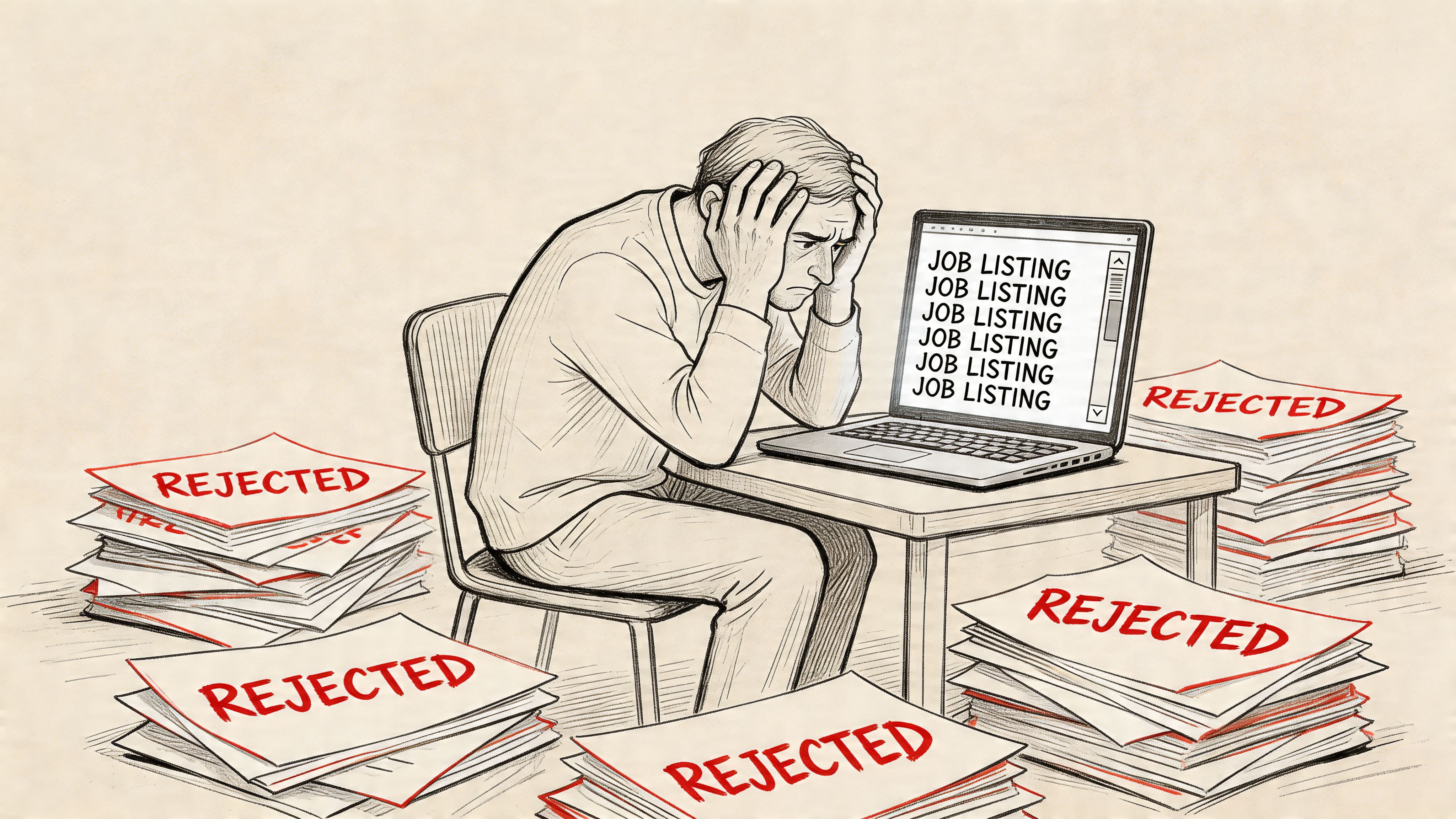
That is where many entry-level searches break down. New designers follow the most obvious path, which usually means crowded platforms, recycled listings, and companies that are slow to close old posts. The result is a lot of effort spent on roles that were never a clean opportunity to begin with.
Big job boards are useful for market awareness. They are weak as a primary sourcing method. I tell junior designers to treat them as signal, not as the whole system, because visibility attracts pile-ons, and pile-ons hide the jobs that are still fresh, verified, and worth your time.
The core issues are timing and noise
For entry level graphic design jobs remote, timing matters more than many beginners expect. A solid opening with a recognizable brand, decent pay, and true remote flexibility can get flooded long before the hiring team reviews the first batch carefully. By the time you apply, you are often competing in a queue shaped by algorithms, reposts, and applicants who clicked first, not by fit.
Noise makes that worse. One company may syndicate the same job across multiple boards. Another may leave a role open after interviews have already started. Some posts are vague enough that you cannot tell whether the team needs a production designer, a brand generalist, or someone who can also handle motion, social, and light marketing ops.
That confusion pushes beginners toward the wrong conclusion. Silence from employers can reflect a messy search process, stale listings, or weak screening systems. It does not automatically mean your work is below the bar.
“Entry level” is often a labeling problem
“Entry level” sounds clear, but hiring teams use it loosely. Sometimes it means a true junior role with mentorship and scoped assignments. Sometimes it means the company wants someone inexpensive who can still work fast, present concepts well, and operate with minimal direction across time zones.
Those are very different jobs.
This is why title-first searching wastes so much energy. A better filter is to look for evidence in the posting itself. Clear deliverables, named collaborators, software expectations that make sense, and a hiring process tied to an actual team usually signal a real opening. Thin descriptions and inflated wish lists usually signal the opposite.
A clean portfolio site also helps you survive that ambiguity because remote employers make quick trust decisions. If yours still needs work, this guide on how to create a portfolio website covers the basics hiring managers expect to see fast.
What tends to block beginners
A few patterns show up again and again:
- Starting with aggregators instead of direct sources. Aggregators are crowded by design. Company career pages, design-focused communities, and smaller remote boards often surface better opportunities earlier.
- Trusting the title more than the job description. “Junior” can still mean ownership of campaigns, cross-functional communication, and independent execution.
- Ignoring remote-readiness signals. Teams that work well remotely usually mention communication rhythms, documentation, collaboration tools, and async expectations.
- Spending equal time on weak and strong leads. A verified role from a real company deserves attention. A vague repost with no hiring context does not.
The practical fix is to source more directly and screen harder. Check company career pages, look for recent team growth, confirm the role exists in one canonical place, and favor postings that read like a manager wrote them. That approach cuts application volume, but it raises the quality of every application you send.
That trade-off matters. Fifty applications to stale listings can produce less than five targeted applications to real openings that have not gone viral yet.
Build a Portfolio That Gets Noticed by Remote Companies
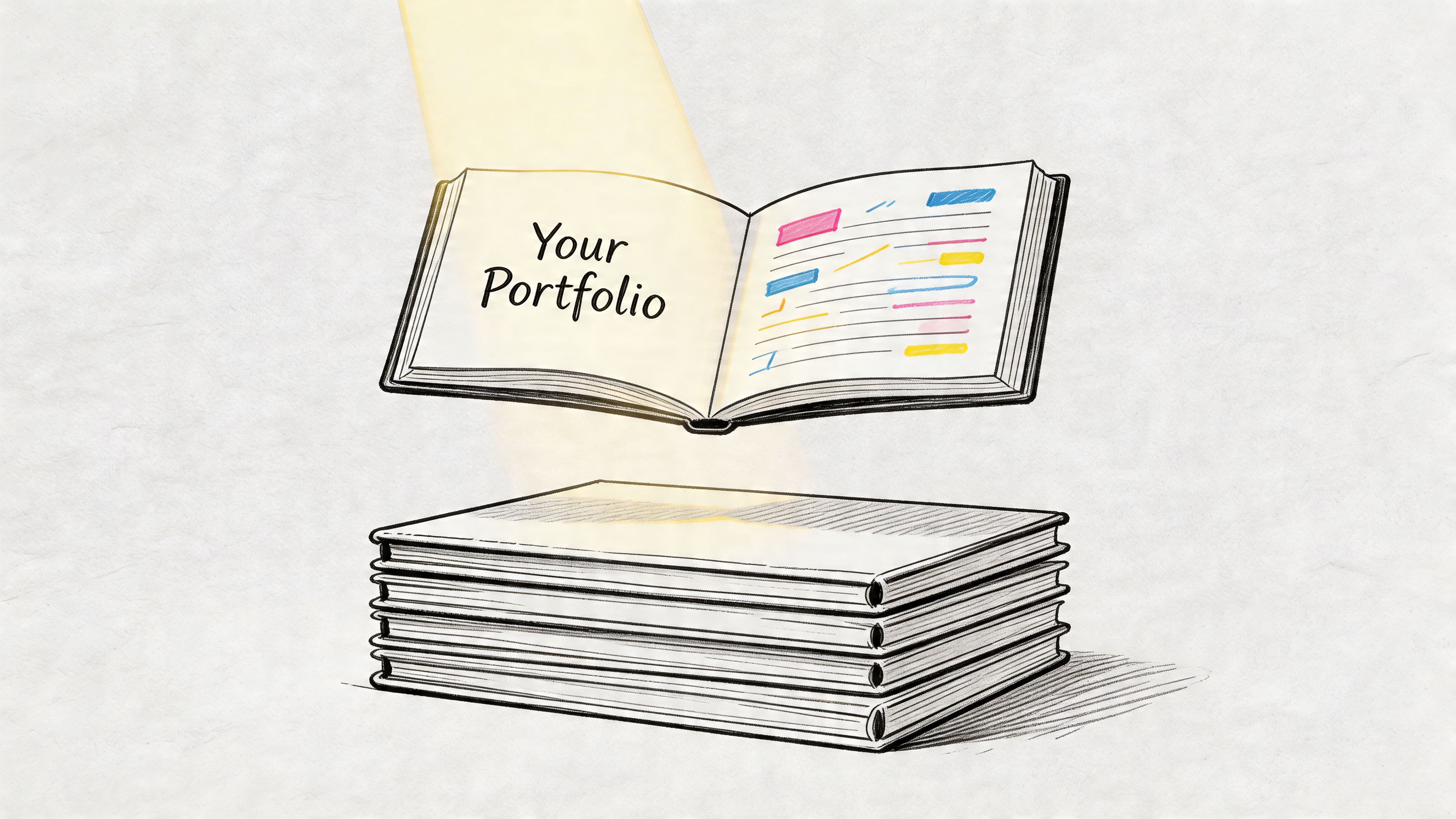
A remote design portfolio has one job. It needs to make a stranger believe you can do useful work without hand-holding.
That’s why beginners get stuck. Employers want proof, but new designers don’t have client history yet. The good news is that companies still hire from non-traditional backgrounds when the work is clear and the thinking is visible. As noted in this video discussion on getting hired without prior design experience, employers consistently ask for portfolios, but they’re increasingly willing to consider self-directed work, bootcamp projects, and volunteer pieces when professional client work doesn’t exist.
Show work that feels close to the job
The fastest way to weaken your portfolio is to make it look like a class archive. Hiring managers don’t need every exercise you’ve ever finished. They need a small set of projects that resemble real business problems.
Use project types that map to common remote design work:
- Brand identity work. Create a logo system, color palette, typography guide, and sample usage for a fictional startup or local service business.
- Marketing assets. Build a mini campaign with Instagram posts, email banners, paid ad variations, and a landing page hero.
- Web or product visuals. Design a simple homepage refresh, onboarding screen set, or UI concept in Figma.
- Editorial layout. Use Adobe InDesign for a short digital brochure, report, or event program.
- Volunteer or community work. Redesign a flyer set, fundraiser page, or social graphics for a nonprofit, school club, or neighborhood event.
Remote employers care less about whether the project was paid and more about whether it looks usable. The work should feel like it belongs in an actual workflow.
Don’t build a Canva-only portfolio
Canva is useful. It helps you move quickly and test ideas. But a Canva-only portfolio can make your range look narrow if the roles you want involve production files, layout discipline, or brand systems.
If you want serious consideration for entry level graphic design jobs remote, your portfolio should show comfort with tools teams already use. Adobe Photoshop, Illustrator, InDesign, and Figma are the safer foundation. Canva can appear in the mix, but it shouldn’t be the whole story.
Practical rule: If every portfolio piece looks like a social media template, employers will assume that’s the limit of your craft.
Write short case studies, not just captions
A gallery of polished thumbnails isn’t enough. Remote teams need designers who can explain decisions asynchronously. Your portfolio should prove that you can think, not just decorate.
For each project, include a few plain-language notes:
The problem
What was the project trying to solve? Low engagement, confusing layout, weak branding, inconsistent visuals.The audience
Who was it for? Parents, students, small business owners, app users, event attendees.Your approach
Mention hierarchy, readability, accessibility, responsiveness, image choice, layout system, or brand consistency.The deliverables
Be specific. Social posts, banner ads, homepage comps, pitch deck slides, print-ready brochure pages.What you’d improve next
This matters more than many juniors realize. Honest reflection makes you sound trainable.
Make the portfolio site easy to review
Your portfolio shouldn’t feel like a puzzle. Remote hiring managers often skim fast, especially on the first pass. They need a clean homepage, obvious project links, and a quick way to understand your role and tools.
If you haven’t built your site yet, this practical guide on how to create a portfolio website is a useful starting point because it focuses on structure and clarity rather than flashy trends.
A strong junior portfolio site usually includes:
- A simple homepage headline that says what you do
- A short about section that sounds human, not overbranded
- Selected projects only, not everything you’ve made
- Clear tool references such as Figma, Photoshop, Illustrator, and InDesign
- A direct contact option, ideally email plus LinkedIn
After you’ve got the basics in place, study how working designers talk through their projects. This walkthrough is worth watching because it helps you think beyond visuals and into presentation.
Match your resume to the portfolio
Your resume and portfolio should reinforce each other. If your portfolio shows email design, branded social campaigns, and basic web comps, your resume should echo that language.
Use concrete terms that reflect your actual work:
- Designed branded social assets in Figma and Photoshop
- Created multi-page layouts in Adobe InDesign
- Developed visual systems for campaign consistency
- Produced responsive web mockups for marketing pages
- Collaborated through asynchronous feedback and file sharing
That alignment matters because hiring teams often compare your resume language to your portfolio before they decide whether to interview you. If one says “creative visionary” and the other shows three random posters, trust drops fast.
Find Low-Competition Jobs Before They Go Viral
The best remote job search tactic isn’t better motivation. It’s better routing.
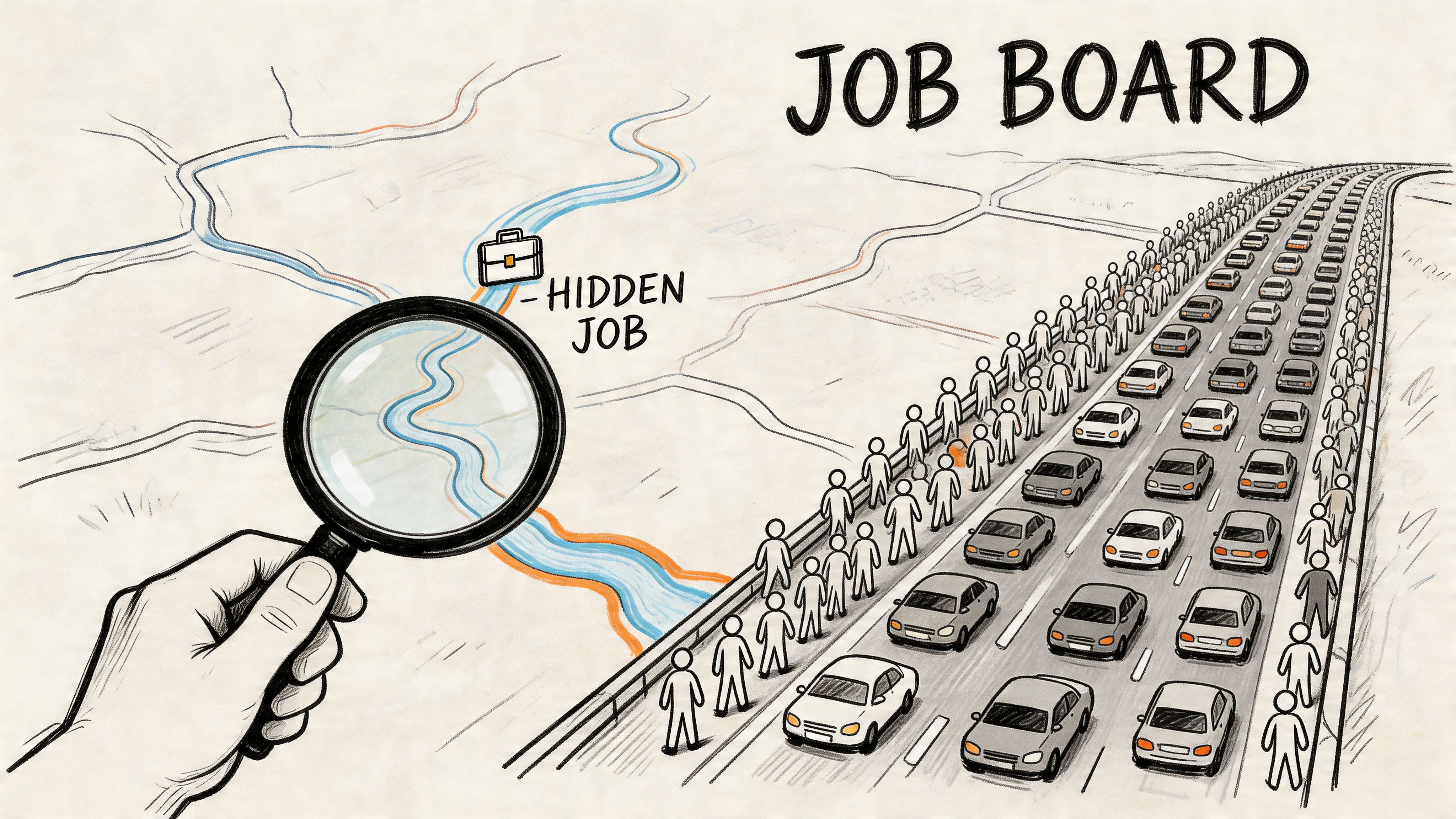
Most beginners spend their energy where attention is already concentrated. That means major boards, overshared listings, and posts that spread fast through social feeds. If you want a real edge, you need to look where fewer people are looking and get there earlier.
Stop treating job boards like the source of truth
Aggregators are useful for market awareness. They’re not always useful for timing. By the time a strong remote role spreads across big boards, newsletters, and social posts, the applicant pile is already larger than it looks.
The cleaner route is direct sourcing. That means finding jobs through company career pages, applicant tracking systems, and curated engines that pull directly from those sources instead of recirculating scraped listings. For a broader pool of direct-to-company openings, Remote First Jobs is built around that model.
Remote hiring rewards speed and precision. You don’t need every posting. You need the right posting while it’s still fresh.
Filter out fake entry-level labels
One of the biggest time-wasters in this market is the mislabeled “entry-level” role. A detailed review of remote listings found a consistent problem: many jobs advertised as entry-level still ask for 2 to 4 years of experience, and standard boards don’t clearly separate true beginner roles from junior roles, according to Indeed’s entry-level remote graphic design search results.
That means you need to read for substance, not labels.
Check these parts of the posting before you invest time:
Experience line
If it asks for multiple years in brand, agency, retail, packaging, or a niche industry, it probably isn’t entry-level.Software stack
A beginner-friendly role may ask for Adobe tools and Figma. A less suitable one often piles on advanced motion, front-end implementation, deep production knowledge, and cross-functional ownership all at once.Scope of responsibility
If the role expects strategy, art direction, client management, and independent campaign ownership from day one, it’s likely a disguised mid-level job.
If a posting calls itself “entry level” but reads like a replacement for a departing senior designer, move on.
Search like a hunter, not a browser
Passive browsing keeps you in reaction mode. A better system is to create repeatable searches that surface fresh roles from company sites.
Use search operators that narrow the field:
- site:company.com careers graphic designer remote
- site:greenhouse.io designer remote
- site:lever.co “graphic designer” remote
- “junior graphic designer” remote “apply”
- “production designer” remote brand
- “marketing designer” remote careers
This method isn’t glamorous, but it works because it gets you closer to the original listing. It also helps you spot openings that haven’t yet been copied all over the internet.
Know which titles are easier to enter
Many beginners search only for “graphic designer.” That title is broad and often attracts the most competition. You’ll usually get better traction by searching adjacent titles that still build the same core career path.
Try these:
- Production Designer
- Marketing Designer
- Social Media Designer
- Design Assistant
- Junior Visual Designer
- Presentation Designer
Those titles often involve real execution work, tighter scopes, and clearer deliverables. For a first remote role, that’s a good thing. You want a team that can tell you what success looks like.
Build a weekly search rhythm
A chaotic search creates chaotic decisions. Keep a simple routine:
- Check direct company listings in the morning.
- Save roles that match your actual level.
- Apply to the freshest, best-fit openings first.
- Skip anything with vague responsibilities, inconsistent level labels, or weak company information.
- Track where you applied, when you applied, and whether the listing came from a direct company source.
The people who land good junior remote roles usually aren’t the ones applying the most wildly. They’re the ones who remove noise, find cleaner opportunities, and act before the crowd catches up.
Crafting Applications That Earn a Reply
You find a clean remote opening on a company site before it spreads across LinkedIn, send your application that night, and still hear nothing. That usually comes down to one problem. The application made the reviewer work too hard.
Remote hiring teams skim fast. Junior candidates who get replies make relevance obvious in the first few seconds. They do not send the same resume, same project order, and same canned note to every company and hope the volume pays off.
A specific application beats a generic one almost every time.
Analysts at Virtual Vocations’ remote graphic design hiring analysis found that direct-sourced applications sent within 48 hours perform better than applications sent through aggregators, and that many resumes are screened by applicant tracking systems before a person reads them. That means your materials need to do two jobs at once. Pass the scan, then make sense to a hiring manager who is reviewing applications between meetings.
A generic resume asks the hiring team to connect the dots. A customized resume does that work for them.
If a posting asks for Figma, production speed, brand consistency, and comfort with async feedback, reflect that language where it is true. Use the exact terms the team uses for the work. Junior applicants often bury their fit under vague phrases like “passionate designer” or “creative problem solver.” Those lines say nothing, and they all blur together.
What to customize every time
Change these three parts for any role you want:
Resume headline and top bullets
Put the closest match first. For a marketing design role, lead with campaign graphics, paid social assets, email visuals, or brand systems. For a product-adjacent role, bring interface work, layout decisions, component use, and Figma files to the top.Short note
Keep it brief. Mention the role, the kind of work you have done that matches it, and one reason you make sense for a remote team. Three to five sentences is enough.Portfolio sequence
Your first project sets the frame for everything after it. If the company builds software, lead with digital product or web work. If they are hiring for high-volume marketing output, show range, speed, and consistency before experimental pieces.
Many entry-level applicants lose ground. Their portfolio may be good enough, but the order is wrong, the resume is broad, and the note sounds copied.
Show that you reduce risk
Remote teams are not only hiring for visual taste. They are hiring for reliability they can see from a screen.
Make your working habits easy to spot:
- Comfortable receiving and applying asynchronous feedback
- Clear file naming and organized exports
- Able to hit deadlines without constant reminders
- Familiar with Slack, Zoom, Figma comments, and task trackers
- Able to explain design choices in writing, not only on a call
I pay attention to this immediately when reviewing junior applicants. A candidate who shows solid process and clear communication often beats a slightly stronger visual portfolio that feels chaotic.
Sample outreach templates for remote job applications
| Scenario | Template |
|---|---|
| Before applying | Hi [Name], I’m applying for the [Role Title] position and wanted to introduce myself briefly. My portfolio includes brand and digital design work in Figma, Photoshop, and InDesign, with projects similar to the kind of remote marketing and web work your team handles. I’ve attached my application and included a direct portfolio link for quick review. |
| After applying | Hi [Name], I submitted my application for the [Role Title] role and wanted to send a short follow-up. I’m especially interested in the position because it combines [relevant area] and [relevant area], which matches the work I’ve been building in my portfolio. If helpful, I can point you to the two projects that best match the team’s needs. |
| One polite check-in | Hi [Name], I’m checking in on my application for the [Role Title] position. I know hiring timelines vary, so I’ll keep this brief. I remain interested in the role, and my background in [tool or project type] would transfer well to a distributed design team. |
Keep the tone normal
Good applications sound like a future teammate wrote them. Clear, direct, and easy to review.
Skip the flattery. Skip the buzzwords. Skip long autobiographies about why you have loved design since childhood. A hiring manager for an entry-level remote role usually wants three answers fast. Can this person do the work, communicate clearly, and fit into a distributed team without creating friction?
Write to answer those questions, and you give yourself a real chance of getting a reply.
Preparing for a Distributed Team Interview
Remote interviews test two things at once. They test your design ability, and they test whether you can function calmly in a distributed team.
That second part matters more than many beginners expect. A review of remote entry-level hiring found that 35% of remote entry-level hires fail probation because of missed deadlines, highlighting why employers pay close attention to time management and self-direction during interviews, as noted in Indeed’s remote graphic designer listings and hiring guidance.
Get the technical setup under control
A bad camera angle won’t ruin your interview by itself. A chaotic setup can.
Before the call:
- Test your audio so you’re not troubleshooting in front of the interviewer.
- Check lighting and sit facing a window or lamp instead of putting the light behind you.
- Close extra tabs and apps so your laptop doesn’t lag during screen share.
- Rename files and tidy your desktop if there’s any chance you’ll present work.
- Keep water, charger, and portfolio tabs ready so you don’t fumble mid-conversation.
These steps sound basic because they are. That’s why hiring teams notice when candidates skip them.
Expect remote-specific questions
A distributed team isn’t only hiring for visual taste. They want to know whether you can communicate when nobody is sitting beside you.
Be ready for questions like:
- How do you manage deadlines when priorities shift?
- How do you handle feedback that comes through comments instead of live conversation?
- What do you do when a brief is incomplete?
- How do you organize your files for handoff?
- How do you stay focused working from home?
Your answers should be practical. Talk about calendars, task lists, checkpoints, Figma comments, written summaries, and asking clarifying questions early.
Remote teams trust designers who reduce confusion.
Present your work like a collaborator
When they ask about your portfolio, don’t just narrate the visual choices. Explain your thinking the way you would in a team review.
A strong answer usually covers:
- the brief or problem
- who the work was for
- constraints you had
- how you made design decisions
- how you’d refine it after feedback
That style signals maturity. It also makes you easier to picture inside a real workflow.
Ask questions that reveal the team’s habits
A remote interview is also your chance to see whether the company works well remotely. Some companies say “remote” but still operate like a disorganized office on Zoom.
Ask questions such as:
- How does the team usually give design feedback?
- What does a normal week look like for a junior designer?
- How are priorities documented?
- What tools does the team use for communication and project tracking?
- How do managers support new hires during onboarding?
Good employers answer clearly. Weak employers get vague fast.
End with professionalism, not desperation
Close by thanking them, reinforcing fit, and mentioning one relevant strength. Then stop. Don’t oversell. Don’t keep talking because you’re nervous.
A good remote interview leaves the impression that you’ll be steady, responsive, and easy to work with when nobody is physically in the room.
Identifying Scams and Red Flags in Remote Job Postings
Remote work attracts legitimate employers and low-effort scammers at the same time. Entry-level candidates get targeted more often because they’re eager, moving fast, and sometimes unsure what normal hiring looks like.
The safest approach is to treat every posting as something to verify before you fully engage.
Red flags worth taking seriously
Vague job descriptions
If the listing barely explains the work, tools, team, or reporting structure, that’s a bad sign. Real companies usually know what they need help with.Interviews only through text chat
If the “interview” happens only on Telegram, Signal, or another chat app with no proper video conversation, step back.Requests for money
A legitimate employer won’t ask you to pay for training, software, certification, or equipment up front.Unprofessional email domains
If the recruiter contacts you from a random address that doesn’t match the company domain, verify before replying with personal details.Pressure tactics
Scammers rush. They want you to act before you think, verify, or compare notes.No visible company footprint
If you can’t find a real website, real team, real product, or real career page, don’t assume the posting is genuine.
What a legitimate posting usually looks like
A credible remote design opening tends to have:
- a clear company identity
- a role description that matches the title
- specific tools or deliverables
- a normal application flow through a company site or known applicant system
- a professional interview process with real people
Protect your time as much as your data
A scam doesn’t have to steal money to cost you something. It can also waste a week of your search, drain your energy, or distract you from better roles.
If anything feels off, slow down. Real employers can handle a candidate who verifies details before moving forward.
Your Questions on Remote Graphic Design Careers Answered
Do I need a design degree to get hired remotely
No. A degree can help, but a clear portfolio matters more in most junior hiring decisions. If your work shows solid typography, layout, brand thinking, and tool fluency, you can compete without a formal design degree.
What software should I know first
Start with Adobe Photoshop, Illustrator, InDesign, and Figma. Those tools cover a lot of junior design work across marketing, brand, and digital teams. Canva is useful, but it shouldn’t be the only platform you can speak to.
Can freelance or part-time work help me get a full-time remote role
Yes. Small freelance projects, volunteer design, and part-time creative work can all strengthen your portfolio if you present them well. What matters is whether the project demonstrates judgment, execution, and a professional process.
What should my first remote design job actually look like
It should look narrower than you think. A good first role often focuses on production, marketing assets, brand support, or design system execution instead of broad creative ownership. That’s normal and often better for learning.
Is it worth building a personal brand while job searching
Yes, if you keep it practical. Sharing selected work, writing short process notes, or posting thoughtful project breakdowns can help people understand how you think. If you want a broader perspective on turning your creative skills into visible online work, these Zanfia insights for creators are useful because they frame creative growth as a mix of craft, consistency, and audience awareness.
If you’re tired of crowded job boards, stale listings, and “remote” roles that never lead anywhere, Remote First Jobs is worth checking. It pulls verified openings directly from remote-first company career pages, which gives you a cleaner shot at legitimate roles before they get buried under mass applications.