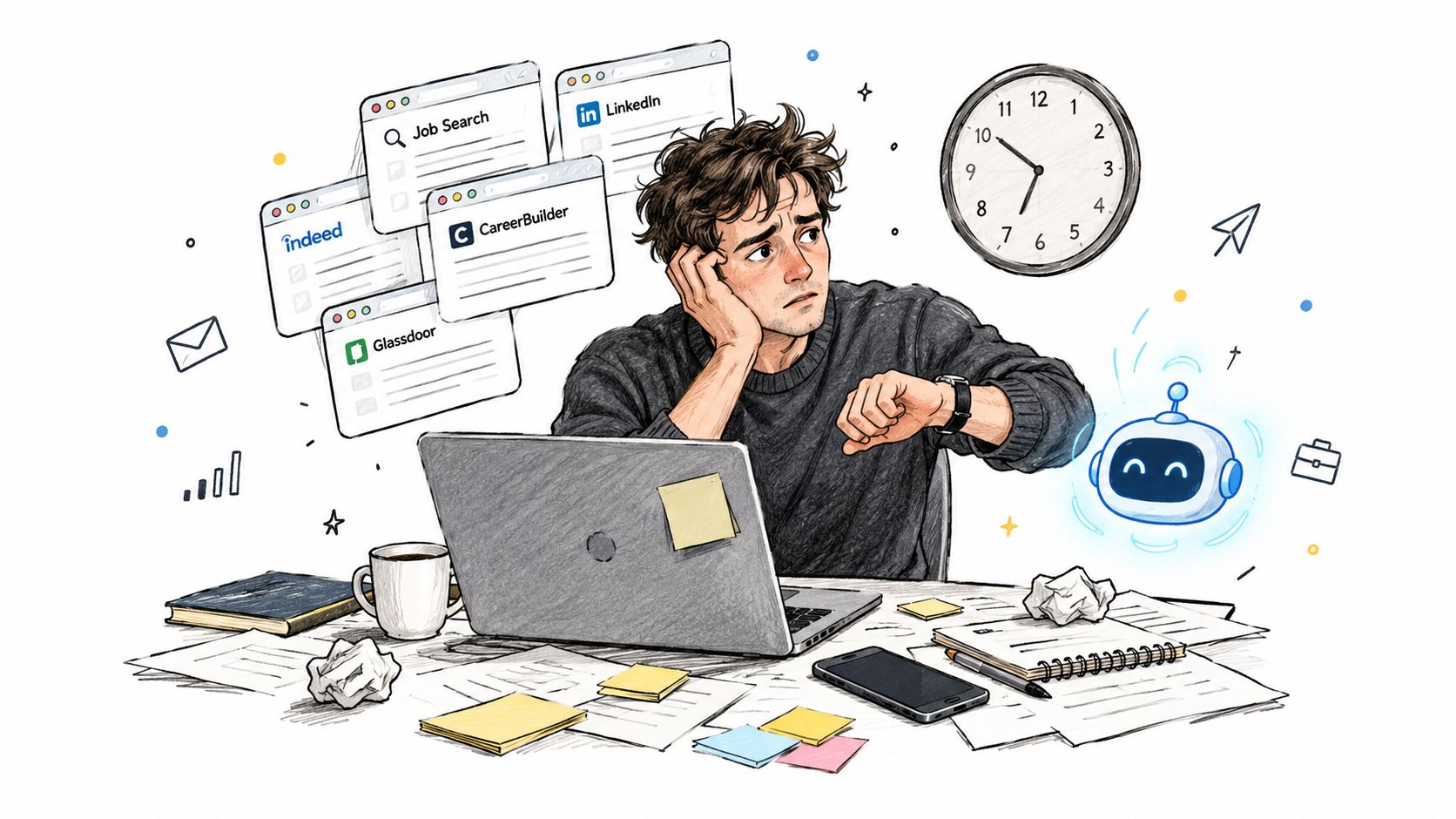
Your interview is tomorrow. You’ve got the job description open, scattered notes about your experience, and an AI tool offering to help you answer anything. The difficult part isn’t finding more advice. It’s deciding which help will make you better prepared, and which help might cross an employer’s boundaries.
Table of Contents
- When an AI Interview Assistant Becomes Useful
- Understanding What an AI Interview Assistant Does
- Choosing Between Preparation and Live Assistance
- Prepare With AI Without Outsourcing Your Answers
- How Interview Pilot Can Help
- Handle Live Interviews Responsibly
- Weigh Benefits Against Limits
- Assess Fairness Before Accepting an AI-Led Interview
- Use AI as Preparation Support Not Performance Evidence
When an AI Interview Assistant Becomes Useful
An AI interview assistant becomes useful when you give it a specific job. That might be helping you recall a relevant project, rehearse a difficult question, or spot where your explanation becomes vague. Asking it to make you sound impressive is a much less useful starting point.
The pressure to prepare can make every available tool feel necessary.
Separate what the technology can do, what you need, and what the employer permits. A tool might generate a convincing answer, while your actual need is practice explaining your own decisions. Its capability doesn’t establish that using it during an assessment is appropriate.
Start with the task, not the tool
Interviews ask you to research, listen, remember, and communicate under pressure. Choose the part you’re struggling with before choosing software.
- Recall problems: Organize genuine examples from your work.
- Unclear answers: Rehearse explaining your actions and reasoning.
- Access needs: Explore suitable support and confirm arrangements.
- Unfamiliar topics: Identify knowledge gaps rather than disguise them.
Preparation-first rule: Will this use help you demonstrate your actual ability, or make the interview less representative of it?
That question leaves room for legitimate live support without treating every available feature as permission to use it.
Understanding What an AI Interview Assistant Does
A candidate using an AI interview assistant to rehearse a project explanation might receive practice questions, feedback on a response, or suggested wording. The tool can help examine how clearly an answer communicates the candidate’s real experience. Its role is closer to a practice partner than a substitute for that experience.
An employer-side AI interviewer serves a different purpose. It may ask questions, collect responses, or contribute to an assessment. Related technology can support candidates or employers, but the two uses have different goals and rules.
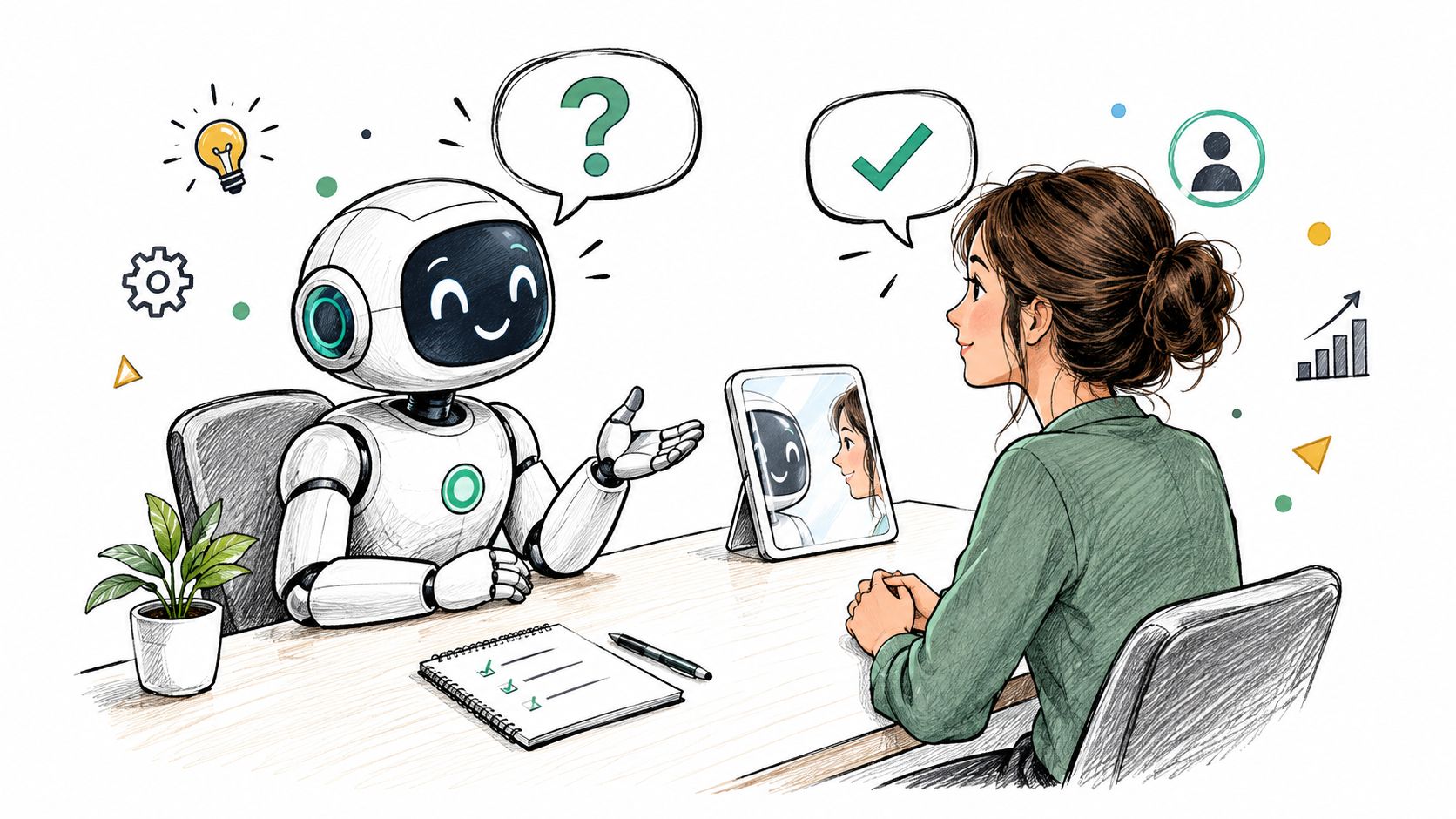
What an AI system can process depends on its design. It may analyze transcript content, word choice, speech features, facial expressions, or response timing. What a system can observe isn’t necessarily what it can validly judge. A transcript summary, a suggested answer, and a hiring score each call for different scrutiny.
A 2025 Gartner survey of 2,901 candidates found that 9% had completed an AI interview. Among those with experience, 48% felt comfortable and 27% preferred an AI interviewer, while only 31% knew beforehand that AI would be involved.
The candidate’s questions depend on the tool’s purpose. For practice, check whether feedback points to something you can verify and improve. For evaluation, ask what evidence the employer considers and who reviews the result. Understanding the employer’s interest in streamlining recruitment offers context, not proof that its process is fair. Whether assistance is appropriate depends on timing, consent, transparency, and whether you still demonstrate your own knowledge.
Choosing Between Preparation and Live Assistance
Practicing an answer before an interview and receiving a generated answer during one aren’t equivalent. Preparation gives you an opportunity to learn, check facts, and decide what you mean. Concealed answer generation can prevent the interviewer from knowing whose reasoning they’re assessing.
Employer adoption makes that distinction practical rather than hypothetical. A TestGorilla survey reported that 21% of U.S. organizations and 20% of U.K. organizations use generative AI for at least some initial interviews.
AI Interview Assistance by Timing and Purpose
| Use | When It Happens | Candidate Control | Key Question |
|---|---|---|---|
| Company and role research | Before | Check findings against employer materials | Is the information accurate? |
| Answer rehearsal and follow-ups | Before | Reject suggestions and revise freely | Can I explain this independently? |
| Translation or accessibility support | Before or during | Depends on the approved arrangement | Has this support been agreed? |
| Live reminders | During | Choose whether to consult them | Are notes or prompts permitted? |
| Generated answers | During | May substitute for independent reasoning | Does the employer explicitly allow this? |
| Automated evaluation | During or afterward | Usually limited | Can I request review or challenge errors? |
Permission needs to match the feature
Approval for captions doesn’t automatically include approval for answer generation. Similarly, permission to use reference materials in a technical exercise may not extend to an assistant solving the exercise.
Ask about the exact function you want to use. Explain whether it transcribes speech, translates questions, displays your notes, or generates new content. Describe the behavior, not just the product name, because a single application may offer several different kinds of assistance.
Approved support and hidden substitution deserve different judgments. Don’t assume all live assistance is misconduct, but don’t infer permission from silence.
Prepare With AI Without Outsourcing Your Answers
Start with the job description and your own work history, not a request for a perfect response. Ask the assistant to identify responsibilities, likely skills, and the evidence an interviewer might reasonably seek. Treat its interpretation as a draft, then check it against the actual posting.
For company research, ask for questions to investigate rather than accepting an unsourced company summary. Confirm important details using the employer’s materials, especially when discussing its products, customers, or priorities.
Build a rehearsal loop
- Draft from memory: Write what happened, what you personally did, and what you learned. Keep confidential details out.
- Rehearse aloud: Ask for behavioral or technical questions relevant to the role, then answer without reading a generated script.
- Review against clear criteria: Request feedback on relevance, specificity, reasoning, and missing evidence.
- Revise selectively: Keep useful structural suggestions, reject invented details, and repeat the answer in your own words.
Suppose you’re practicing a project-delay question. Instead of asking for a polished success story, ask the assistant to challenge your explanation of the trade-off. Did you reduce scope, renegotiate the deadline, or accept a quality risk? Your reasoning is more useful than elegant wording.
Ask for harder follow-up questions, not a more impressive version of your history.
Keep a human-written evidence bank containing real examples, verified metrics where available, lessons, and follow-up actions. If you don’t know a result precisely, describe it plainly rather than accepting an estimated figure.
Use a broader interview-skills practice routine alongside AI feedback. Finish each rehearsal by answering without the assistant. If you can’t explain the answer when the screen is closed, you haven’t finished preparing.
How Interview Pilot Can Help
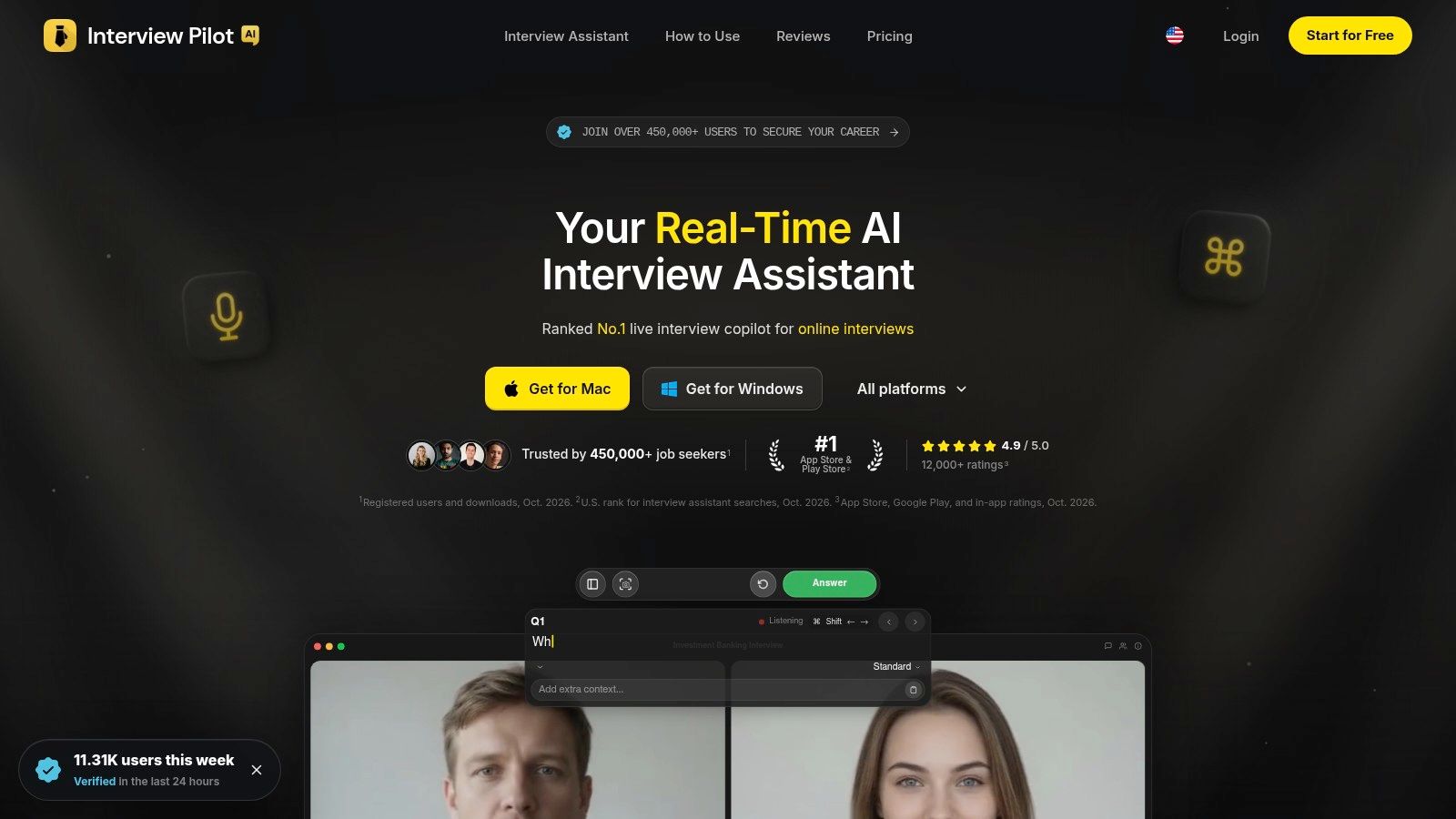
Suppose you’re preparing for a product interview and can explain your project, but struggle when someone challenges your prioritization. Interview Pilot’s AI interview assistant is an option to examine for guided mock practice, question-bank rehearsal, and live suggested answers. Those functions serve different needs, so evaluate them separately.
Its described capabilities include profile and document inputs for tailoring responses, controls for tone and depth, multilingual support, and desktop and mobile apps. For preparation, the useful question is whether that tailoring produces relevant challenges rather than merely inserting your background into generic answers.
Review the interface with your intended workflow in mind.
Match the feature to the situation
- For structured rehearsal: Use mock sessions and the question bank to practice unfamiliar follow-ups across your target role.
- For permitted live assistance: Confirm the exact Copilot functions the employer allows before enabling suggestions.
- For an accommodation: Agree on the required support first, then assess whether the relevant feature meets that need.
Consider a candidate who freezes during a behavioral question. A generated suggestion might offer a structure, but it can’t establish that the suggested experience happened. Reading an invented example would create a different problem from momentarily losing your train of thought.
For a technical interview, distinguish assistance with understanding a question from assistance producing its solution. Employer permission needs to cover the latter explicitly.
Before choosing a plan, check current feature access, document handling, recording permissions, and what happens if the connection fails. Don’t treat advertised reliability or privacy language as a substitute for reviewing the terms. Interview Pilot is worth considering when its practice workflow fits your needs, not just because live assistance is available.
Handle Live Interviews Responsibly
A candidate may need live captions to follow a question, while an employer may prohibit generated answers. Those are different uses of AI, so separate three questions before the interview: what the tool can do, what support you need, and what the employer permits. This keeps an accessibility aid from becoming undisclosed answer generation.
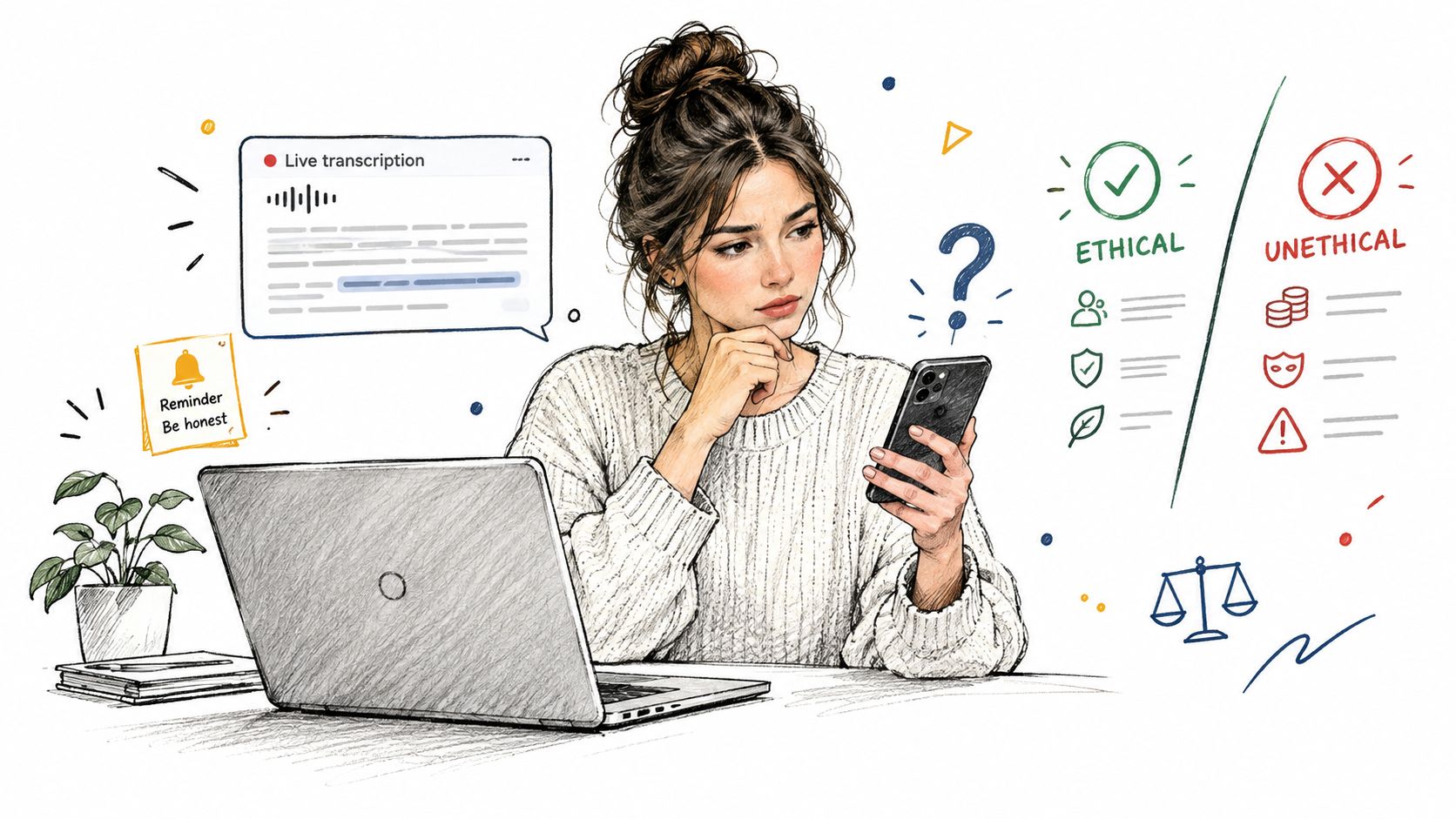
Start with the specific feature. Ask the recruiter whether transcription, personal notes, translation, or generated suggestions are allowed. Recording or sending interview content to an outside service may require separate approval. If the policy is vague, describe how you plan to use the tool and ask for a clear answer before the call.
A useful test is whether the feature helps you access the question or supplies the substance of your response. Captions can make speech easier to follow; a generated answer may cross a boundary the employer has not approved. Use only the functions you have permission to use, and keep your answers grounded in your own experience. If a transcript seems wrong, ask the interviewer to repeat or clarify the question.
Automated assessments can also be affected by poor audio, bandwidth, lighting, accents, or unfamiliar communication environments. Research on AI hiring validation discusses risks related to model assumptions, selected features, and training data, reinforcing the need for job-relevant validation and human oversight.
Plan for a technical failure before joining. Know whom to contact and whether you can resume or request another format. If the system mishears you or disconnects, note what happened, keep any error message without capturing confidential material, and contact the recruiter promptly. You can ask for a retake or human review where appropriate.
For a one-way video interview and its recording rules, check retry limits and the support contact in advance. With no interviewer present, a clear way to report a malfunction matters.
Weigh Benefits Against Limits
A rehearsal assistant can offer another question, point out an answer that skips your contribution, or help organize feedback. These are practical uses because you can compare the suggestions with what you said and decide whether to keep them.
Claims about personality or future job performance need stronger evidence. A confident score does not prove that a system measures the right thing. Consistent results can still reflect an unsuitable measure.
Separate observable behavior from job evidence
Research reviewing AI interview technology identifies tone of voice and facial expressions as features without an established, rigorously tested relationship to job outcomes. The research also reports insufficient reliability in an audit of two personality-assessment algorithms.
Use feedback according to the evidence behind it. “Clarify how you reached that decision” points to something you can review in your answer. A claim that your expression shows poor leadership makes a much broader judgment, and needs stronger support.
Useful assistance should strengthen your own evidence, not manufacture a performance you didn’t demonstrate.
Before relying on an output, ask whether it introduced an accomplishment, assumption, or technical claim you cannot defend. Check that its feedback concerns work-related knowledge and reasoning, rather than a speculative judgment about demeanor. The tool should also work with your equipment, language, and accessibility needs. Before uploading a recording, understand who can access it and whether you can request its deletion.
For employer evaluations, ask whether the system has been tested for the role and candidate population. Standardized questions create consistency in what candidates are asked, but do not by themselves address differences in culture, disability, or communication conditions.
A useful tool gives you something specific to improve. Scrutinize any product that asks you to trust an unexplained verdict, whether it praises you or discourages you.
Assess Fairness Before Accepting an AI-Led Interview
Convenience and concern can coexist. In a study involving more than 70,000 applicants, 78% of candidates offered a choice selected an AI interviewer, while 3.2% ended the interview because of AI aversion and 8% because of system failure.
Ask before committing
- Disclosure: Will AI conduct the interview, evaluate it, or both?
- Human review: Who checks the output before an employment decision?
- Alternatives: Can you request an accommodation or another format?
- Data handling: How are recordings, transcripts, and behavioral signals stored and evaluated?
- Technical support: What happens if audio fails or your response is misinterpreted?
- Appeals: How can you challenge an apparent error?
These are reasonable questions about candidate experience, not requests for special treatment. Clear answers let you make an informed choice.
Decision checkpoint: Proceed when the process is understandable and workable. Request clarification when it isn’t.
Pay attention to role-relevant questions, accessible support, and a meaningful route to review. If an employer can’t explain the process or address a serious malfunction, consider whether continuing is worth your time. You don’t have to accept automation as automatically credible.
Use AI as Preparation Support Not Performance Evidence
The best result isn’t an answer that sounds machine-perfect. It’s being able to explain your work clearly, respond to scrutiny, and recognize where your knowledge ends. Use the preparation-first boundary as your default, then make explicit arrangements for any live support.
For your next practice session, choose a real work example and rehearse it against relevant situational interview questions. Afterward, note what you remembered independently, where your explanation became unclear, and what you need to learn. That record is more useful than an unexplained confidence score.
Carry these questions into your next interview
- Evidence: What am I preparing to demonstrate?
- Permission: What assistance is permitted?
- Ownership: Can I explain every claim I make without the tool doing the talking?
Build your search around trustworthy opportunities as well as trustworthy preparation. Remote First Jobs sources listings directly from employer career pages and applicant tracking systems, with 44,000+ active verified remote jobs. Choose a role that fits your experience, save its requirements, and use them to plan your next mock interview. Prepare the evidence, confirm the rules, and arrive ready to speak for yourself.