You applied eleven days ago. The confirmation email landed, you checked the careers page twice, and since then the only thing in your inbox is a newsletter you don’t remember signing up for.
So you’re doing the arithmetic every remote job seeker does. Does a short, polite note make you look interested or desperate? Does waiting make you look patient or asleep?
The short answer: wait 7 to 10 days after applying, or until the date the employer gave you, then send one short email that names the role and asks whether the timeline has changed. If nobody replies, follow up once more 5 to 7 business days later, then stop.
Candidates often get this wrong in both directions within the same month: they stay silent for weeks, then send several messages in a few days. Remote-first teams hire asynchronously, so the channel has to match the goal. A status check, a clarification, and a thank-you do not belong in the same place. I recommend you pick that channel and decide your stopping rule before you press send. One last note, then you stop, even if the inbox stays quiet.
Follow-Up Timing by Situation
The safe default is to wait at least several full business days before sending anything, then adjust for whatever the employer has already told you. Four situations cover nearly every case.
| Situation | When to Send | What to Send |
|---|---|---|
| Employer gave a response date | Shortly after that date passes | One concise status check |
| No timeline given | Day 7 to 10 after submission | Short message confirming continued interest |
| Interview with no decision date | Thank-you within 48 hours, status check about one week later | Thank-you note, then one polite status inquiry |
| No reply after first follow-up | 5 to 7 business days later | One final courteous follow-up |
Silence in week two isn’t a verdict. Robert Half’s guidance on following up after applying reports that 37% of hiring managers typically need three to four weeks to staff an open position, and another 27% work on a five-to-eight-week timeline. Screening calls, panel approvals, and compensation discussions all happen after your application lands in the system. None of that activity shows up in your inbox.
For a finer benchmark, the same guidance cites historical Accountemps survey data covering more than 300 human-resource managers. In it, 29% preferred a follow-up in under a week, 36% preferred one to two weeks, 25% preferred two to three weeks, and 10% preferred three weeks or more. The one-to-two-week group is the largest, and it’s still barely more than a third of the room. That spread is the point. No single schedule suits every employer, which is why the posting outranks every average.
Practical rule: a date printed in the posting, or promised in an interview, beats every benchmark in this article. Follow up shortly after it passes, not before.
Remote-first companies add one more layer. A distributed hiring team reviews applications across time zones, often in batches, so your message can land while the recruiter is asleep and still be read first thing the next morning. What it can’t survive is three messages in one week. Once the posted date passes or your chosen window closes, send one message and move your attention elsewhere. Checking the careers page daily changes nothing about the outcome, and it keeps you anchored to a decision someone else hasn’t made yet.
Picking the Right Channel for Each Goal
Channel choice should follow the objective, not habit. Decide what the message is for before you write a word: confirming receipt, adding a work sample, or asking for a decision timeline. Each has a different audience and a different point where you stop.
For remote-first teams, email is the default. The 2025 Job Seeker Nation report found that candidates overwhelmingly prefer email for follow-up, and more than half of respondents identified recruiter communication, prompt feedback, and follow-ups as major drivers of a positive candidate experience. The same report notes that preferences shift by role, with frontline and on-site workers often favoring phone or text because they aren’t at a desk. If you’re targeting a distributed product, engineering, or marketing team, that exception doesn’t describe you. Stay in email, where the trail is time-stamped and nobody has to answer live.
| Goal | Best Channel | Wording Focus | Escalation |
|---|---|---|---|
| Confirm receipt | Role, requisition ID, and submission date | Stop once confirmed | |
| Add a work sample | One relevant result or a short 30-day plan | One later attempt | |
| Request a decision timeline | Ask whether the search timeline has changed | Stop after two concise nudges | |
| Contact someone you already spoke with | LinkedIn message, only if invited or already in contact | Refer to the last conversation and ask one specific question | One message, then stop |
Name the person before the channel
Who receives the message matters more than which app carries it. Route in this order.
- Recruiter named in the posting: email that recruiter directly, even though the application went through the applicant tracking system.
- Hiring manager: email them only when the posting, an interview, or a referral names them. Guessing at a personal address reads as stalking, not initiative.
- Referral: message them on whatever channel you already use together, and ask them to pass a two-line note rather than pitching the whole team on your behalf.
- Nobody named: stay on the confirmation thread from the application system. Don’t hunt personal inboxes, and don’t send a LinkedIn note to a stranger whose title starts with “Head of.”
A useful test: if you’d feel awkward receiving your own message on a Sunday night, it’s the wrong channel or the wrong hour.
Unsolicited calls and social messages read as invasive unless the employer invited that route. Write for the objective first, pick the channel second, and check that the two match before you hit send.
How to Send Your First Follow-Up Email
A remote product marketer applies to a distributed SaaS company and sends her note on day eight. She names the role and the submission date, repeats two requirements with evidence, and attaches a one-page plan for her first quarter. The recruiter can answer that from a phone between interviews. That is the standard I want the first email built to.
The first message carries more weight than anything that follows, so get it clean rather than clever. On a remote-first team the reader may open it hours later, on a phone, with no shared calendar context. One role, one proof, one question. Anything longer asks them to do your sorting.
Rezoom’s follow-up guide cites an independent dataset of more than 1,000 candidates in which the median meaningful response arrived at days 6 to 7, with approximately 25% arriving by days 4 to 5 and 75% by day 8. Because the median meaningful reply lands around days 6 to 7 and most arrive by day 8, silence before day 7 is normal. The first follow-up belongs at day 7 to 10.
Six steps for the first message
Pull your record first. Note the submission date, requisition ID, the name of anyone you’ve spoken to, and any response window the posting promised. Skipping this is the most common slip: without the requisition, the recruiter has to search a shared inbox to work out which of forty applicants you are.
Name the exact role in the subject line. Something like “Follow-up: Senior Product Marketing Manager, submitted 14 March” gets filed in one move. “Quick question” gets skimmed, then archived by someone who has never heard your name.
Reaffirm one or two requirements, each with evidence. Pick the two lines in the posting that most closely match work you’ve done, then attach a result or a tool you’ve run in production instead of an adjective. Two specific matches beat six general claims, because the reader is scanning for a reason to move you forward.
Add one new signal. A relevant case result or a short 30-day priority plan gives the recruiter something worth forwarding to the hiring manager. Keep it to a few lines in the body or a single attachment. A folder of files nobody requested gets ignored.
Ask one question with an easy answer. “Has the timeline for this role changed?” is answerable in four words, which is the entire point.
Send it through the applicant system or the recruiter’s address. Reapplying creates a duplicate record and resets nothing except the recruiter’s patience. If your first application went through a portal, reply inside that portal or email the named contact. For an async hiring team, that thread is the channel they already check. A second route splits the record and makes the easy answer harder.
A good reply is a one-line status update within a few days, even if it says the team is still interviewing. Anything short and specific tells you the process is alive.
When Silence Means Stop, and What to Do
A remote-first team that hires asynchronously will often go quiet for weeks. Many candidates wait a month or more without any reply. Silence is the usual pace of a distributed process, not a verdict on your application. Occasionally the role was never really open, and our guide to ghost jobs shows how to spot those listings.
The expectations gap runs both ways. An Addison Group survey reported by HR Dive found that 4 in 10 recruiters believed candidates should receive a response within 48 hours after an interview, while 40% of job seekers said they would wait only one week before losing interest. Both sides can feel reasonable. The hiring team still owns the calendar, and a remote panel rarely moves on a 48-hour clock.
Build the sequence once. One polite follow-up on the channel you already used, the portal or the recruiter’s email. One final courteous note five to seven business days later. Then close the file. Two concise nudges is the limit I recommend. A third carries no new information and spends the impression the first two earned.
Stop when any of these is true. The two nudges are already out, so another note only shows you read silence as an invitation. The date they promised has passed and the final message went unanswered, which is a decision made without you. Or the employer has said the process is closed. A rejection is an answer. Argue with your energy, not their inbox.
Stay off the wrong channel once the right one is quiet. Do not resend the same email under a new subject, do not chase the hiring manager on social media, and do not call a main switchboard nobody invited you to use. Async teams often have no receptionist, and a hiring manager never sees those pings. Each one moves information about you in the wrong direction.
Closing a loop is not losing. It moves a role out of your head and puts your attention back on applications you can still influence.
Standing Out Across Time Zones Before Listings Go Viral
A sales operations applicant in Lisbon applies to a US-based distributed company. She times the follow-up to land at the start of the recipient’s working day in Denver, and she puts her time zone and available call windows in her signature so a reply is easy to schedule. Nothing about that note is clever. It’s readable by someone who has never met her and may never share her working hours.
The larger advantage comes earlier, when the posting is still new.
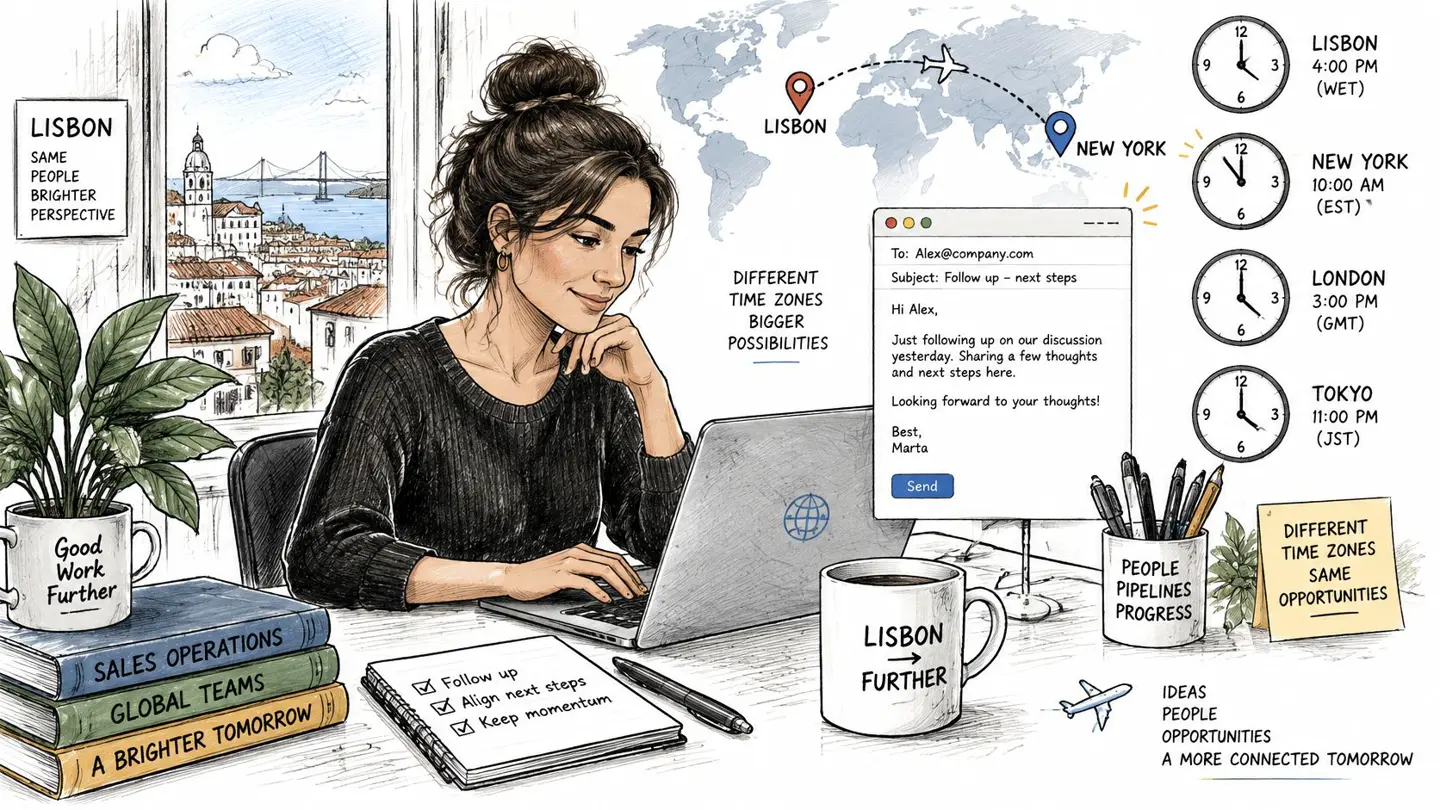
Applying within the first days of a listing going live puts you in the queue before the crowd arrives. Remote hiring teams work asynchronously and in batches, so the earlier your name enters the pile, the more likely a human sees it before the volume spikes. Sourcing listings from company career pages rather than aggregated feeds, which is how Remote First Jobs works, is one way to catch a role while the applicant pool is still small.
Five habits for asynchronous readers
- Attach a work sample link only when the posting asks for one. Unsolicited portfolios read as noise to a reviewer skimming forty emails before a standup.
- Write each message to stand alone. Assume the reader hasn’t opened your application, so the role, the date, and your ask are all inside the note.
- Name your time zone and availability windows. A recruiter in another region can book an interview without a second exchange, which removes a real reason for delay.
- Match the tone of the company’s own careers page. A formal bank and a twelve-person startup read the same paragraph differently, and mirroring their register costs you nothing.
- Skip cold calls and keep the message to one screen. Distributed teams document decisions in writing, so a phone call interrupts a process that email respects.
Each of those choices is small. Together they make the difference between a note that gets answered and one that gets skimmed, especially when nobody on the team has ever met you in person. The same thinking applies to the application itself, and our guide on how to stand out in job applications covers it step by step.
Track Each Follow-Up and Set Your Next Date
One job application tracker with five columns handles this: company, role, submitted date, follow-up dates, and status. Use the timing table above to set a single reminder at the end of each window instead of checking your inbox daily. When no date was promised, the reminder lands on day 7 to 10. After an interview, the thank-you note is due within 48 hours and the status check about a week later. After the first nudge, the final note goes out 5 to 7 business days on, and the row closes if nobody replies.
- Pick one active application whose window is open this week.
- Copy the posted or stated decision date into the tracker, and calculate the fallback if there isn’t one.
- Set one reminder for the end of that follow-up window.
- Write the stop rule on the row itself: two concise nudges, then move on.
- Start one new application the same week, so silence on one role never stalls the search.
If you found the role through Remote First Jobs, you can filter new jobs by the last 24 hours, last 3 days, or last week to keep the top of the tracker full.
Open the tracker now and set the first reminder before you close this tab. That single date does more for your search than another hour of refreshing your inbox.
Remote First Jobs pulls verified listings straight from 21,000+ company career pages, so roles often appear before they reach the big boards, while the applicant pool is still small and your follow-up has something real behind it. You can search free without an account and let daily job alerts keep your tracker full. Start with Remote First Jobs and put a date on your next application today.